To find documents shared with you:
-
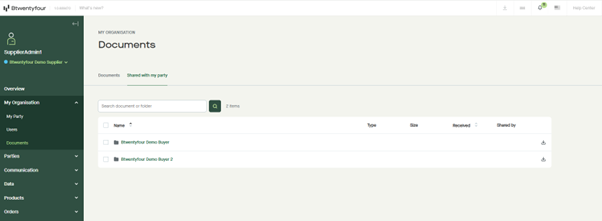
- Go to My organisation > Documents in the main menu.
- Open the Shared with my party tab.
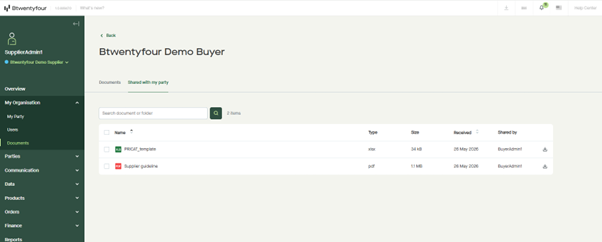
- Documents are organized into folders named after the sharing party. Open a folder to see all documents shared by that party.
What you can do with shared documents
From the Shared with my party tab, you can:
- Download any document shared with you, either individually via the three-dot menu or in bulk by selecting multiple items.
- Use the Search document or folder field to quickly find a specific document or sharing party.
What you can't do
Documents shared with you by other parties are read-only from your side. You cannot rename, move, delete, or re-share them — only the sharing party can manage their own documents.
If a sharing party renames, deletes, or unshares a document, you'll receive a notification, and the document will be updated or removed from your Shared with my party tab accordingly.