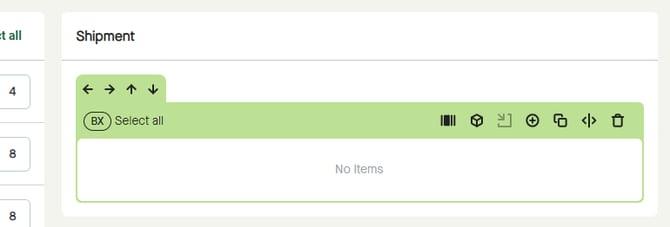
Use “Reset shipment” to remove all packages from “Shipment” and return to default view with only one “BX” package.
Click the “Delivery draft actions” button and select “Reset shipment”.
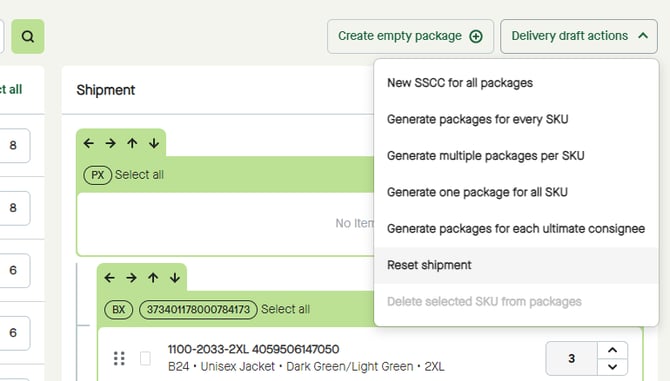
A pop-up window appears.
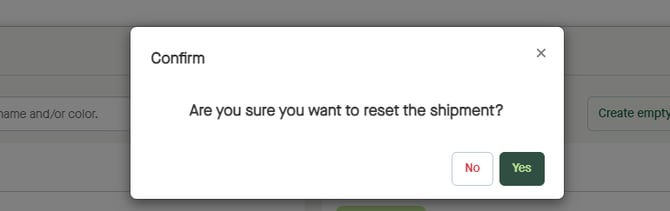
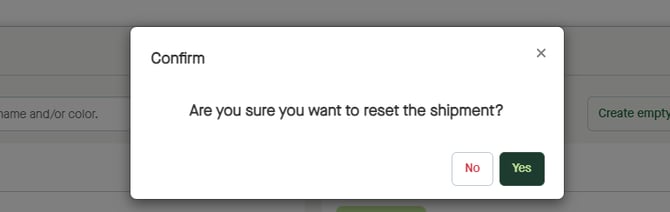
Click “Yes” to reset the shipment.
As per default, all items will be listed under “Items”…
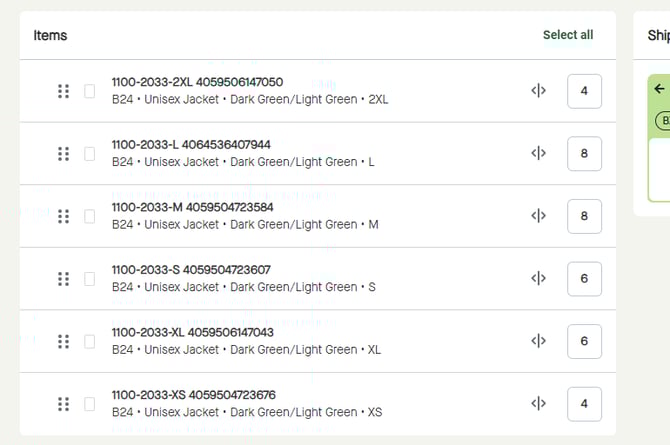
…and “Shipment” will consist of one package with the type “BX” as for Box.