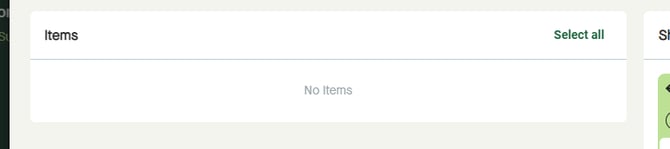
Use “Generate packages for every SKU” to create one separate package for every SKU available by default in “Items”.
Note that this will replace any packages already created in “Shipment”.
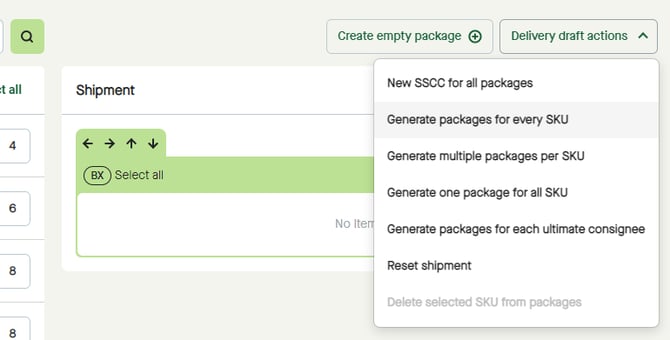
Click the “Delivery draft actions” button and select “Generate packages for every SKU”.
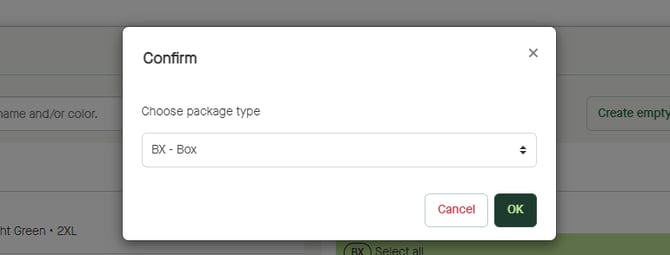
A pop-up window appears, where “BX – Box” is selected by default.
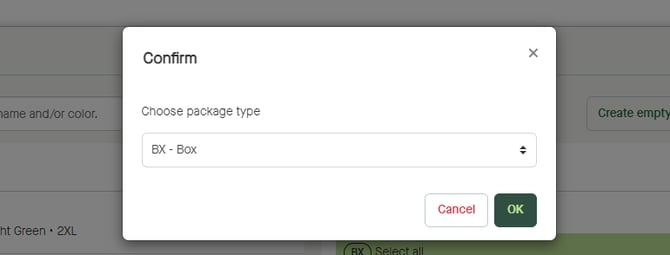
Click to “Choose package type” if in need of create another package type than a box.
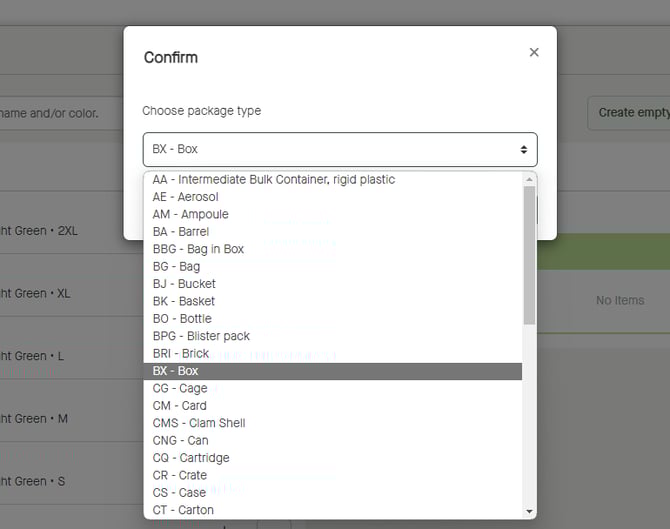
Click “OK”
One package per SKU will be created according to the selected package type.
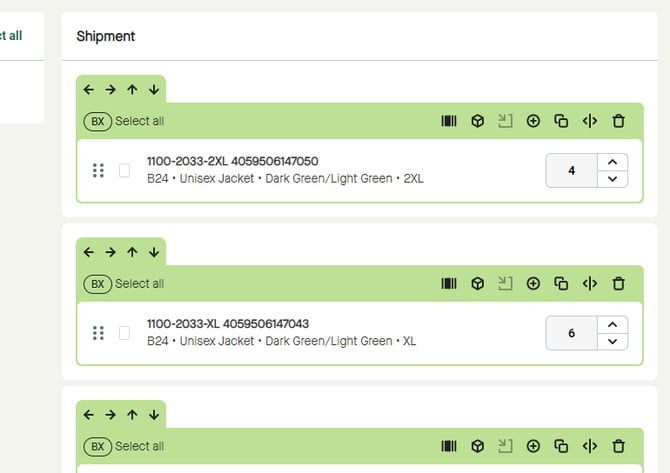
“Items” will be empty.