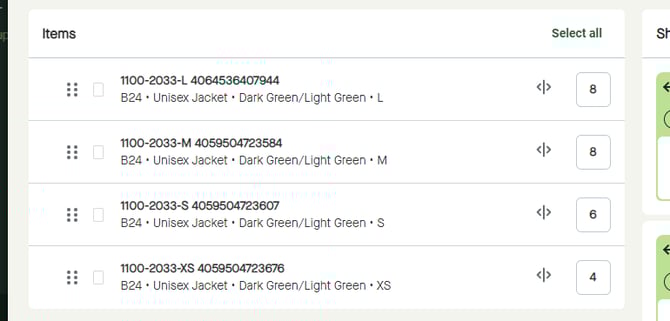
Use “Delete selected SKU from packages” to remove one or multiple items from one or multiple package types.
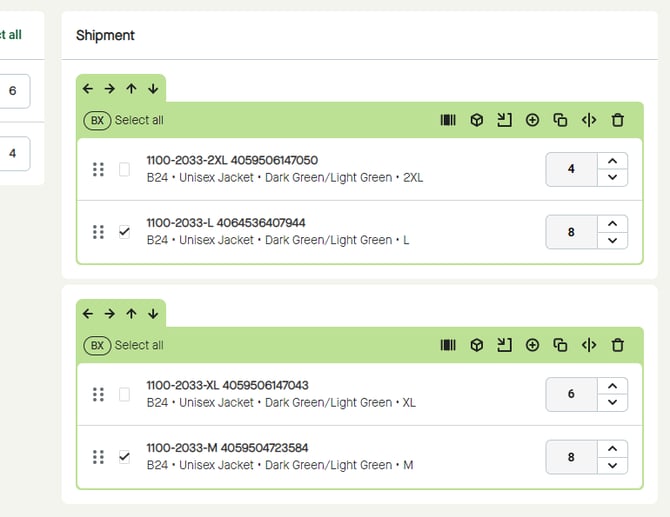
Start by selecting items to be removed.
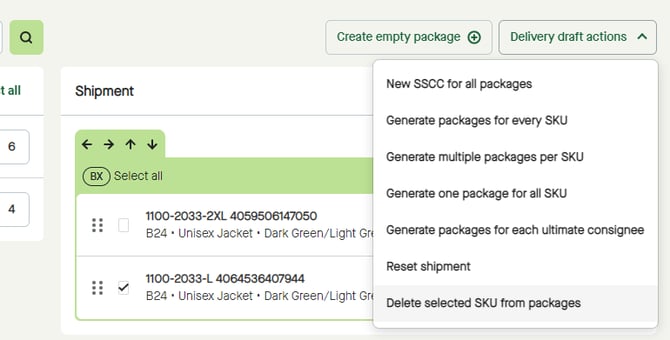
Click the “Delivery draft actions” button and select “Delete selected SKU from packages”.
The selected items will be removed from “Shipment”…
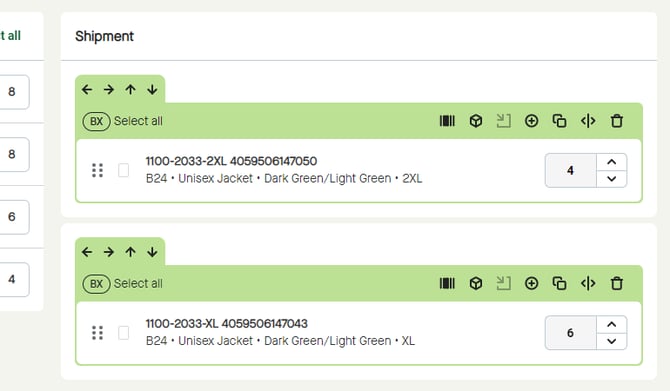
…and moved back to “Items”.