
How to work with Publications in Product Store
This demo showcases how to navigate and manage publications within Product Store.
1. Introduction
Publication are what feeds product data into products store, and what is used to distribute data. Although Product Store offers a complete overview of all data across all publications in some cases you need to focus on the specifics.
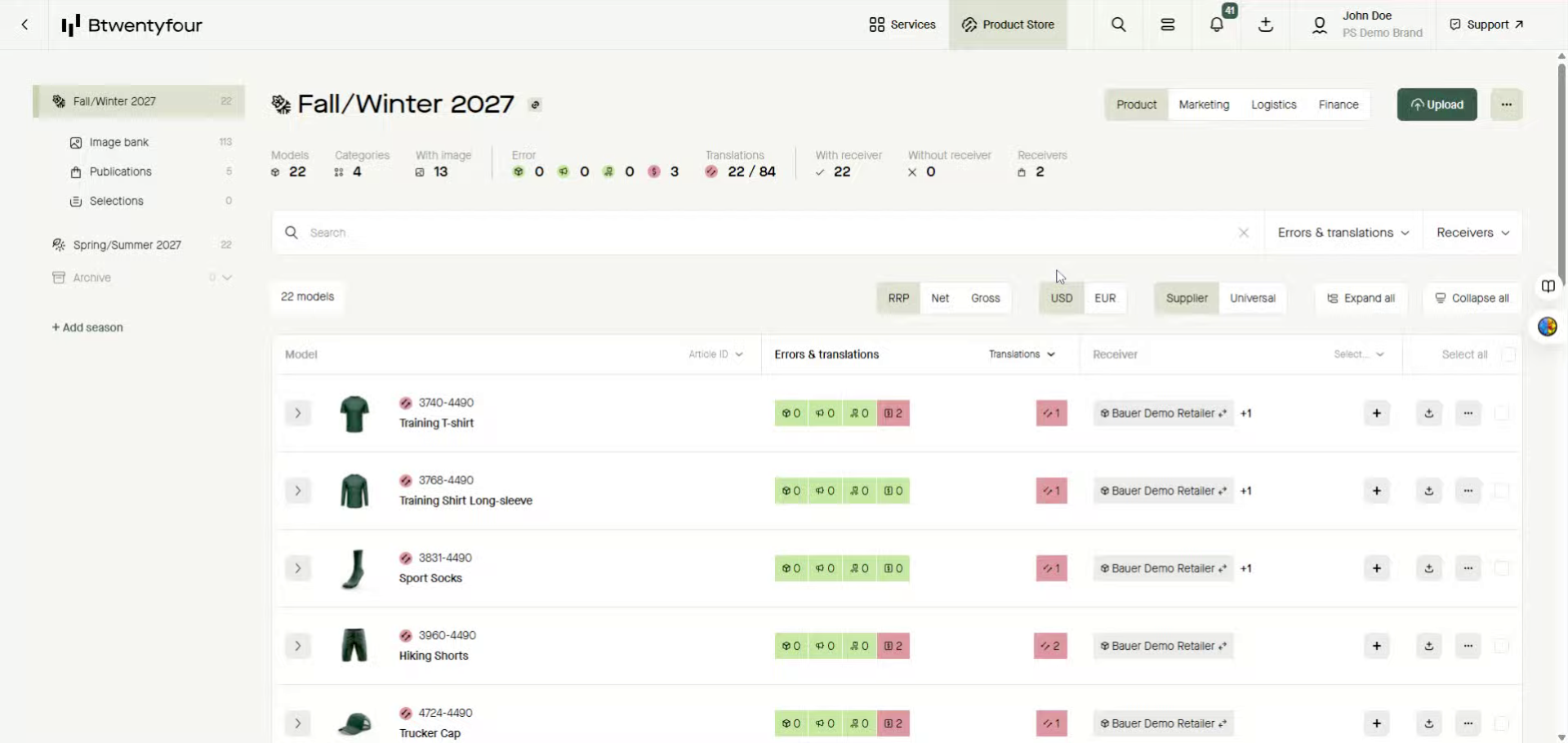
2. Navigate to Publications Section
Click the Publications section to access all available publications.
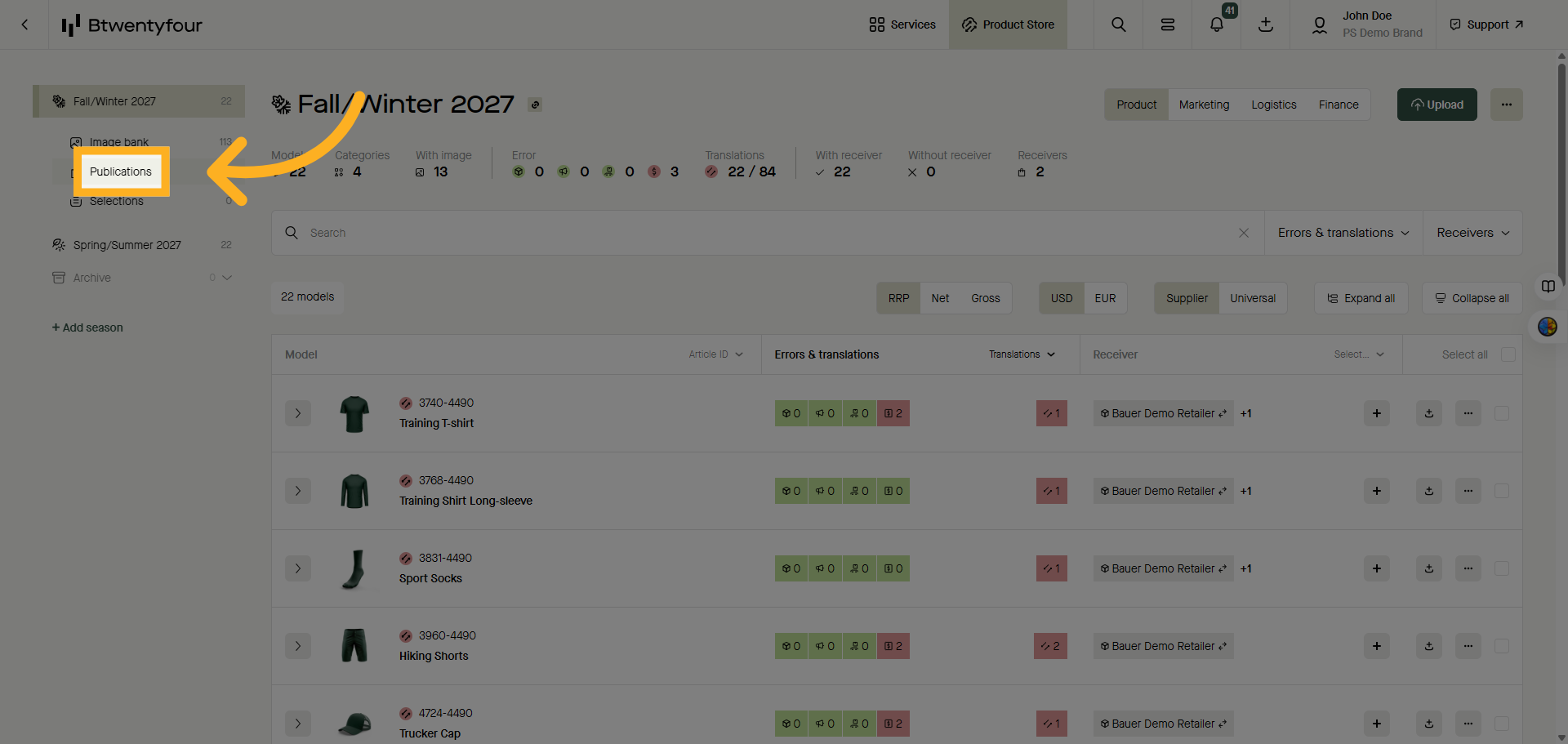
3. Open Publication Details
By Default publications will be aggregated on receivers, to view the latest publications uploaded towards a specific receiver click show details to expand the row and show the latest uploaded publications
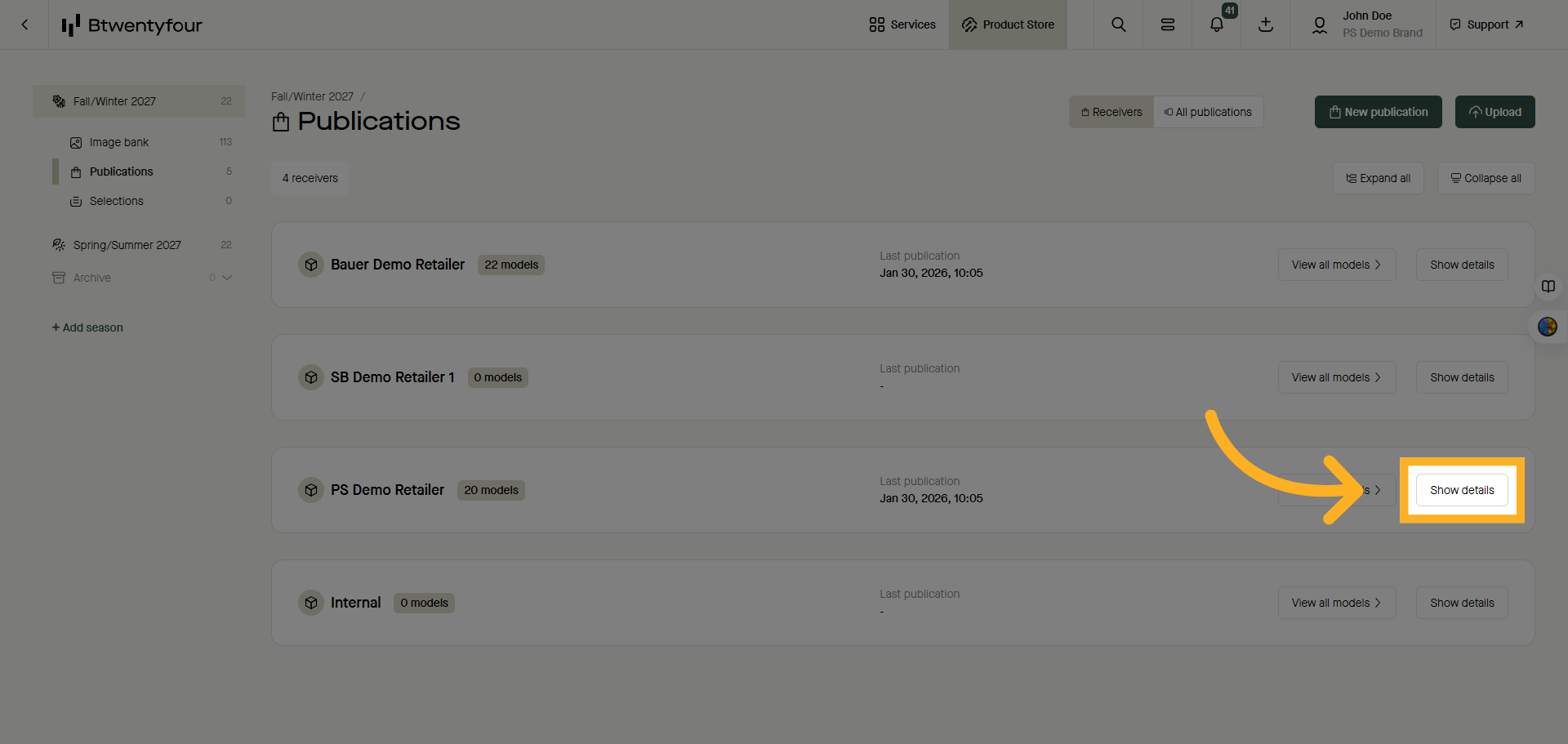
4. View All Product Models
If you want to see all models published towards one specific receiver across multiple publications click view all Models which will take you to the model list, filtered on the specific receiver
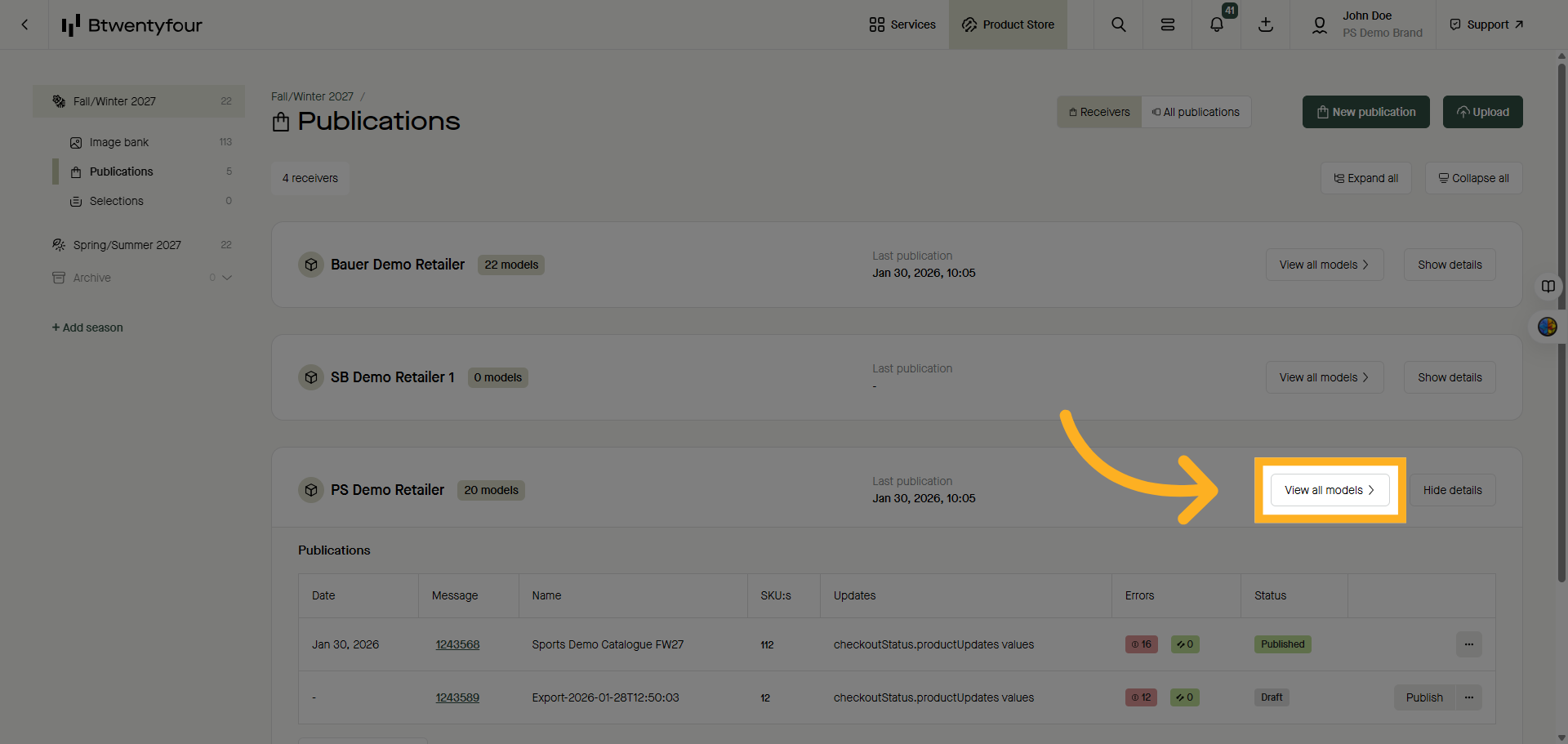
5. Access All Publications
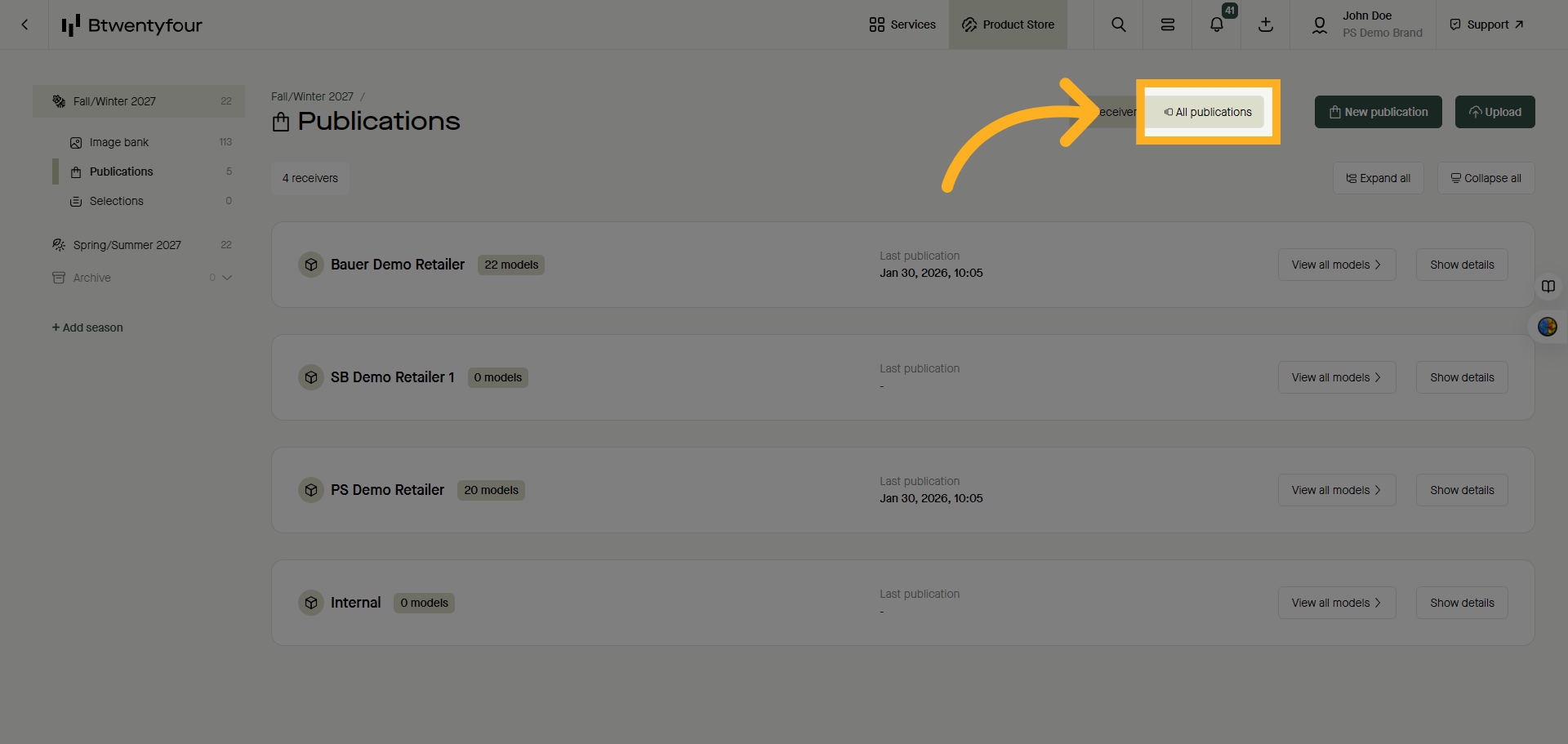
To see a flat list of all publications, switch to the All Publications list instead.
All publications will have statuses and this is where you can manually validate or publish your product data.
6. Use Search Functionality
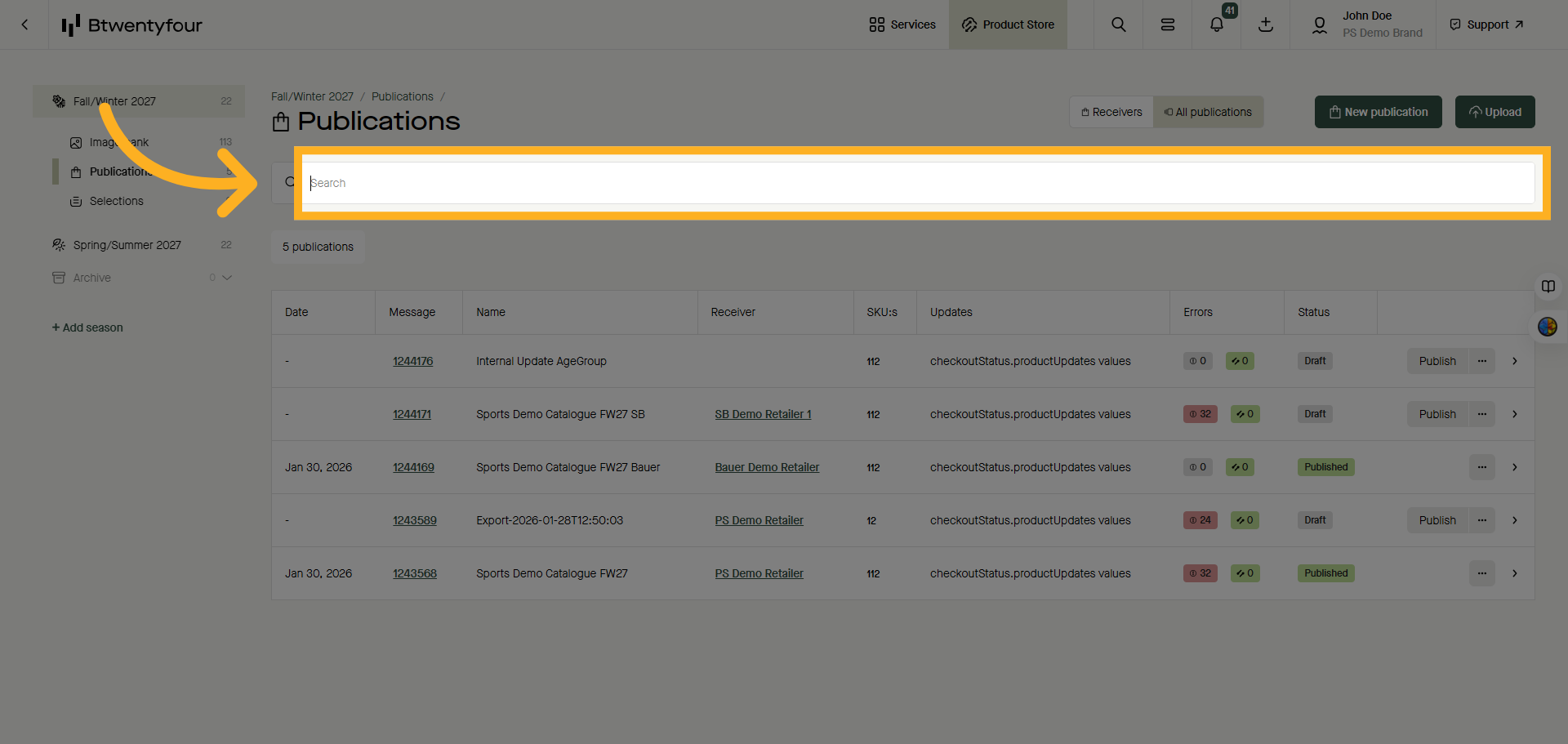
Click Search to start looking for specific publications or models.
7. Select Exported Publication
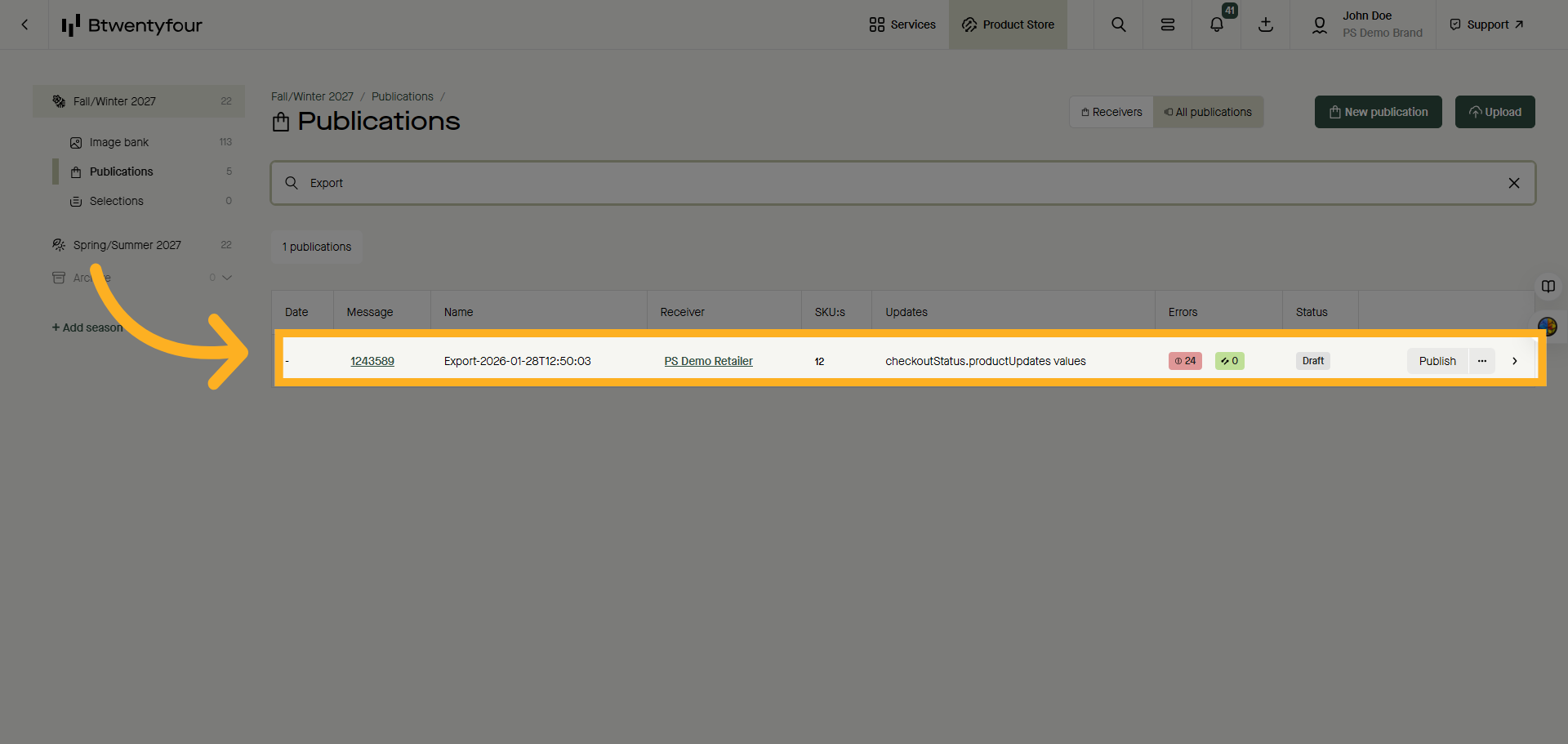
Click the publication to open the model list filtered on the selected publication. .
Thank you for watching!