
How to Upload Product Data in Product Store
This demo showcases how to manually upload product data using Product Store.
1. Introduction
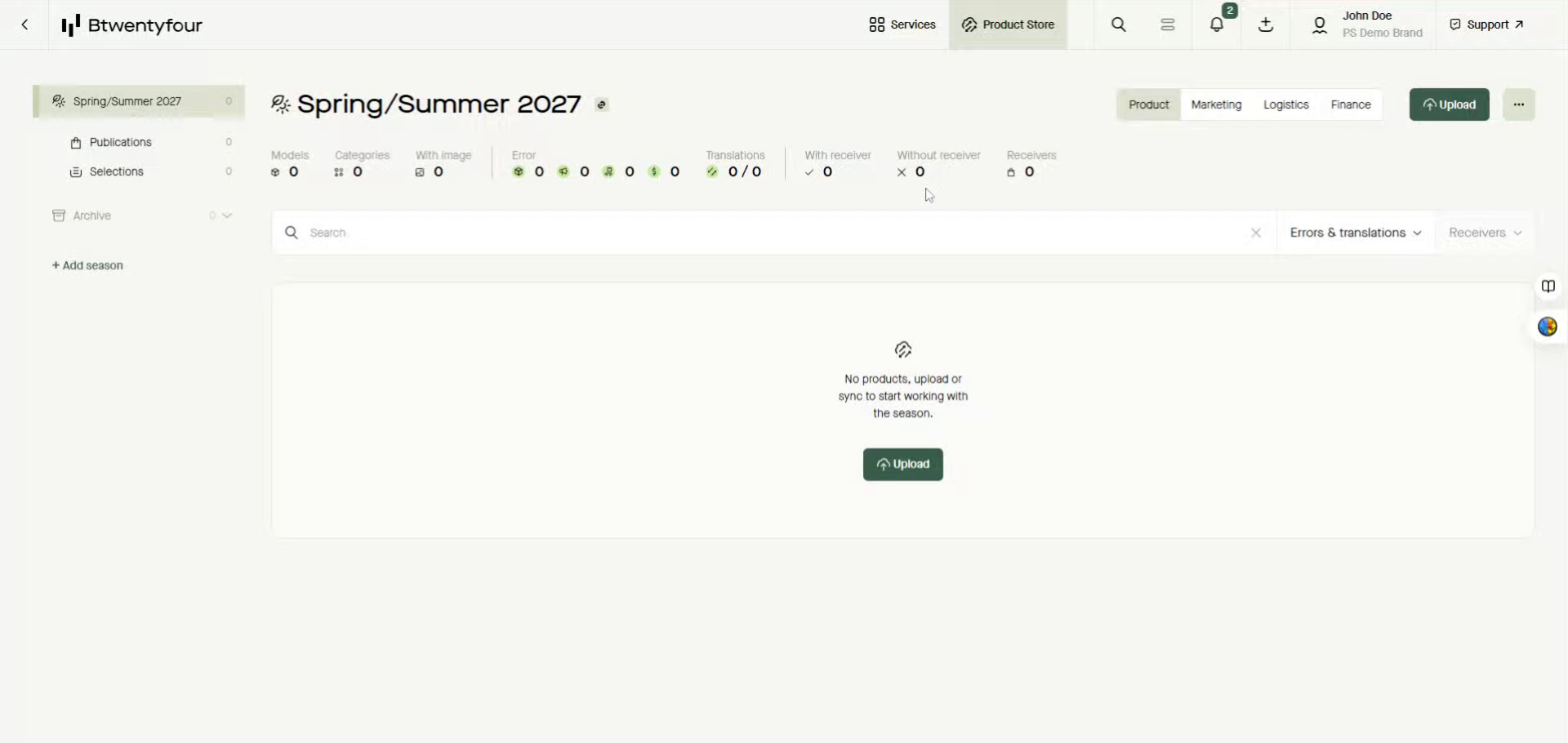
You can upload new products as well as changed data on already existing product using this upload functionality.
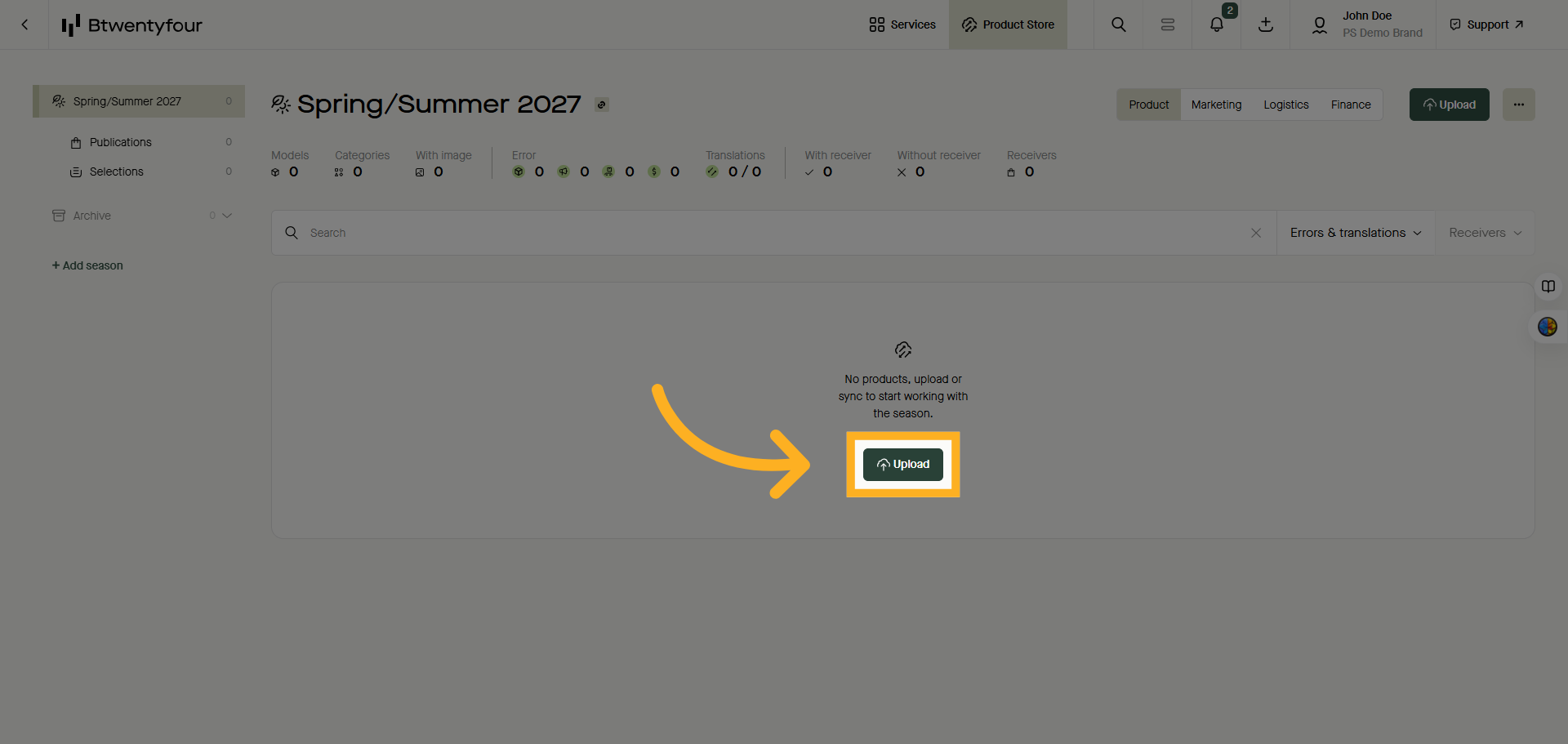
2. Click Upload Button
Click the Upload in either the empty model list or in the upper right corner to start.
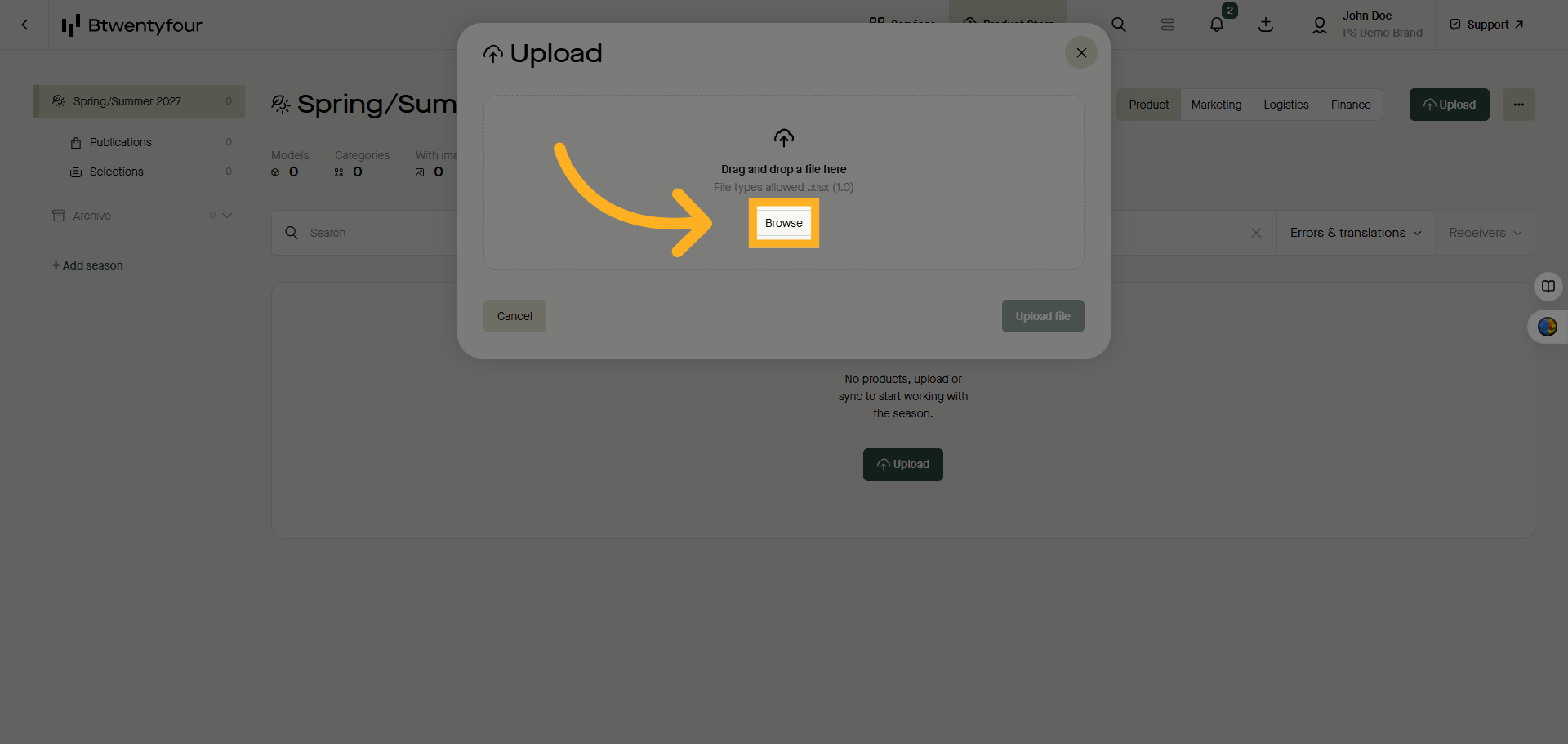
3. Open File Browser
Click the Browse button to locate the product data file on your computer. Note that the format is always excel and that a Btwentyfour issued template must be used.
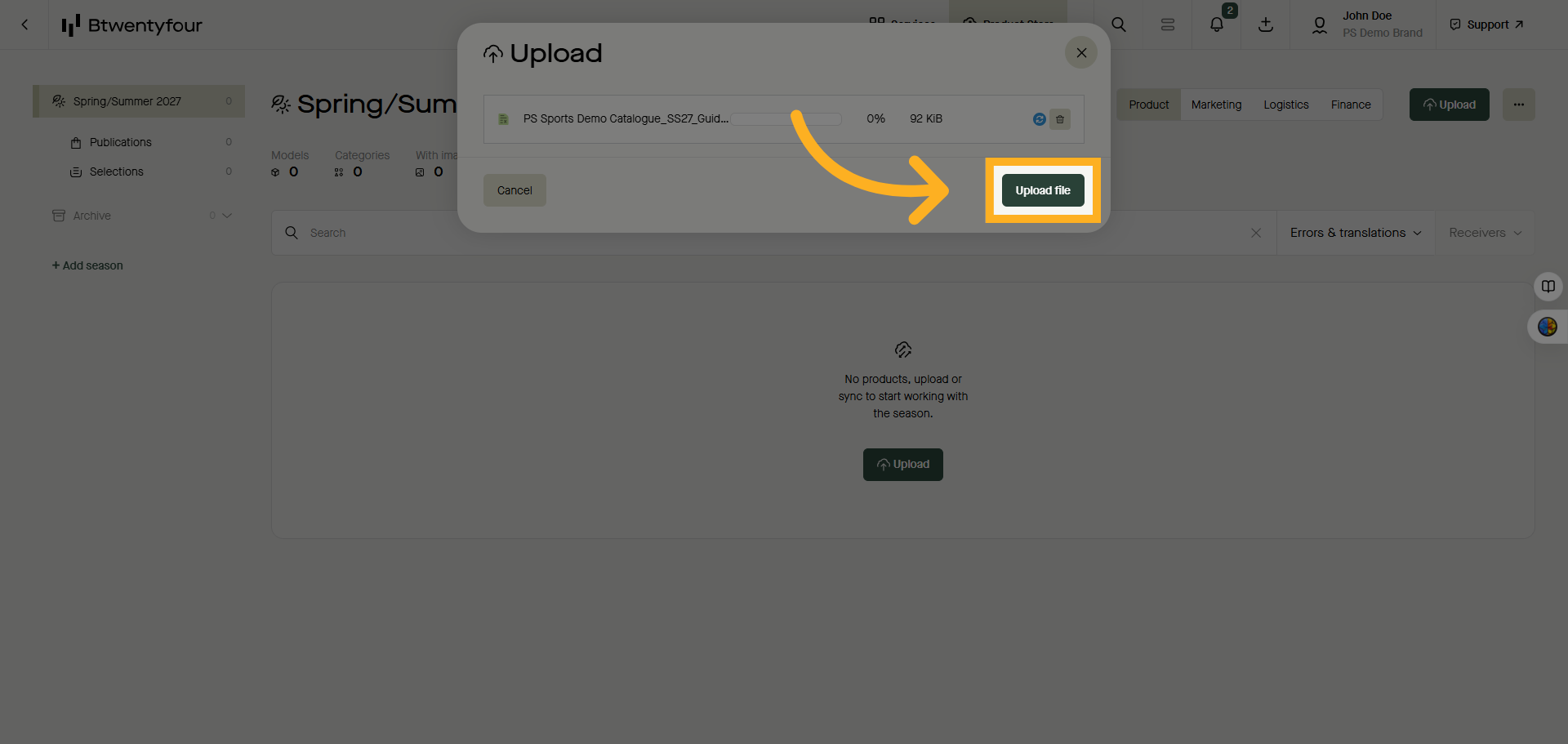
4. Initiate File Upload
Once the file is located click upload file
5. See the status bar
The status bar will show you the status of your upload.
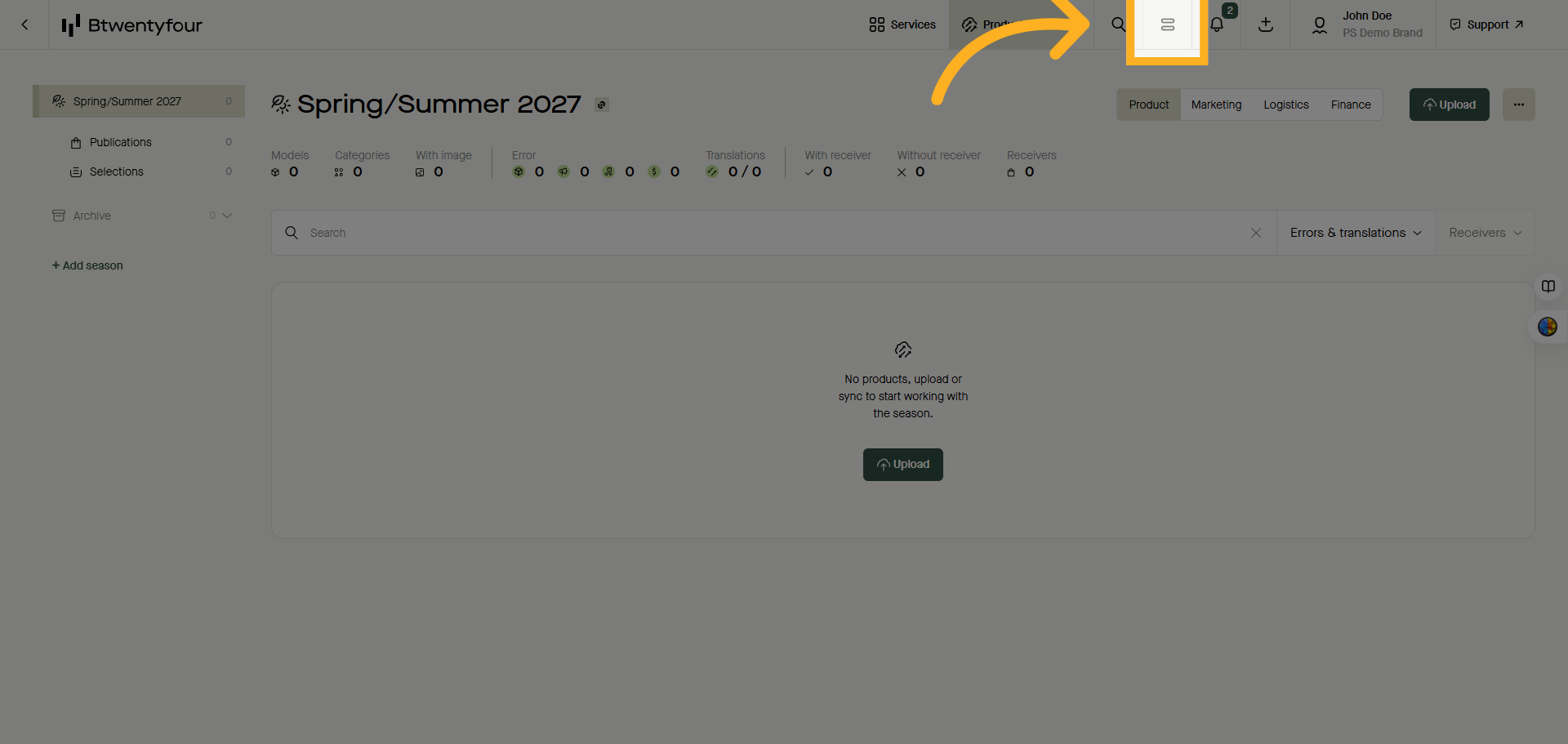
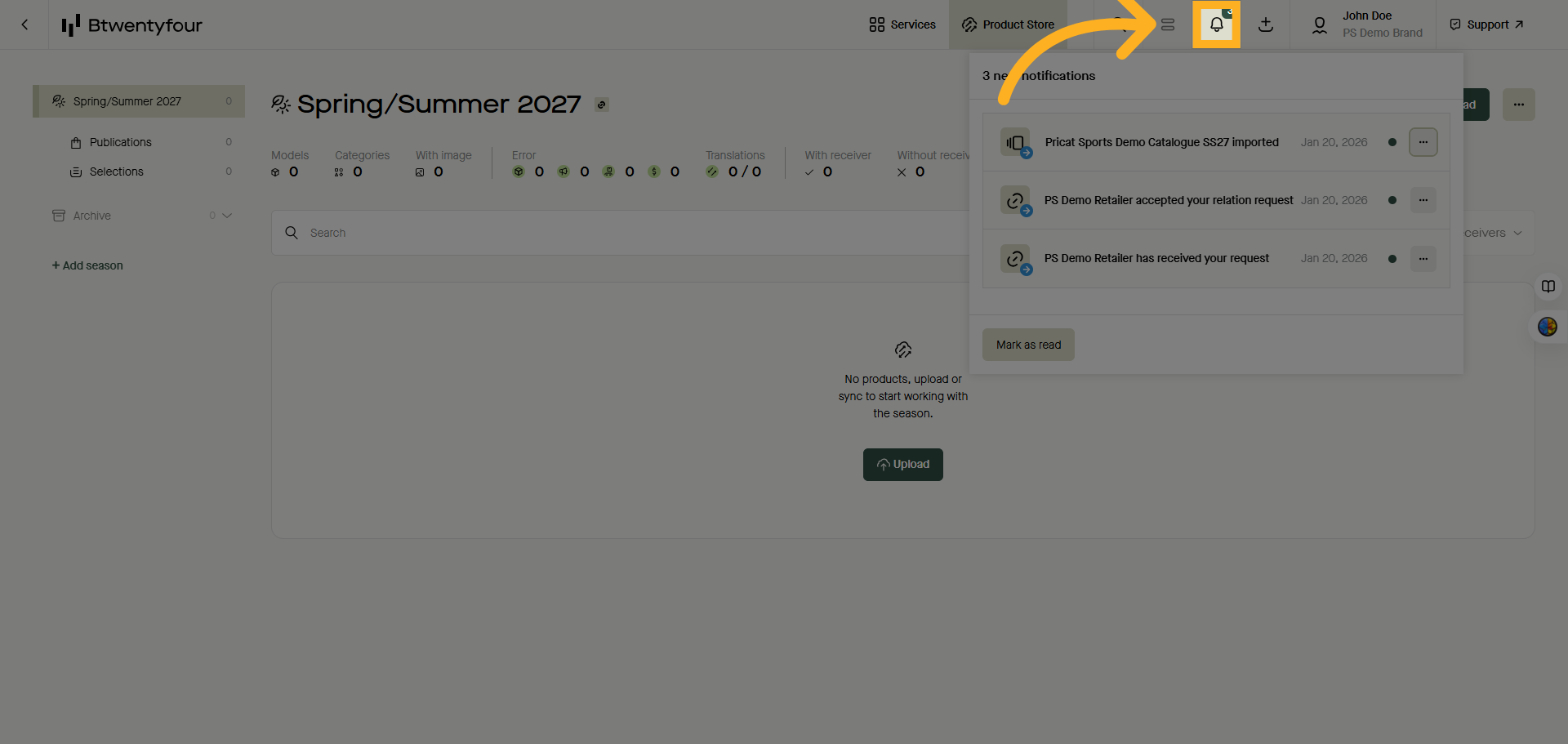
6. Notifications
Once the upload is finished you will get a notification in the notification center as well as a toaster confirming that the data was successfully uploaded.
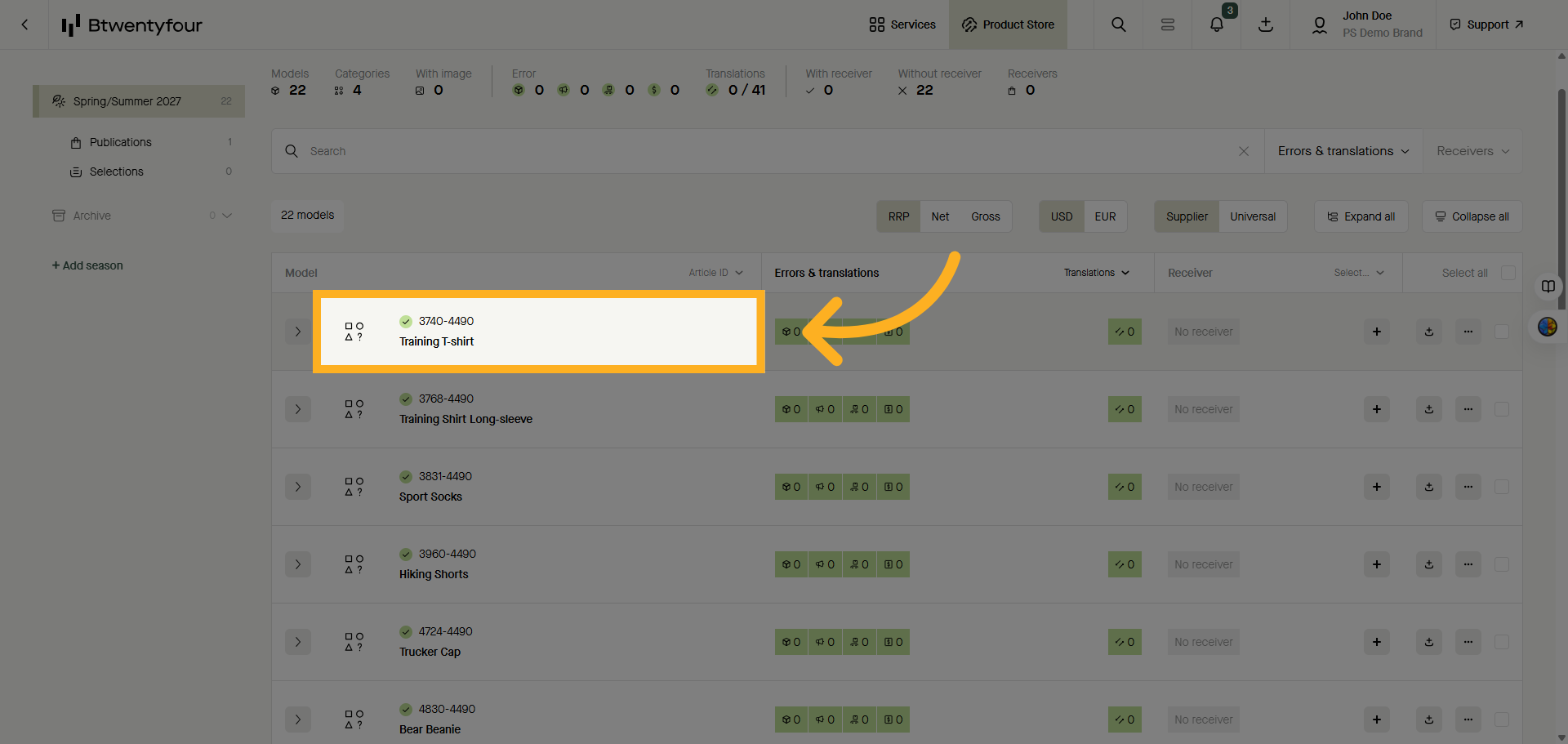
7. Model List
After the upload is finished the model list should be populated with the products you just uploaded
Thank you for watching