
Only available for buyers.
Buyers have the possibility to send their location data via EDI or Excel uploads to the portal, to store, update and visualize the information, accessible for all partners.
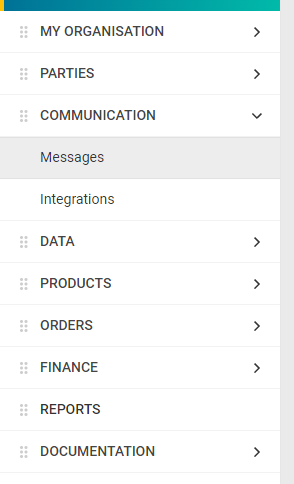
Go to “Communication” – “Messages”.
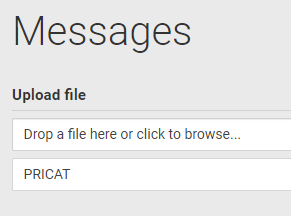
Drop a file from the computer into the “Drop a file here or click to browse…”-field or click the same field to browse for a file on the computer.
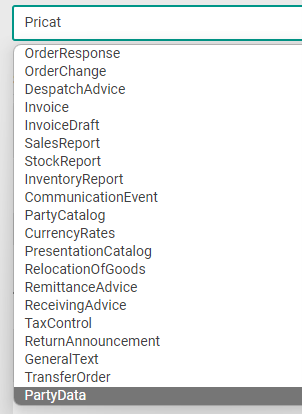
Click the drop-down list and select “PartyData”.
Click the drop-down list to select format for the file to be uploaded. 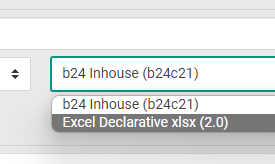
Select “Excel Declarative… if uploading an Btwentyfour Excel template. The Btwentyfour Excel template can be found at big.btwentyfour.com.
Click "Upload"
The upload process will start. "