
To upload a master data file (PRICAT), go to “Communication” – “Messages”.
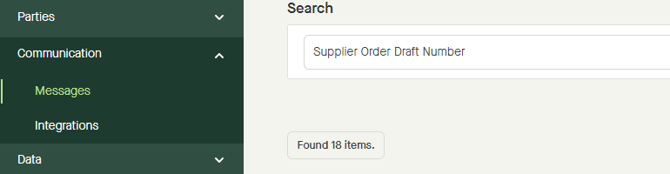
Drop a file from the computer into the “Drop a file here or click to browse…”-field, or click the same field to browse for a file on the computer.
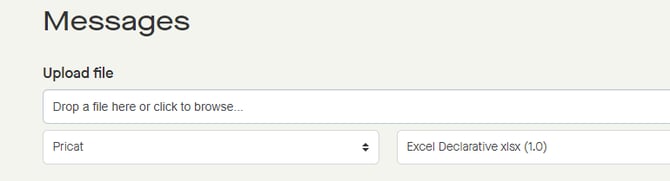
“Pricat” is selected by default in the drop-down list.
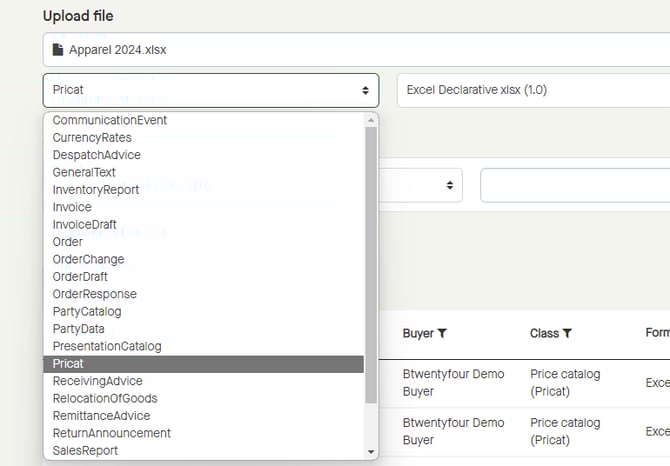
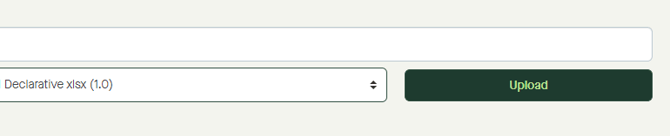
Click the drop-down list and select the corresponding format for which the file was saved in.
There are different formats available depending on which message type to be uploaded.
Select “Excel Declarative…” if uploading an Btwentyfour Excel template.
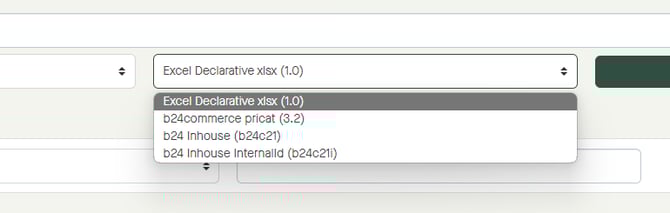
The Btwentyfour Excel template can be found at https://big.btwentyfour.com/.
Click “Upload” to upload the file.
MORE INFORMATION:
Step by step guide from uploading to publishing master data.