There are several message types that can be uploaded manually to the portal, and in different formats depending on message type.
The most common situation is that a party does not have a system integration to the portal, which will automatically transfer messages to the portal, and need to manually upload a PRICAT file to the portal.
An Excel Declarative PRICAT-template can be found by navigating to “Communication” – “Message Templates”.
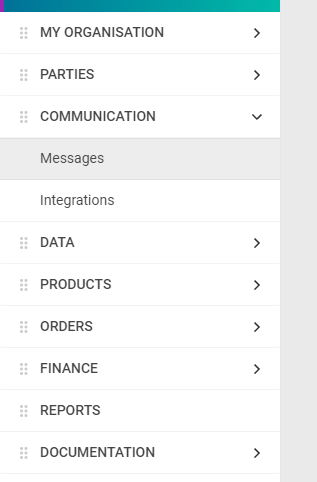
To upload a file, in this example a PRICAT, go to “Communication” – “Messages”.
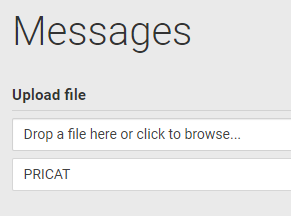
Drop a file from the computer into the “Drop a file here or click to browse…”-field or click the same field to browse for a file on the computer.
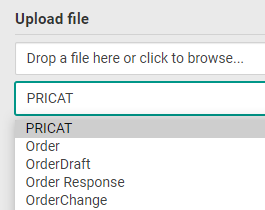
Select message type for the file to be uploaded. PRICAT is selected by default.
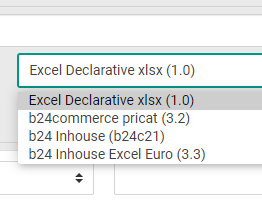
Select the corresponding format for which the file was saved in.
There are different formats available depending on which message type to be uploaded.
“Excel Declarative…” should be used for PRICAT that have been created using the downloadable template from the portal.
Click “Upload” to upload the file.