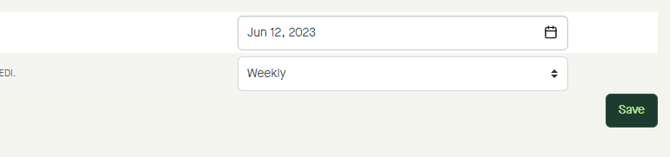
It is possible for a supplier to setup a subscription for a buyers party data.
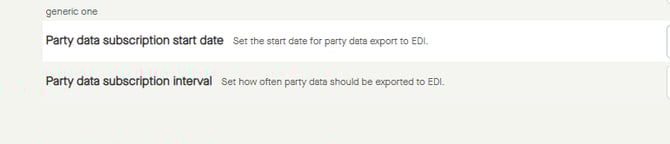
When having such a subscription, a supplier can set the start date for party data export to EDI, and set how often party data should be exported to EDI.
Contact sales@btwentyfour.com if interested in sending or receiving party data.
Go to "Parties" - "Relations".
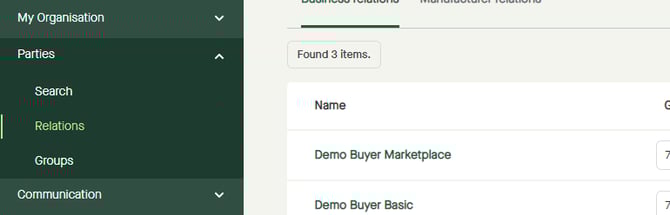
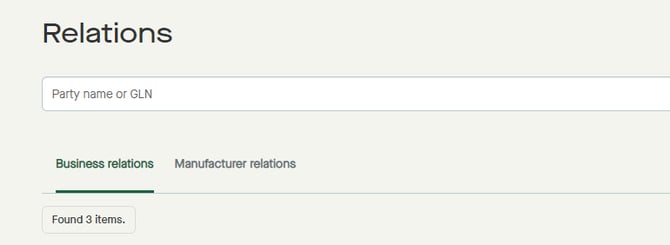
Click on the tab for "Business relations".
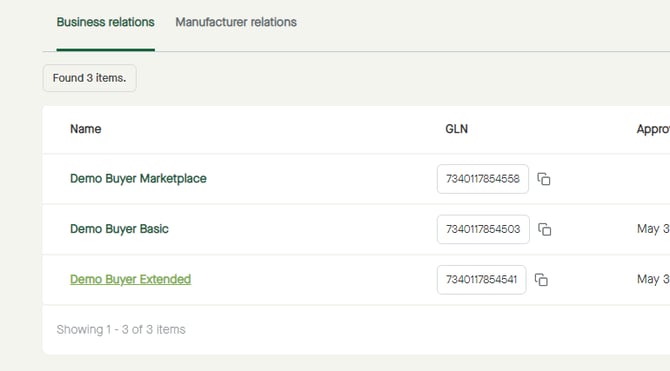
Click on a "Name" to see more information about that party.
Click the tab for "Supplier settings".
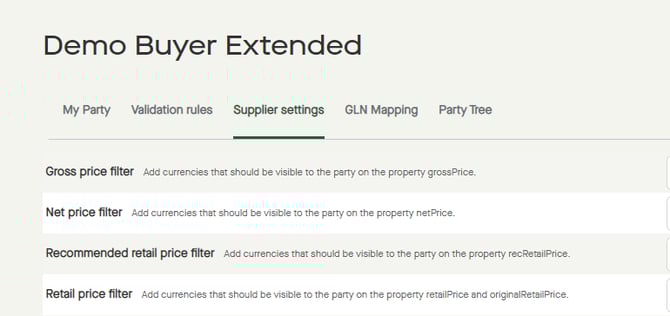
Scroll down to "Party data subscription start date" and "Party data subscription interval".
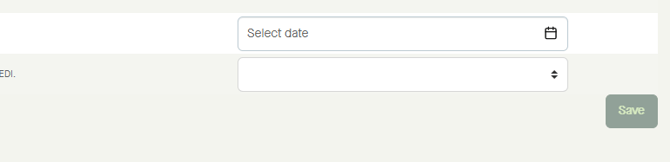
To set the start date for party data export to EDI, click "Select date".
Select a date in the calendar.
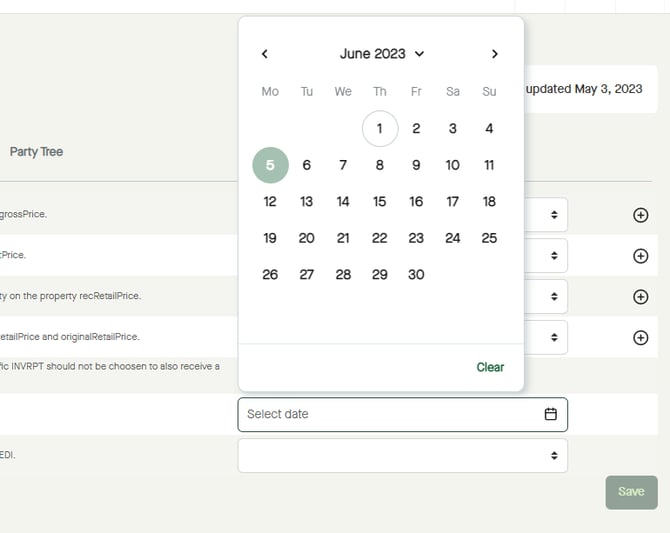
The date will be selected.
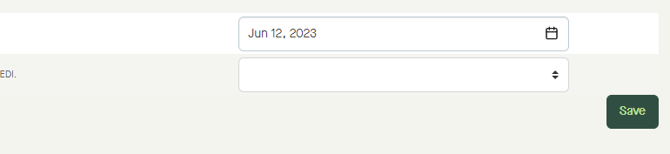
Click, and select an interval.
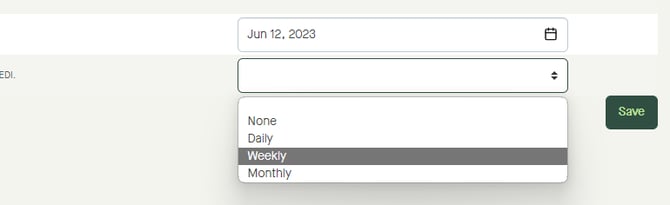
The interval will be selected.
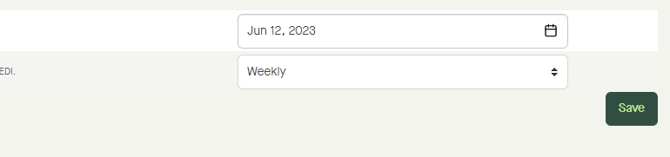
Click "Save", to save the settings.