
To start set discount on all lines, click Set discount on all lines". 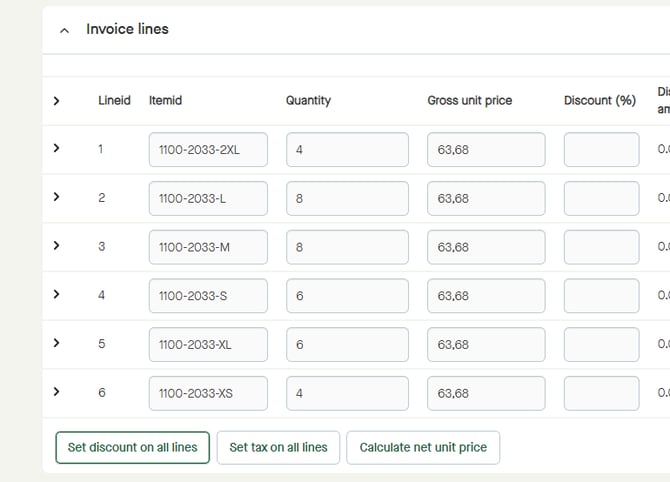
A pop-up window appears. 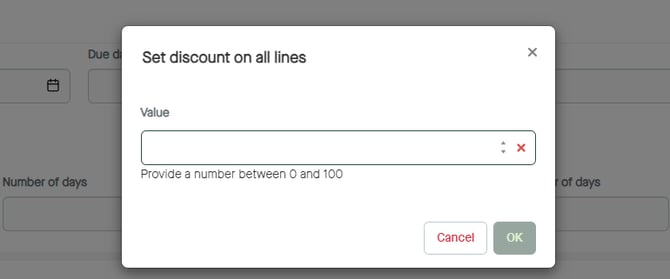
Enter a value for the discount to be set. 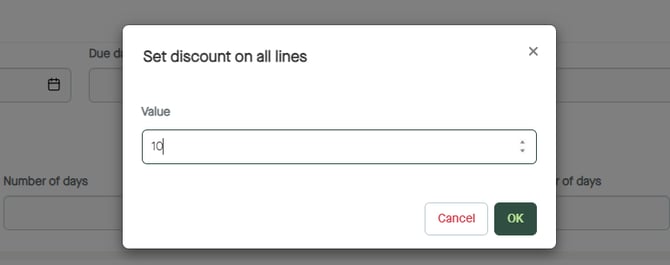
Click "OK". 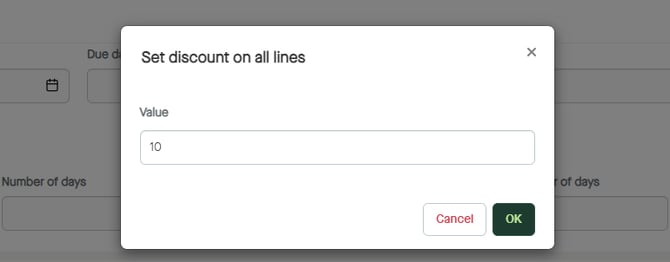
"Discount (%)" will be added on all lines. 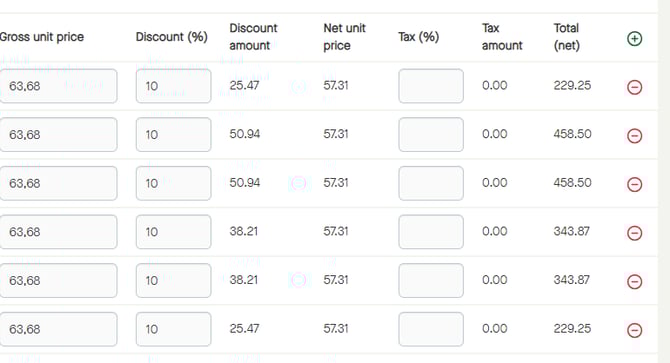
To start set discount on all lines, click Set discount on all lines".
A pop-up window appears.
Enter a value for the discount to be set.
Click "OK".
"Discount (%)" will be added on all lines.