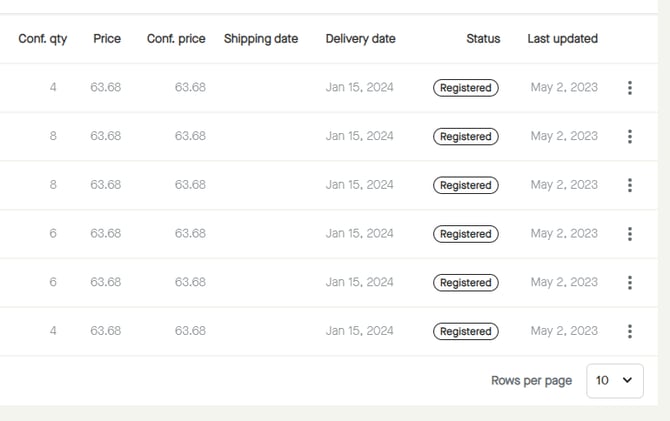
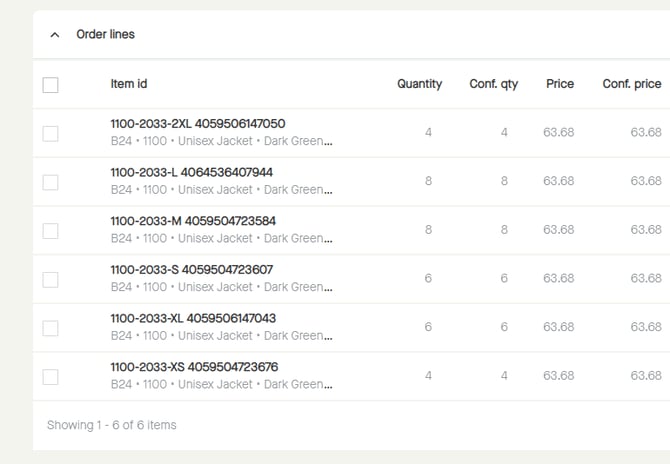
Click the checkbox to select all lines.
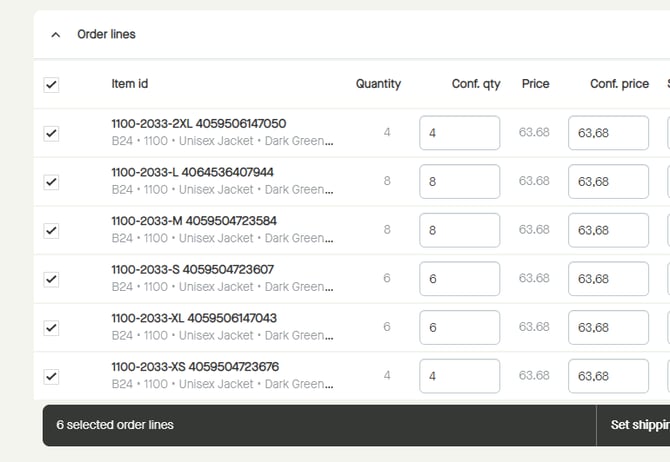
All order lines will be selected, and a floating bar appears at the bottom of the page.
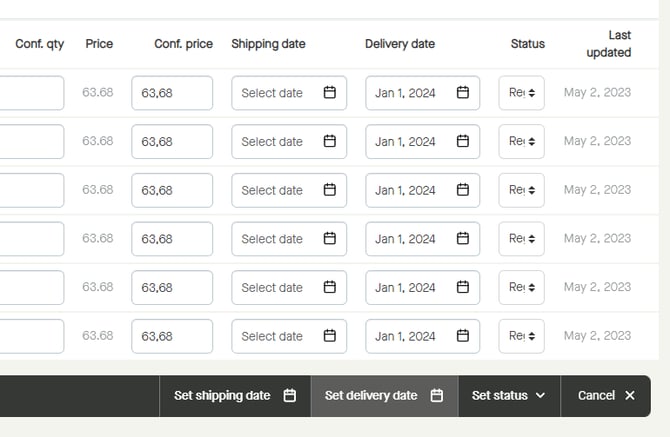
To start set a delivery date for all lines, click "Set delivery date".
A calendar appears.
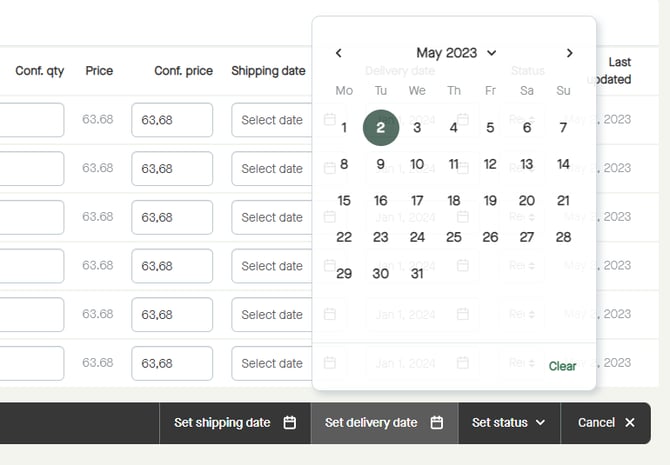
It is possible to select year and month by clicking the "month year" at the top of the calendar.
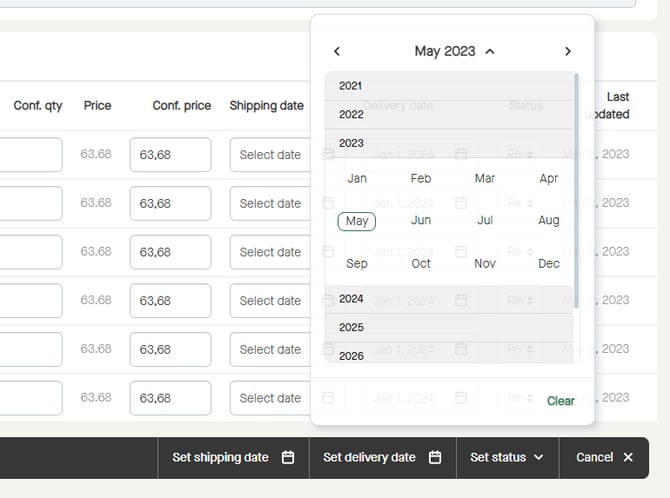
Start by selecting a year...
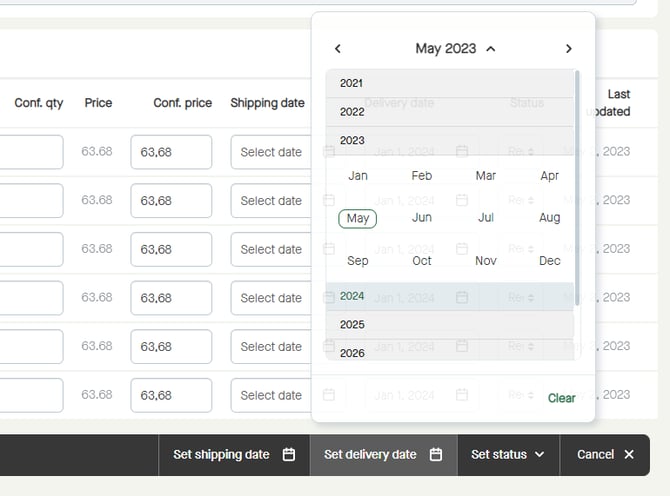
...and then select a month.
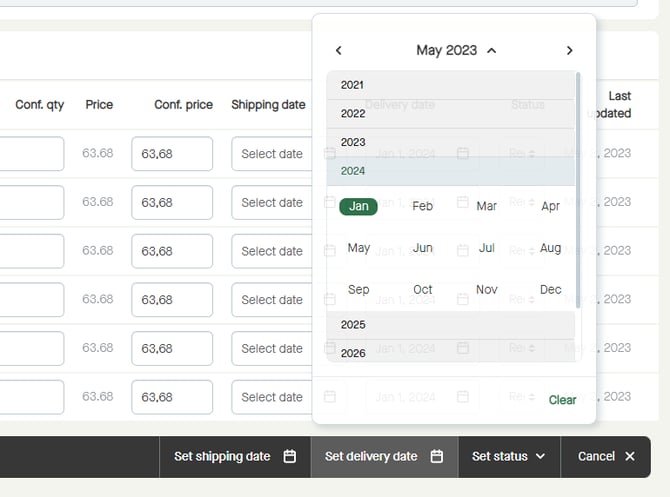
The calendar will show the selected month and year, and it is possible to click to select a date.
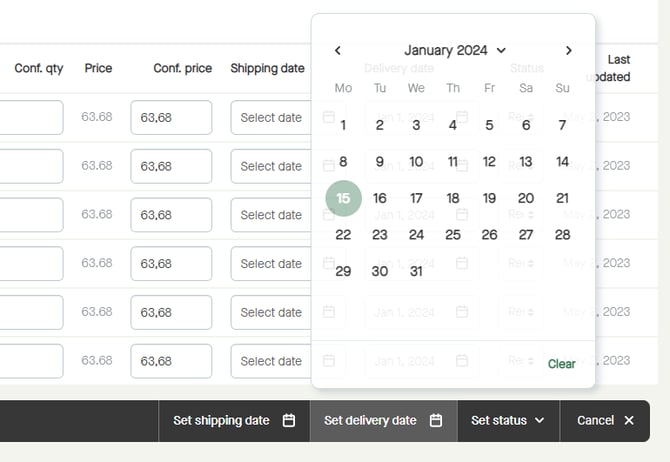
Delivery date will be changed for all lines.
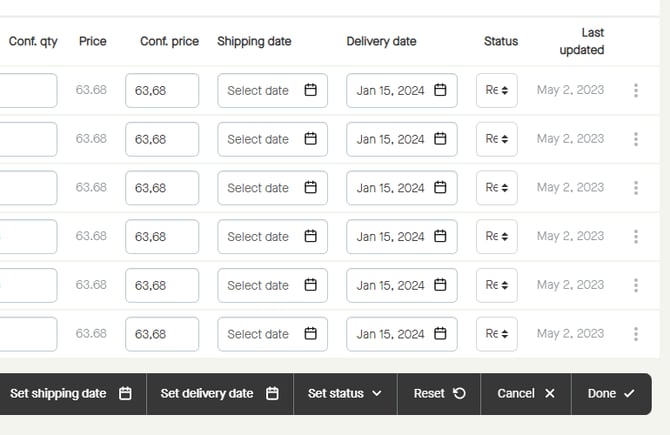
Click "Done" to set the delivery date for all lines.
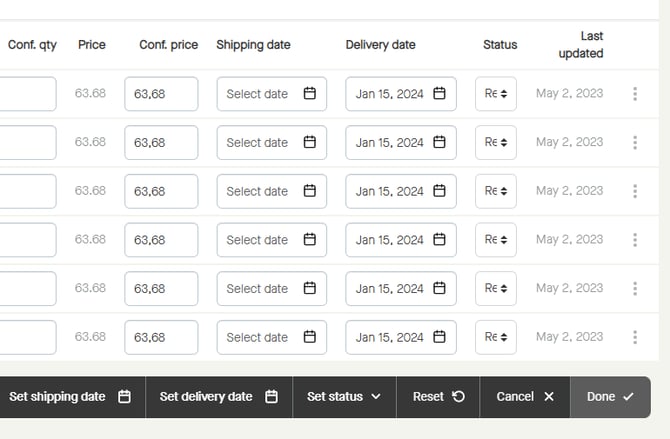
Delivery date will be set for all lines.