
It´s possible to distribute a generic inventory report via the portal.
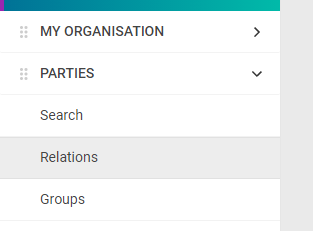
To send generic inventory reports to a party go to "PARTIES" - "Relations".
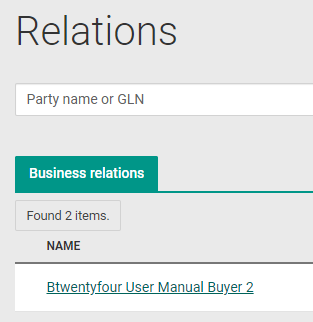
Click on the "NAME" you want to send a generic INVRPT to.
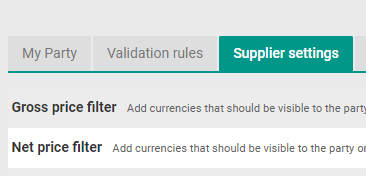
Click on the tab for "Supplier settings".
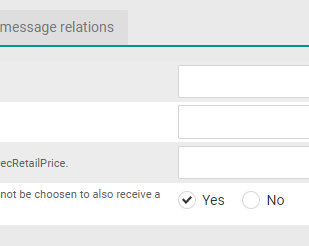
At the line for "Distribute generic INVRPT", click the radio button for "Yes".
Click "Save".
Add this setting to all parties you want to send a generic INVRPT to.
Set “No” if a generic INVRPT not should be sent to the party, and/or if sending a direct INVRPT to the party.