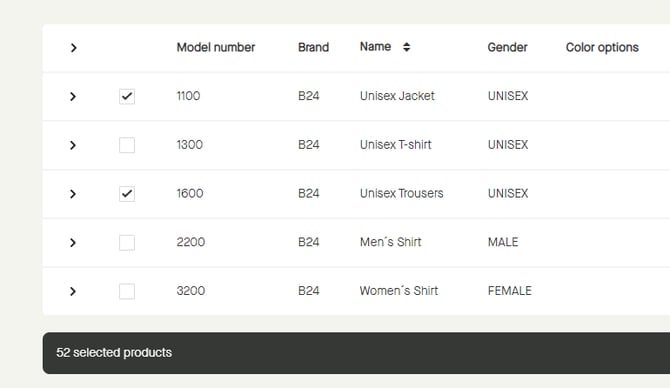
Click the checkbox for a model to select that model, and all underlying sub models and sizes.
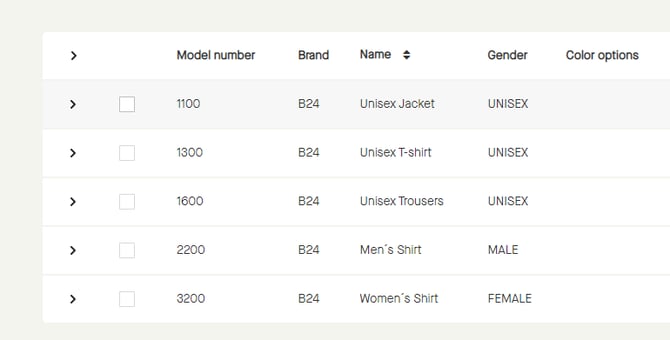
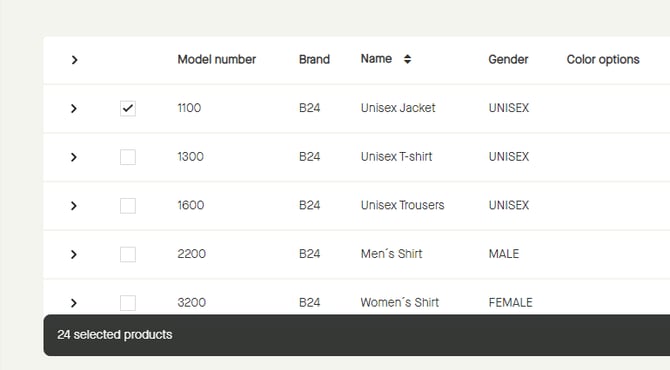
The checkbox will be checked, and a floating bar appears saying how many products that has been selected.
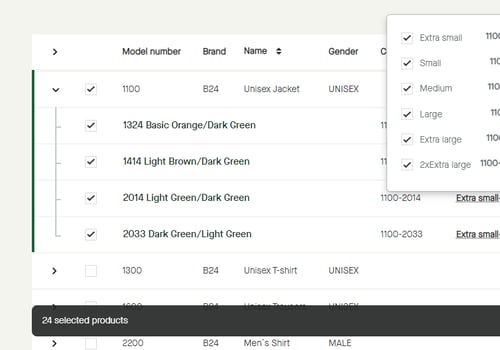
If expanding the model and clicking the size run it is noticeable that all underlying sub models and sizes has been selected.
It is possible to select several models by clicking the checkbox for each model.