
To see why a has failed on import, click on the message number.
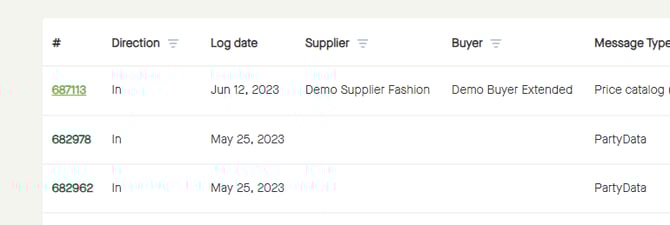
The "Message" will open, with more information about the message.
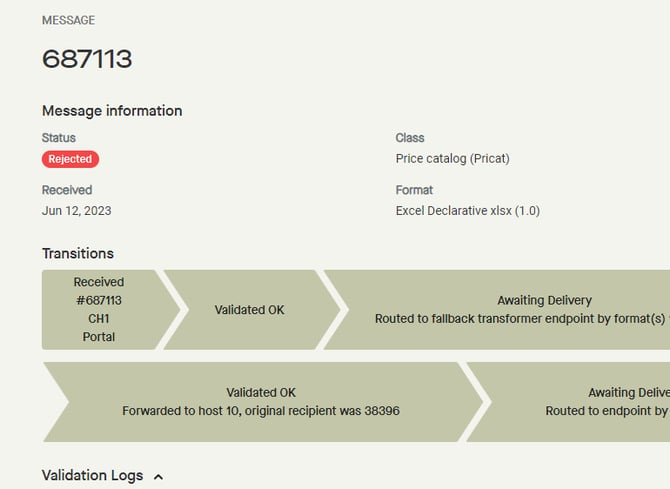
Scroll down to "Validation logs", for more information about the validation errors.
Under "Description" it´s possible to see an explanation of the validation error.
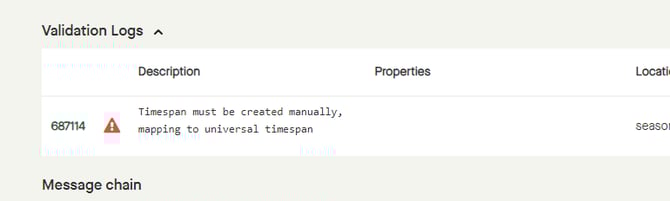
In this example it says that "Timespan must be created manually, mapping to universal timespan".
"Location" says that "season" is affected, and "Value" shows that "All season 2024" has not been mapped.
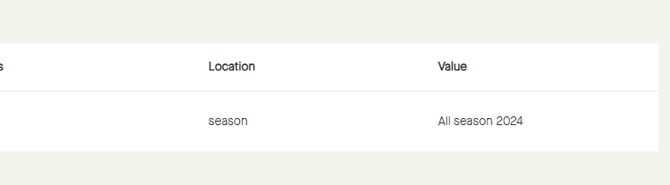
The season needs to be mapped, and the file uploaded again.
More information: