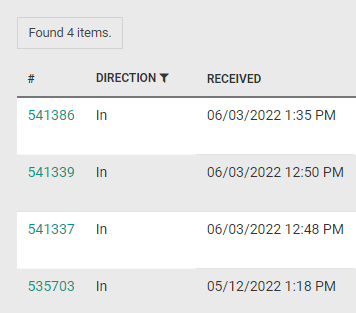
It´s possible to search for messages and/or filter them.
To create a search clause for messages, start by clicking the drop-down list and select any of the predefined definitions to search for.
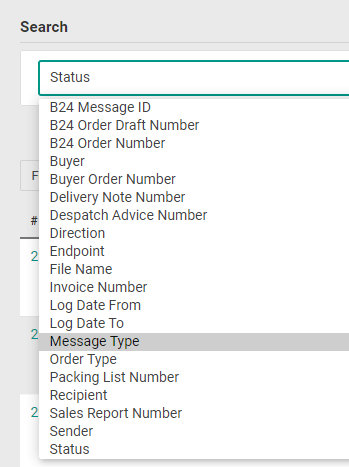
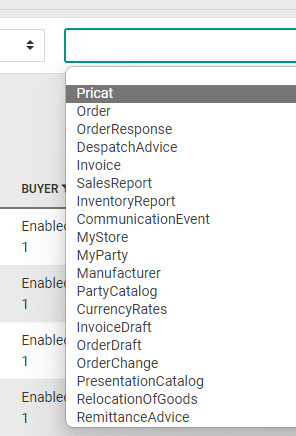
Depending on the selected definition in the drop-down list, the default drop-down list to the right will still be there, or it will be changed to a text field instead.
If there is a drop-down list, select a predefined value.
Click “Search”.
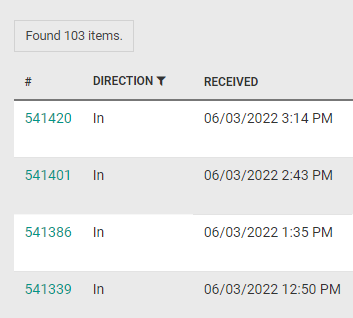
The result will be listed below.
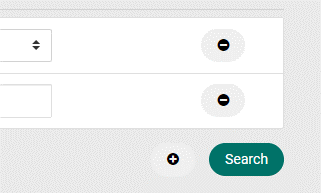
It is possible to add another clause by clicking the “+” icon.
A new drop-down list will be shown below the first one.
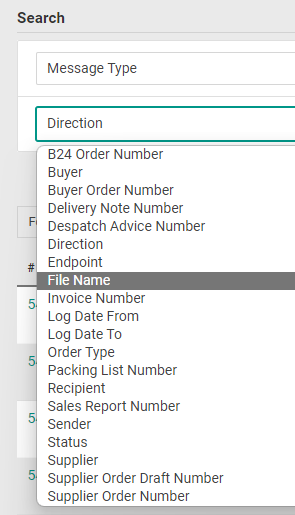
Click to select any of the predefined definitions to search for.
Depending on the selected definition in the drop-down list, the default drop-down list to the right will still be there, or it will be changed to a text field instead.
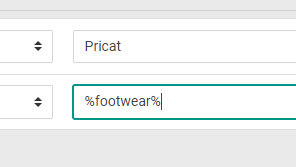
If it´s a text field, enter the text to search for.
To search for something in the middle of a file name for example, use “%” before and/or after.
Click “Search”.
The result will be listed below.