To search for messages, start by clicking the drop-down list and select any of the predefined definitions to search for. 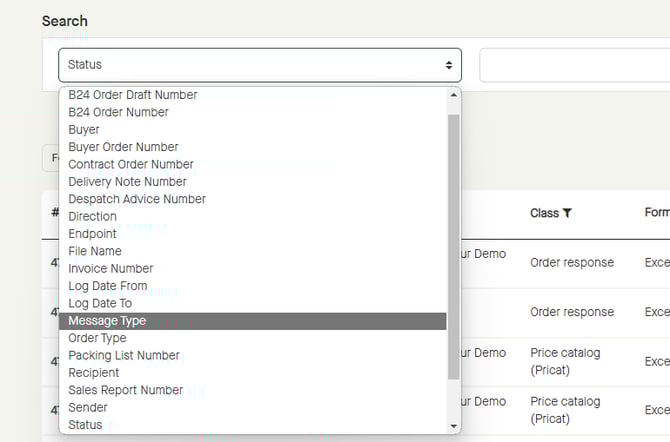
Depending on the selected definition in the drop-down list, the default drop-down list to the right will still be there, or it will be changed to a text field instead. If there is a drop-down list, select a predefined value. 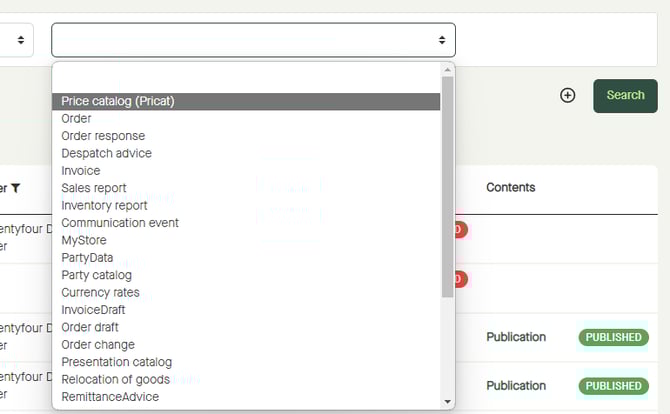
Click “Search”. 
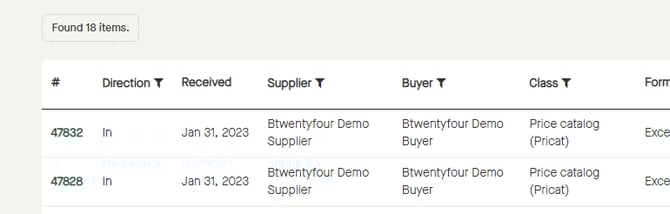
The result will be listed below.