
Click the "Order properties" tab to search for orders by properties.
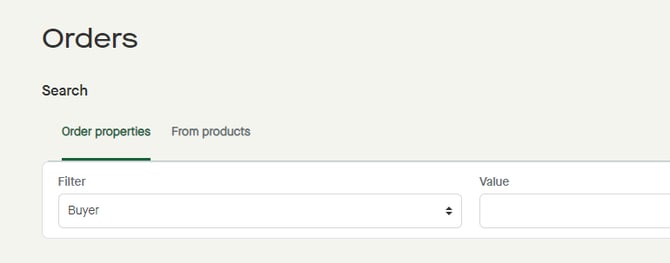
"Buyer" is selected as "Filter" by default, with no buyer selected as "Value".
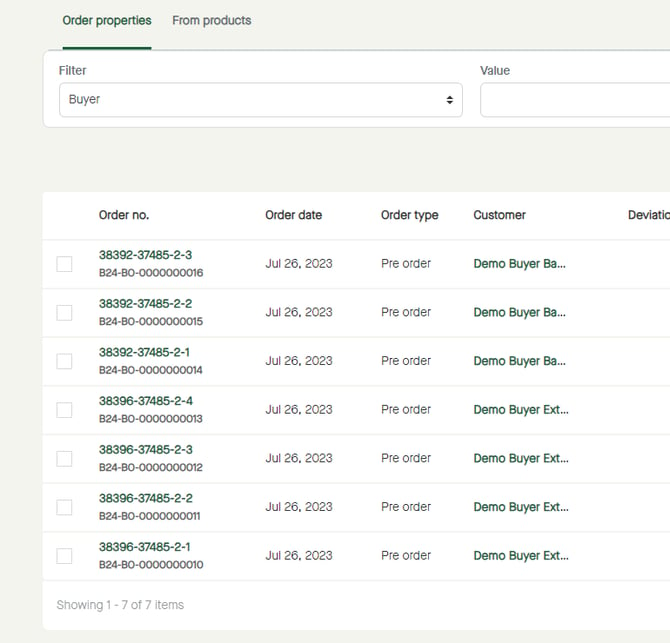
Orders will be listed.
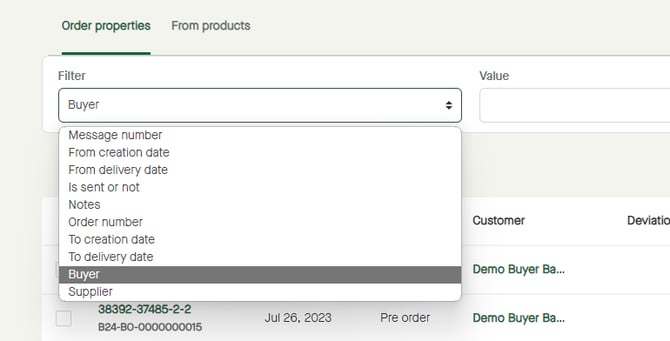
Click to select a "Filter", if in need of selecting other than "Buyer".
Click to select a "Value" to filter by, or to enter a value depending on selected "Filter".
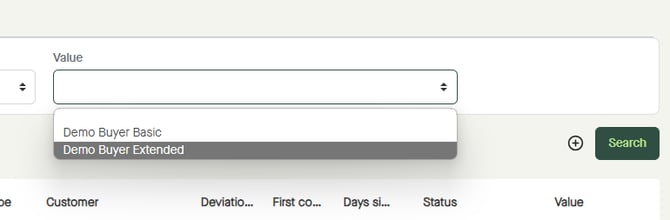
Click "Search".
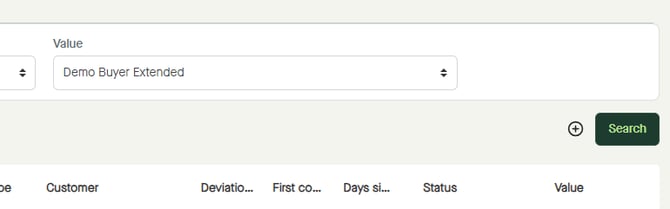
The result will be shown.
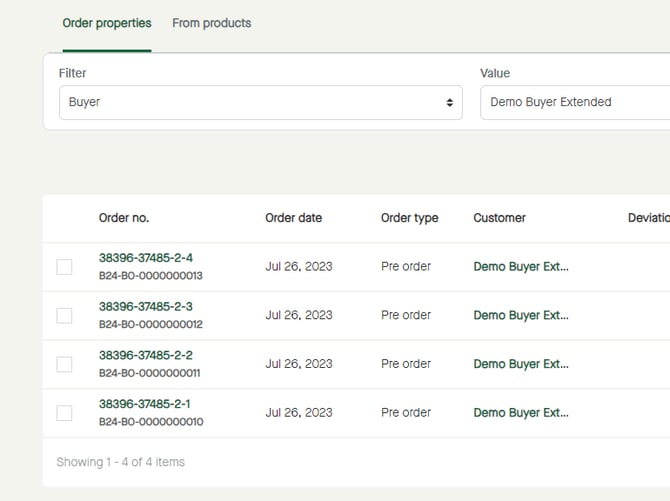
In this example, orders from the selected buyer will be listed.