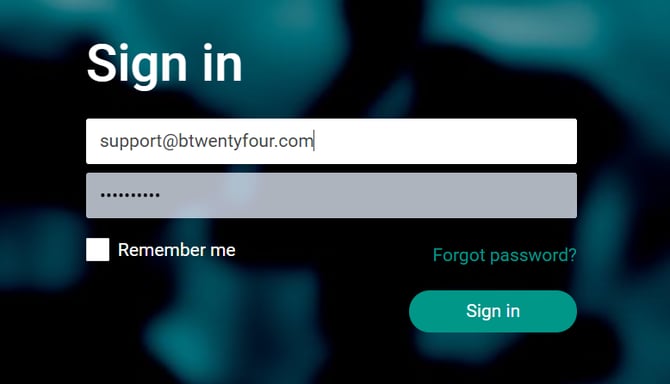
An administrator needs to send an invitation from the Btwentyfour Open commetce Platform to the user.
The user needs to progress with the registration by clicking at the “Please click here…” in the email.
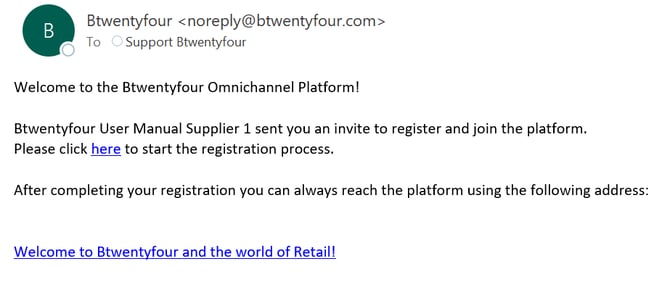
A new page will be opened in the user’s browser, where the invitation needs to be completed. The user needs to type name, password, re-type the password, and click “Register” to complete the invitation.
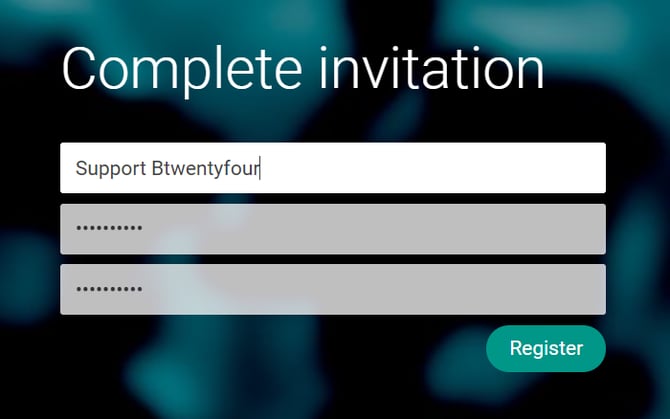
A new page will open, where the user gets a confirmation that the registration has been completed. The user can now click the “Please click here to log in” to log in.
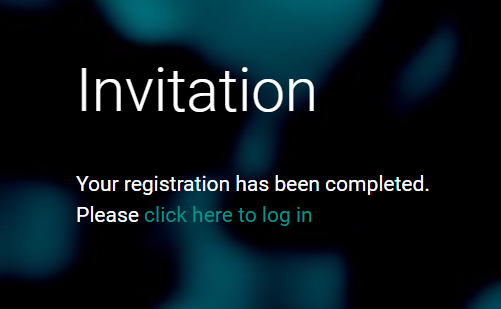
To sign in, the user needs to type the same email address as the invitation was sent to, type the password, and click “Sign in”.