
To map a season, go to "Data" - "Seasons".
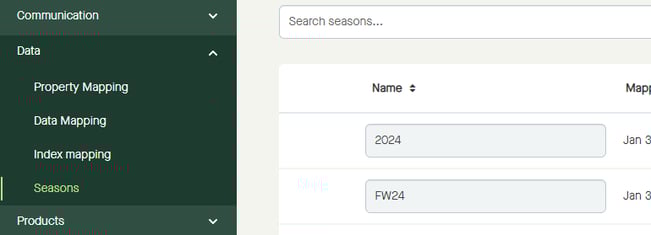
Click to enter a "Name".
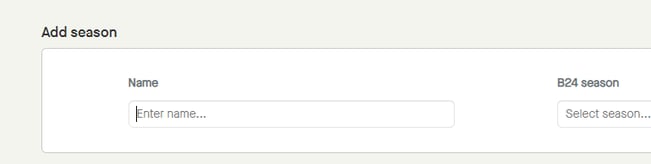
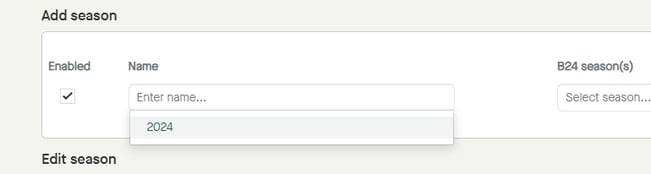
Buyers will see a list of already mapped seasons, if any, and can click to select any of those seasons.
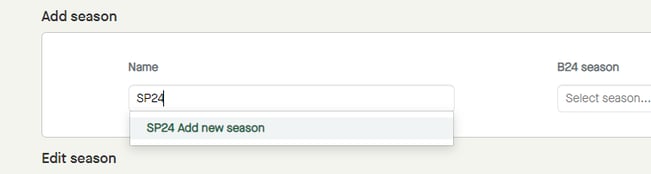
When start typing a name, a drop-down list appears, adding what is being entered with "Add new season" after it.
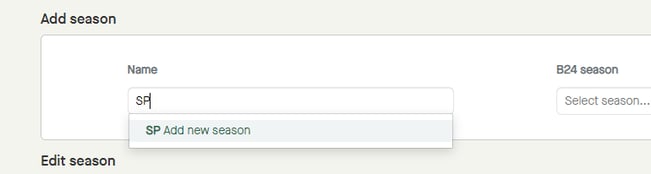
When done typing, click "Add new season" in the drop-down list.
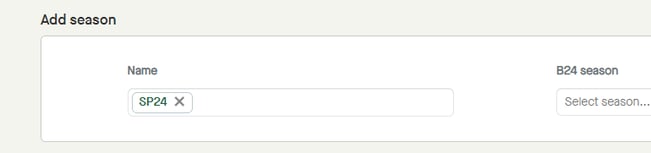
The "Name" will be added.
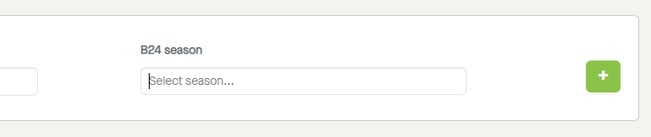
Click "Select season".
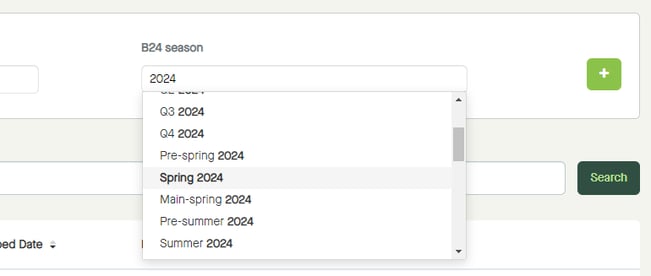
A drop-down list with "B24 seasons" appears.
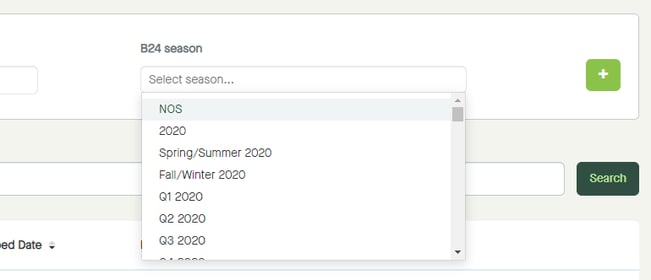
Type to search for a relevant "B24 season", and/or scroll to find a value. Click to select.
The selected "B24 season" will be added.
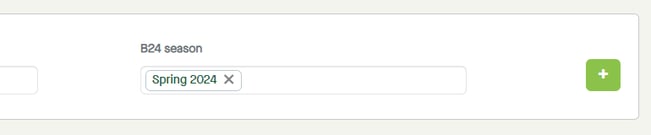
Click the plus icon to map the season.
The "Name" will be added to the list of mapped seasons.

More information:
Step by step guide from uploading to publishing master data.