
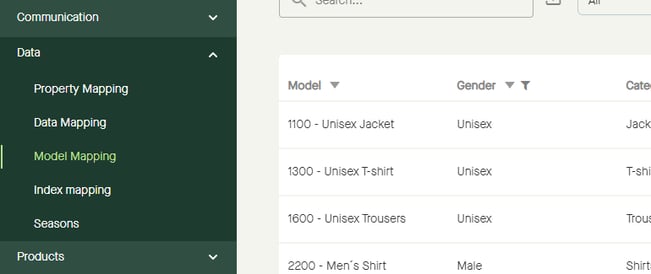
"Model Mapping" will be visible in the menu when a publication has been validated towards a buyer that requires model category mapping.
They are in place to determine the category of each uploaded product.
Go to "Data" - "Model mapping".
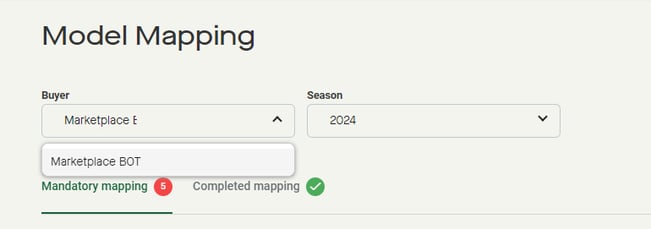
Click to select "Buyer".
Click to select "Season".
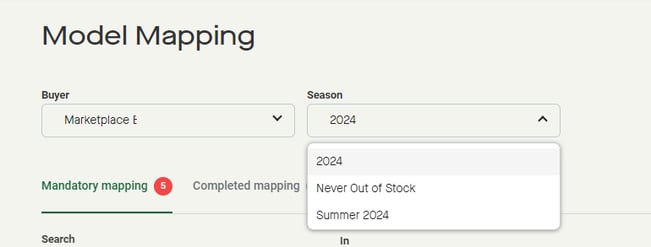
Note that available seasons are depending on selected buyer.
"Mandatory mapping" will show a list of models to be mapped.
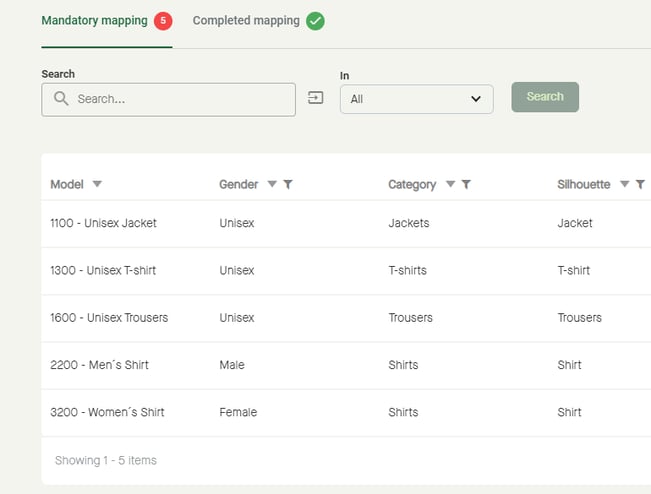
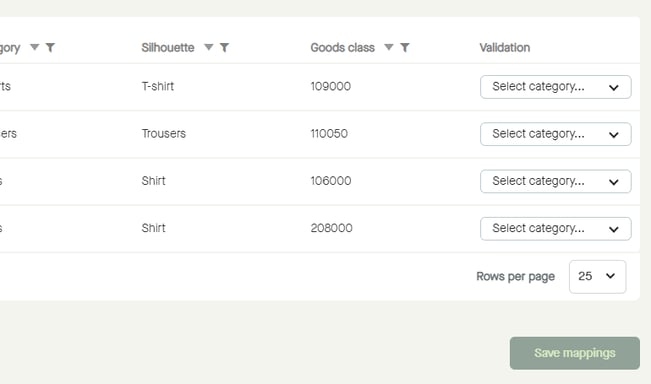
To start mapping a model, click "Select category...".
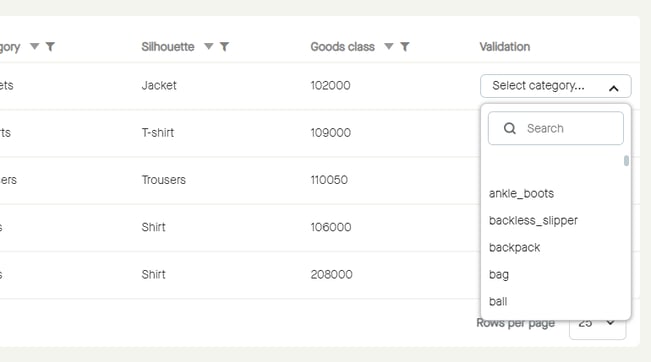
Click to enter a value to search for, and/or scroll to find a value to select. Click to select.
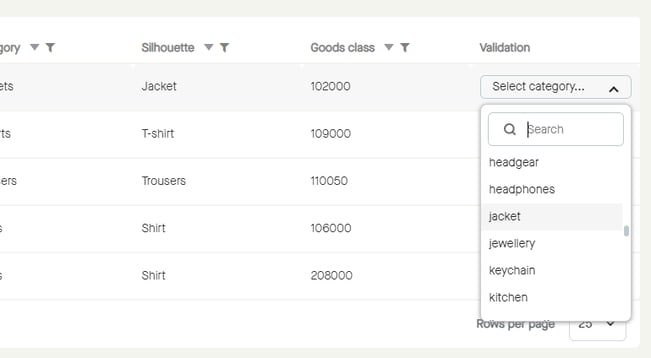
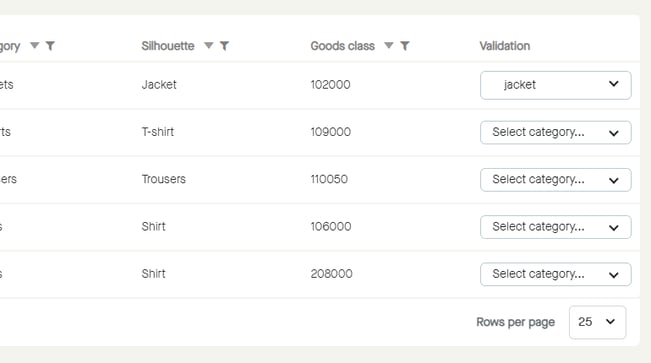
The selected category will be applied to the model.
Click "Save mappings".
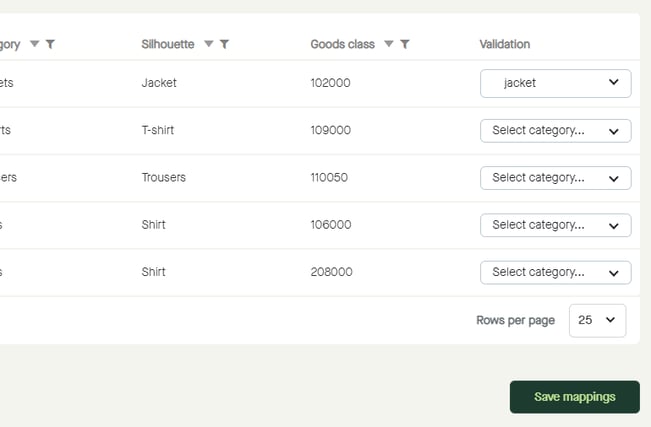
The mappings will be saved...
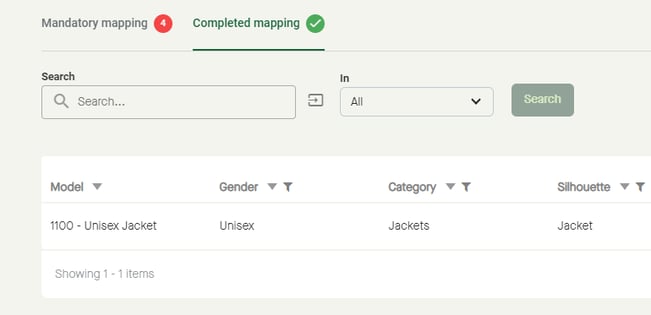
...and can be found under "Completed mappings".
Fore more information: