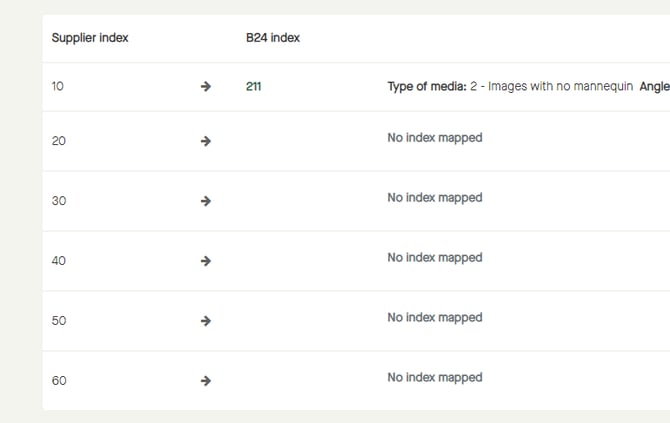
To map index, go to "Data" - "Index mapping".
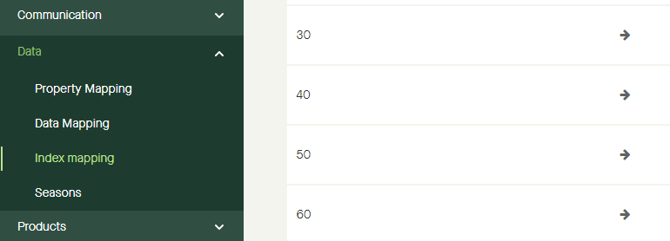
Click the pen icon for the index value to be mapped.
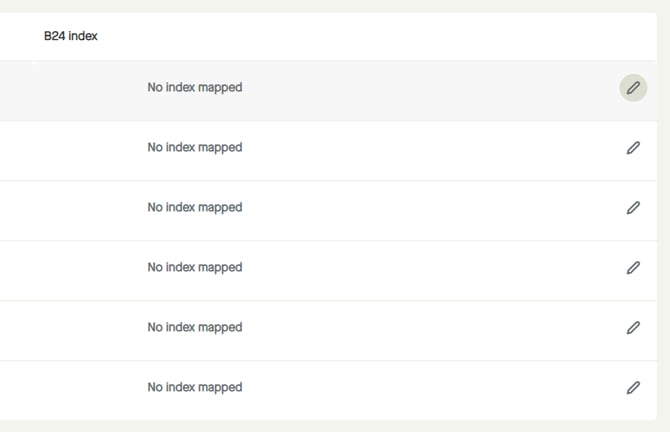
Drop-down lists will be shown for:
- Type of media
- Angle
- Priority
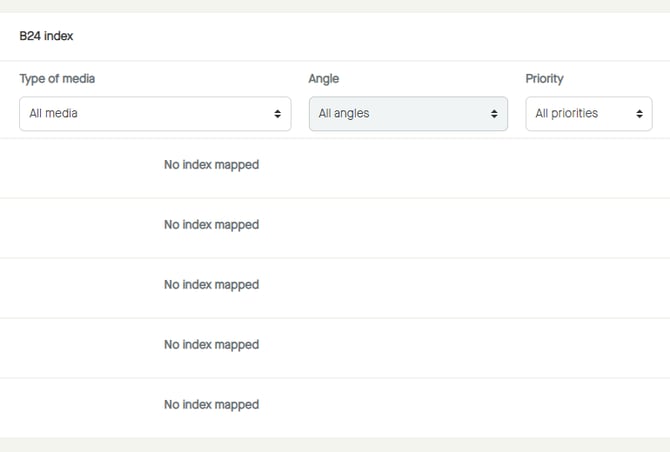
Click to select a “Type of media” that is best suited for the uploaded "Supplier index".
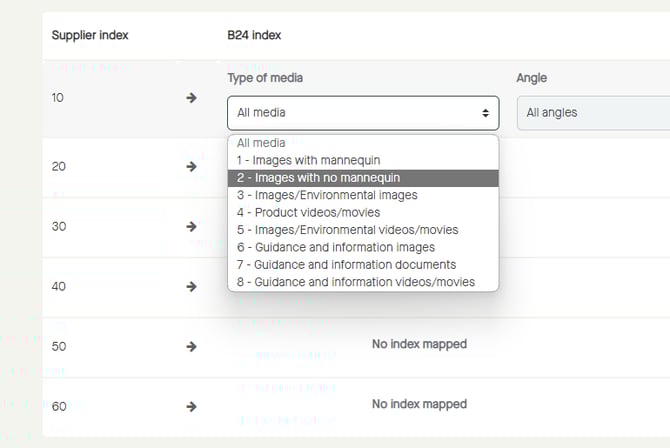
Click to select a “Angle” that matches the angle for the uploaded "Supplier index".
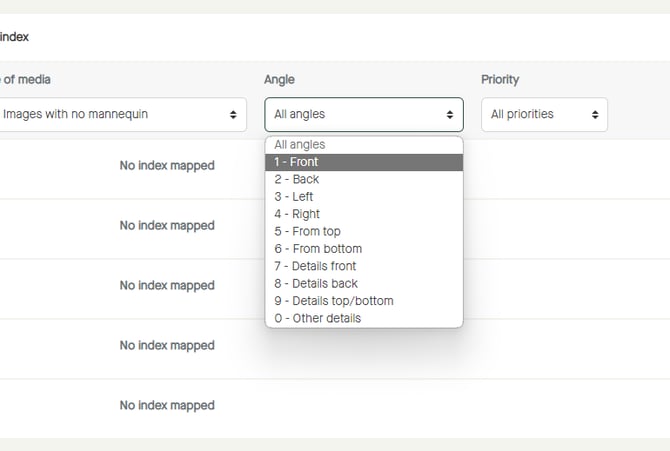
Note that the selectable values for “Angle” might be different for different “Type of media”.
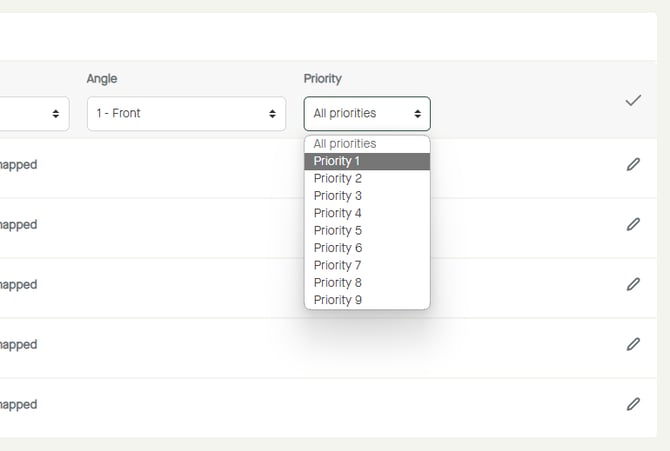
If having several "Supplier index" mapped to the same "Type of media" and "Angle", different priorities can be selected to set the ordinal.
Click to select “Priority”.
Click "Save".
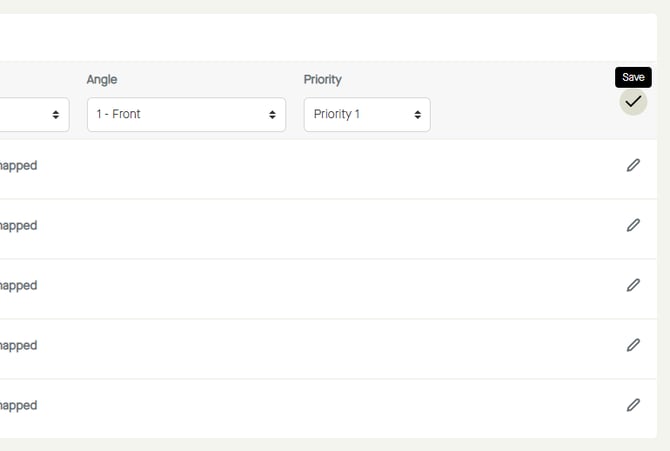
The index mapping will be saved.