
With a user role as an administrator, it´s possible to invite new users.
Go to “My organisation” – “Users”. 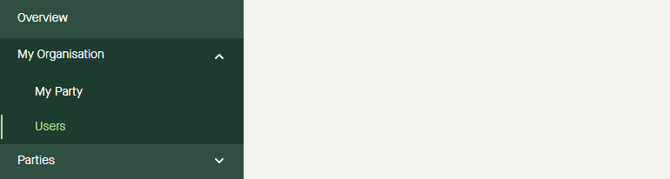
Click “Invite user” in the top right corner. 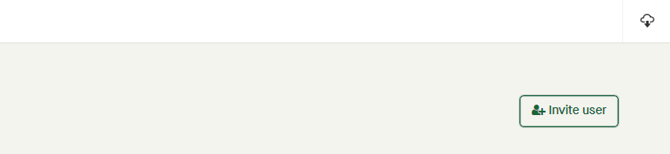
A pop-up window appears. 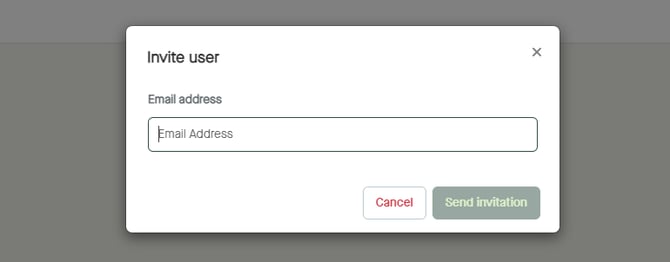
In the pop-up window, type the email address to the user to be invited, and click “Send invitation”. 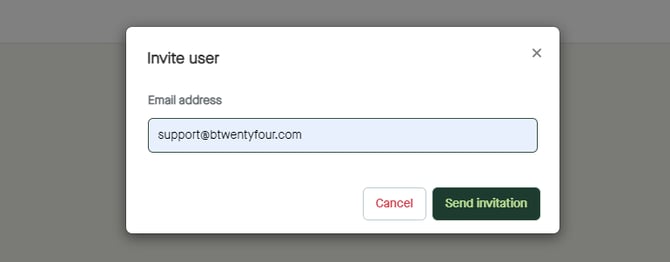
An email will be sent to the email address typed in.