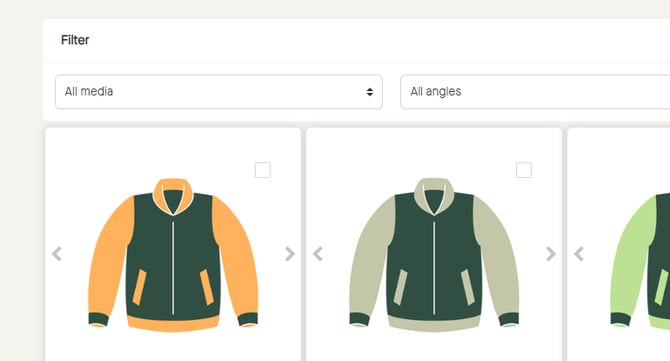
If indexes have been mapped, it is possible to filter products by:
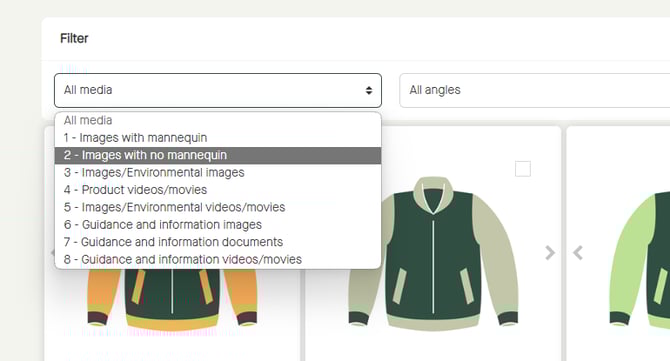
- Media
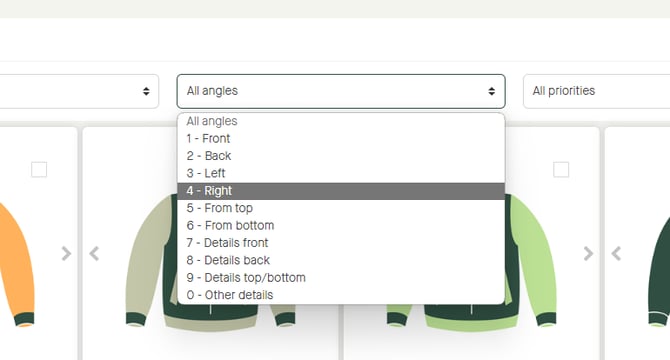
- Angles
- Priorities
In combination with each other, or separate.
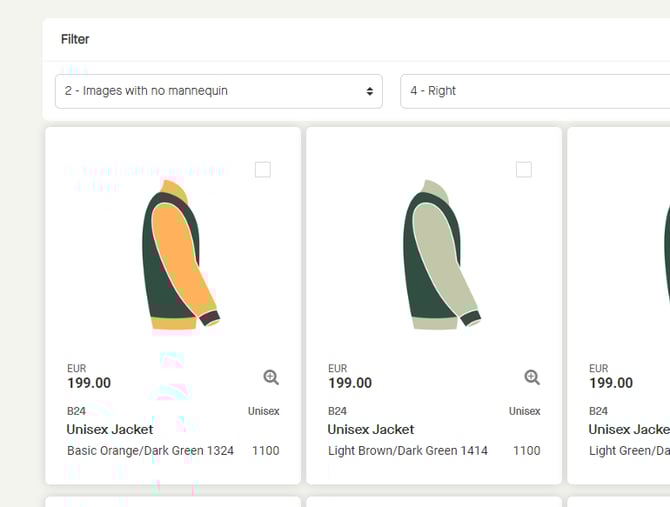
Note that selectable angles are affected by selected media.
Click "All media", to select media to filter by.
Click "All angles", to select angle to filter by.
Click "All priorities", to select priority to filter by.
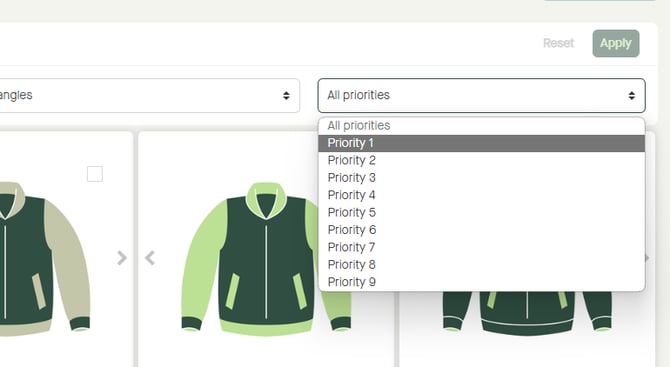
Click "Apply", to apply the filter.
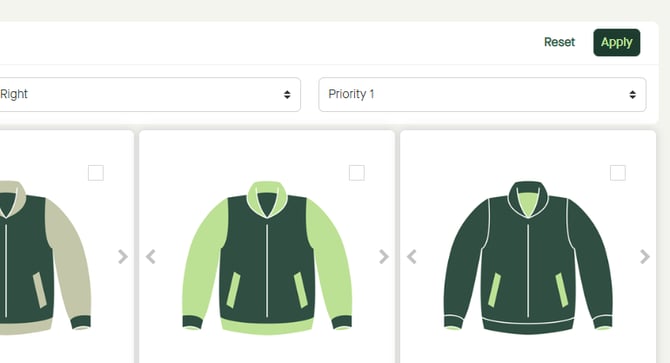
The result of the filtering will be shown.
Click "Reset", to reset the filter.
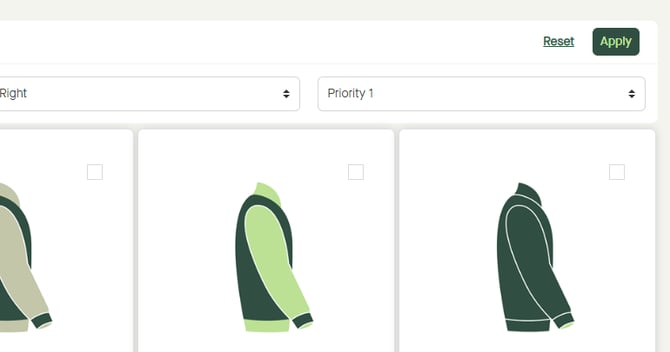
Products will be shown as by default.