
Click the "arrow right" icon on column heading level to expand all models.

All models will be expanded.
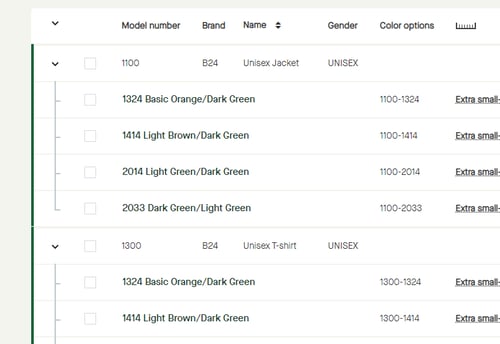
Click the "arrow down" icon on column heading level to collapse all models.

All models will be collapsed and listed as by default.
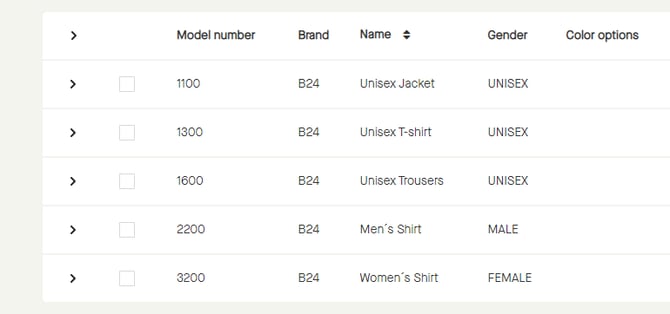
Click the "arrow right" icon on column heading level to expand all models.
All models will be expanded.
Click the "arrow down" icon on column heading level to collapse all models.
All models will be collapsed and listed as by default.