
Click the arrow right" icon for a model to expand that model.
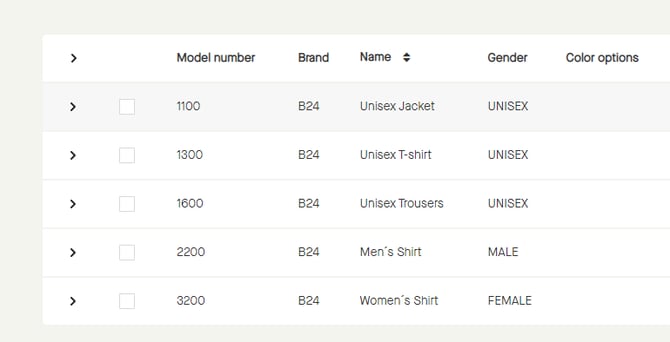
That model will be expanded.
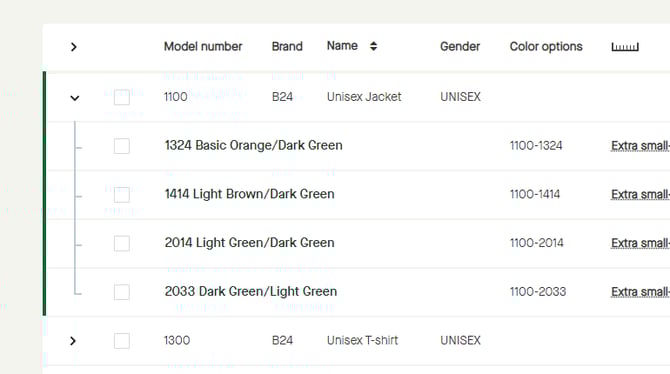
Click the "arrow down" icon for that model to collapse the model.
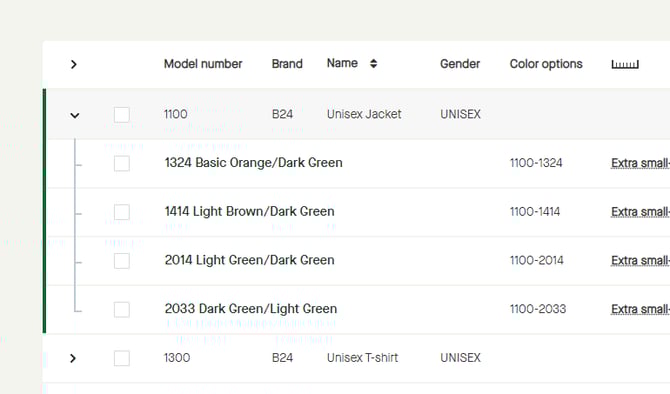
The model will be collapsed.
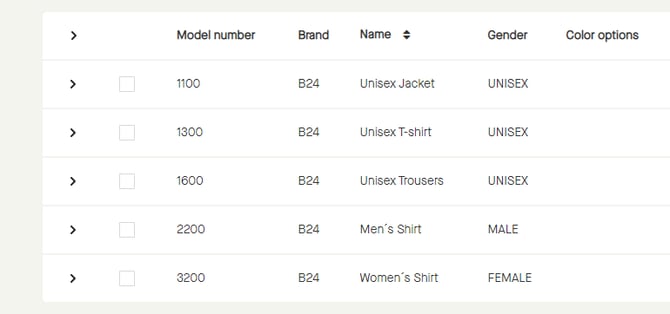
Click the arrow right" icon for a model to expand that model.
That model will be expanded.
Click the "arrow down" icon for that model to collapse the model.
The model will be collapsed.