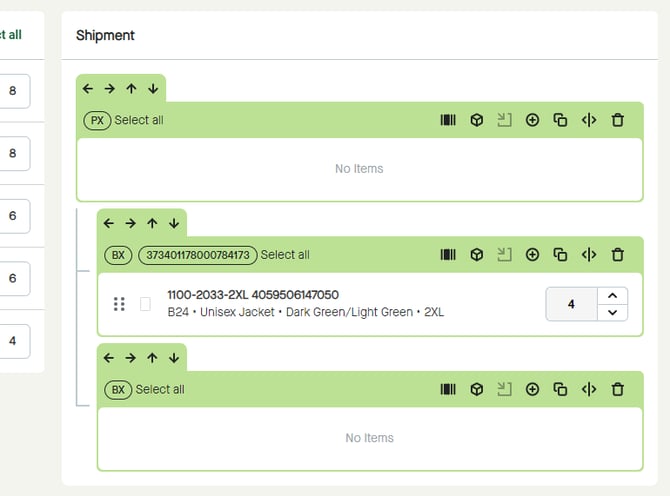
Click the icon for “Edit package SSCC” for the possibility to either add a SSCC manually or to generate a new SSCC for that package.
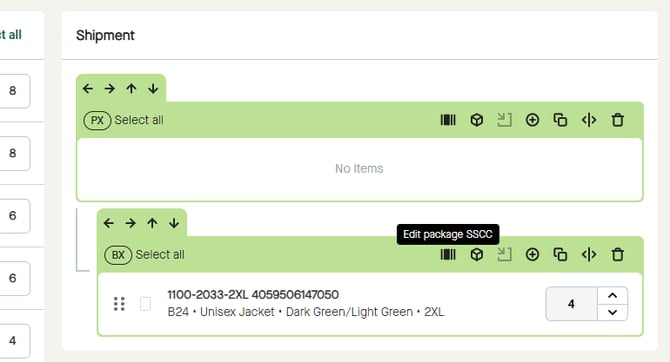
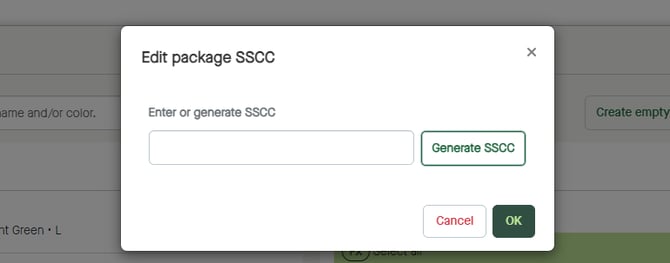
A pop-up window appears.
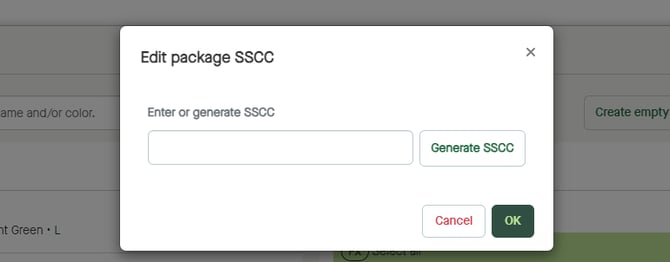
Manually
Click the field for “Enter or generate SSCC” to enter a SSCC manually.
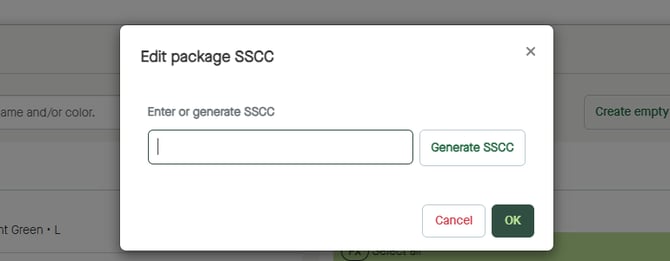
Automatically
Click the button for “Generate SSCC” to generate a SSCC automatically.
A SSCC will be added to the field for “Enter or generate SSCC”.
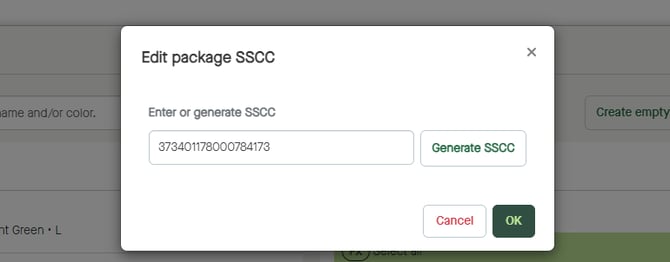
Click “OK” to close the window and add the SSCC to the package.
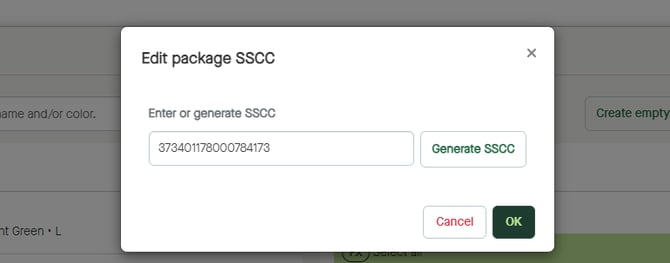
The SSCC will be added to the package.