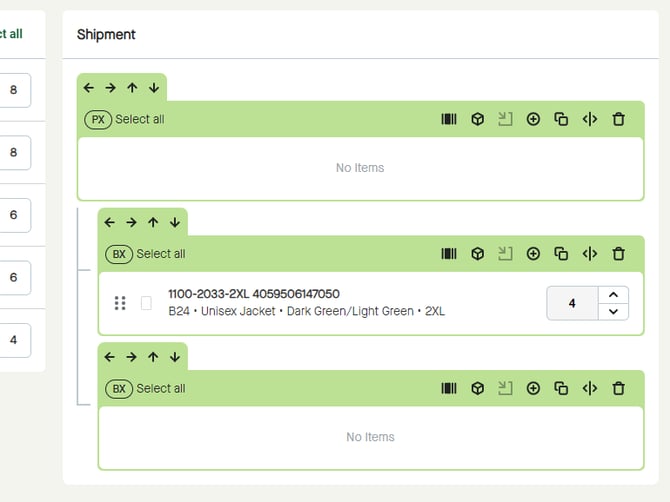
By clicking and holding on the drag and drop icon, or elsewhere on the item line, it is possible to drag and drop items;
- from “Items” to a package in “Shipment”,
- from package to package in “Shipment”,
- or from a package in “Shipment” back to “Items”.
For example, to drag and drop an item from "Items" to a package in "Shipment", click and hold the item...
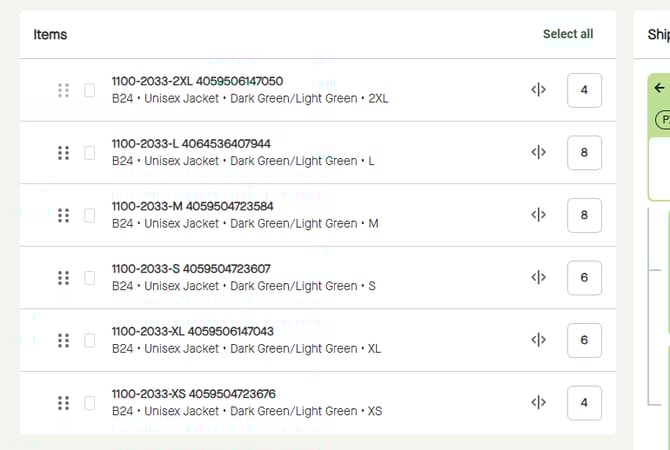
...and start dragging the item...
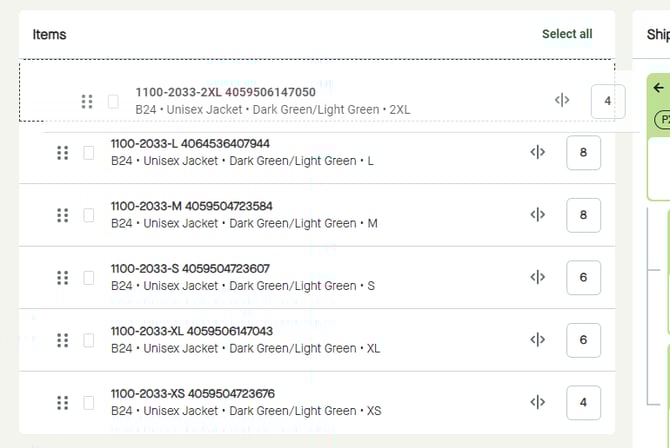
... to a package in “Shipment”.
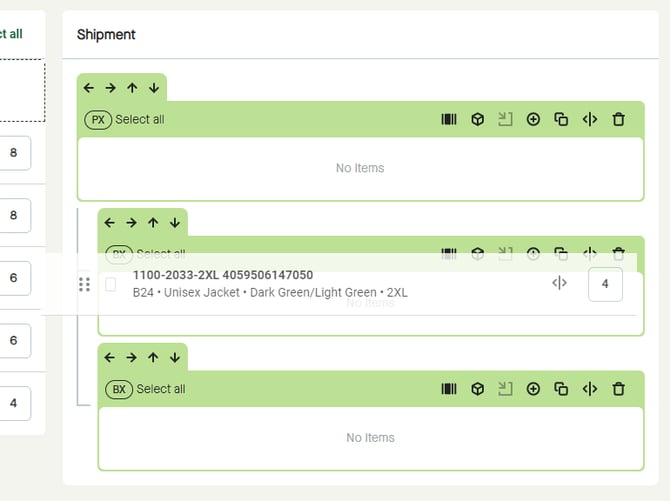
Release, to place the item into the package.