This functionality could be useful for integrated suppliers if a buyer requires data the supplier cannot provide from within their business system.
Note that if using a buyer specific template for uploading master data, that template will not be used when exporting data in Excel format. Btwentyfour´s original template will be used.
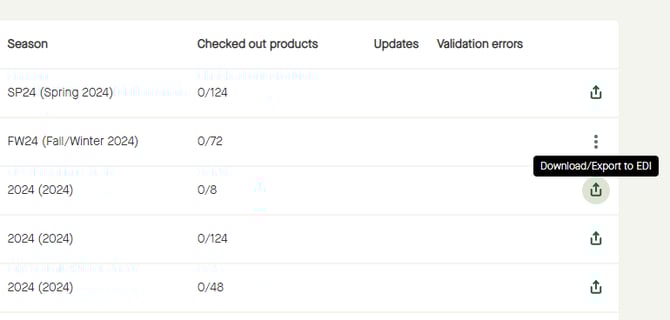
Go to "Products" - "Publications".
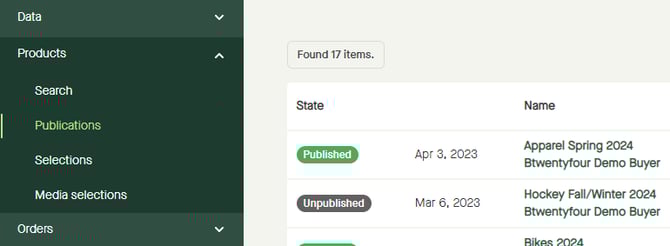
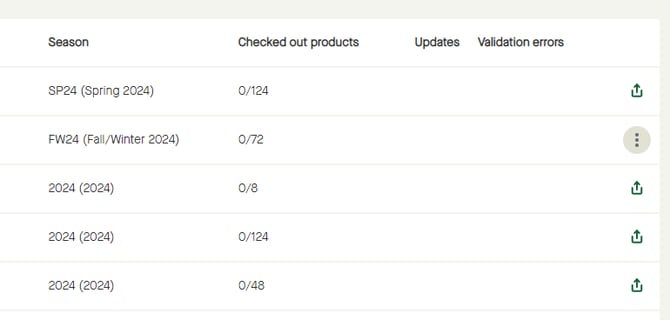
To start downloading a publication, click the three dotted icon on the row for that publication.
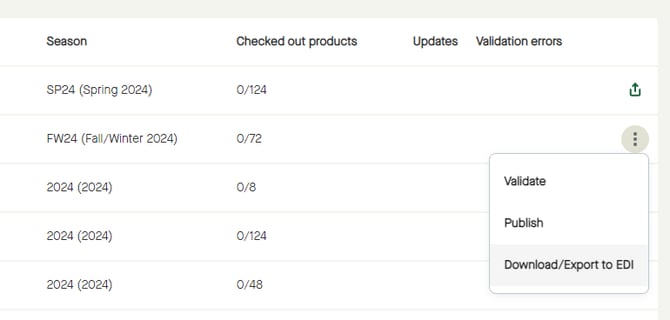
Click "Download/Export to EDI".
Or, for a published publication, click the "Download/Export to EDI" icon.
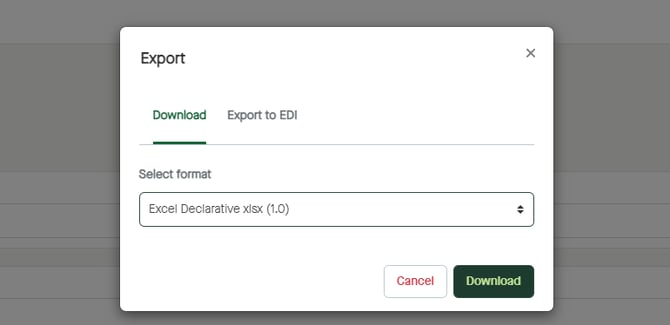
A pop-up window appears.
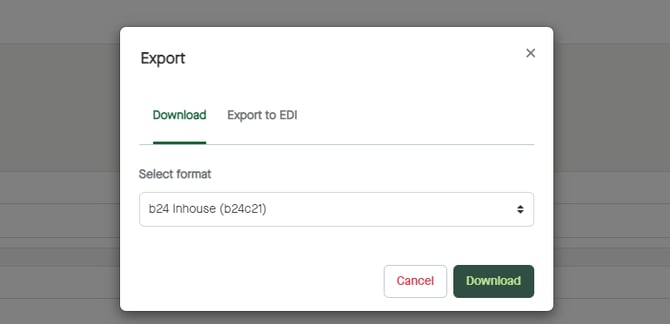
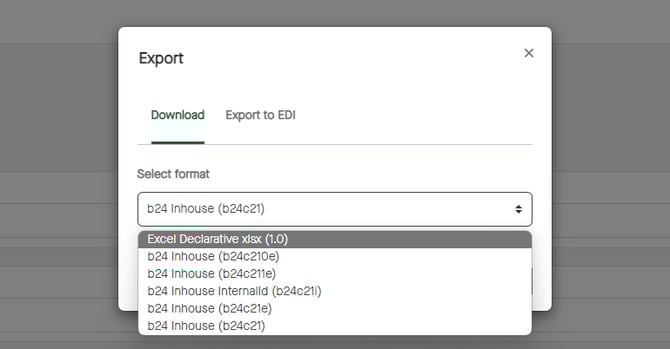
Click to select format. To download in Excel format, select "Excel Declarative...".
Click "Download".