
To delete a user, go to “My organisation” – “Users”.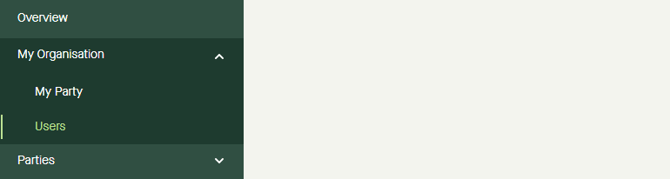
Click “Edit” on the line for the user. 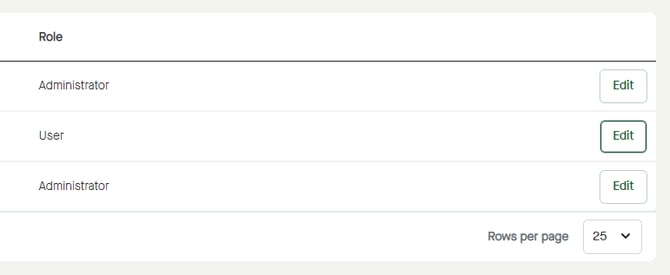
Check the “Delete user?” checkbox. 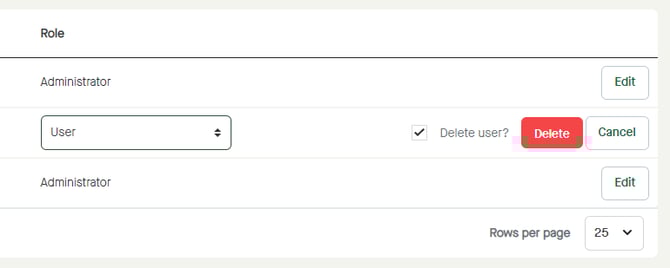
Click “Delete” to delete user or click Cancel" to leave editing mode and discard any changes. 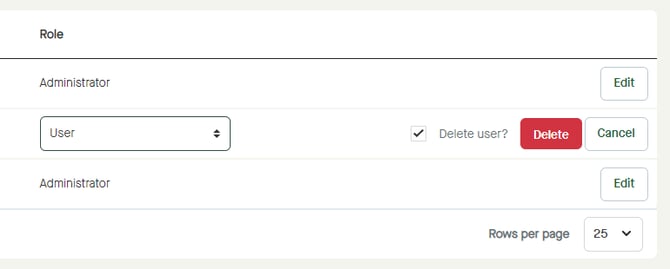
To delete a user, go to “My organisation” – “Users”.
Click “Edit” on the line for the user.
Check the “Delete user?” checkbox.
Click “Delete” to delete user or click Cancel" to leave editing mode and discard any changes.