It is recommended to create an invoice from a delivery.
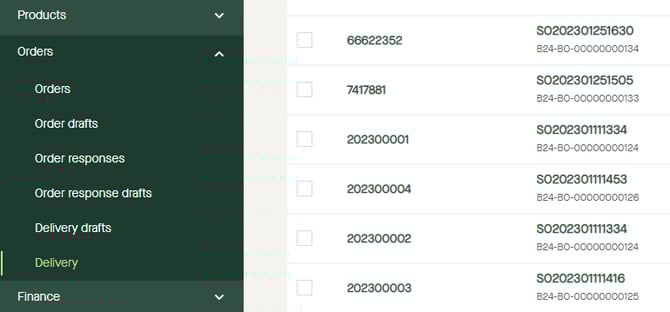
Go to "Orders" - "Delivery".
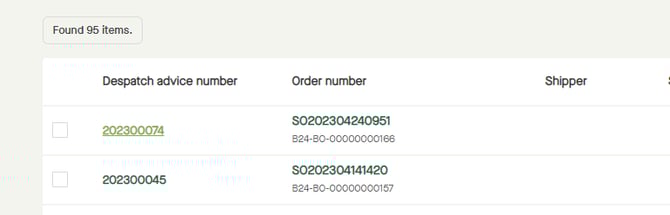
Click on the "Despatch advice number" for the delivery to be invoiced.
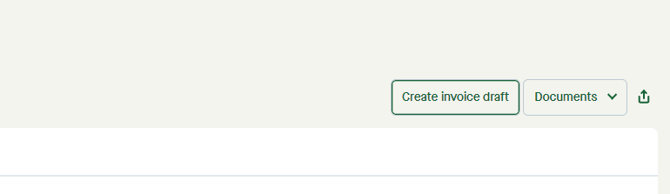
Click "Create invoice draft".
A pop-up window appears.
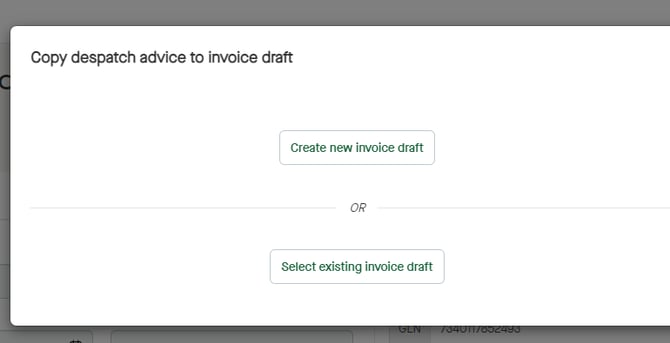
Click "Create new invoice draft".
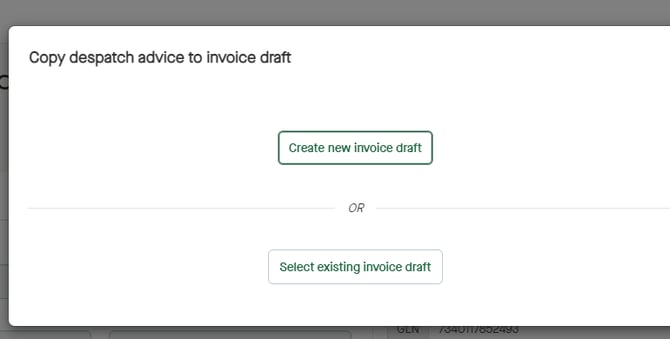
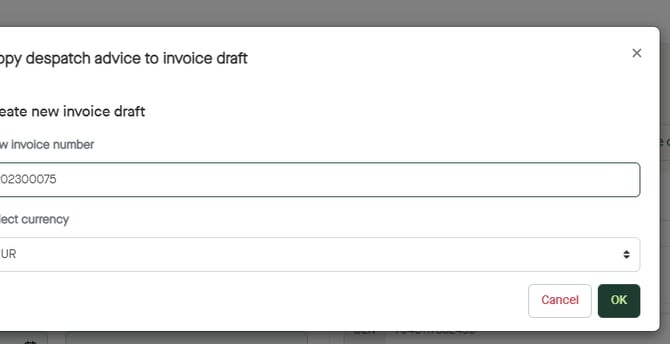
A new pop-up window appears.
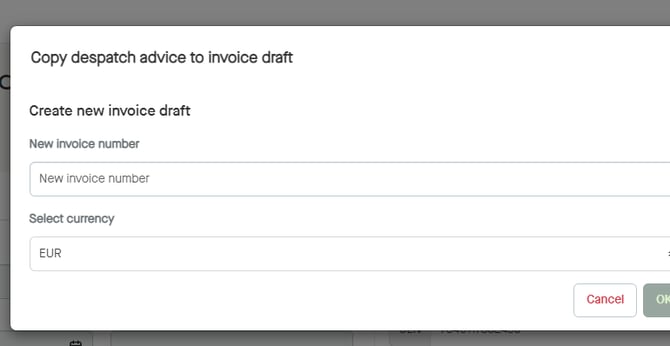
Click, and enter a "New invoice number".
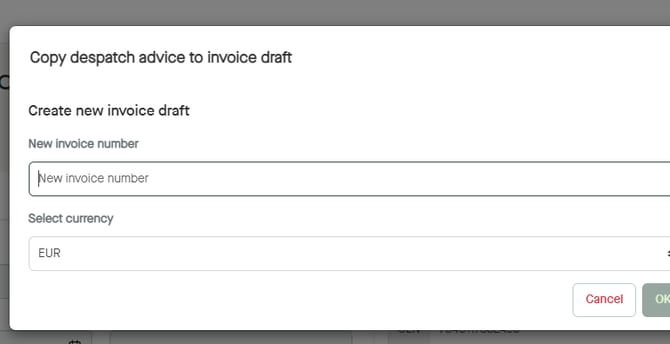
Click "OK".
An "Invoice draft" will be created.
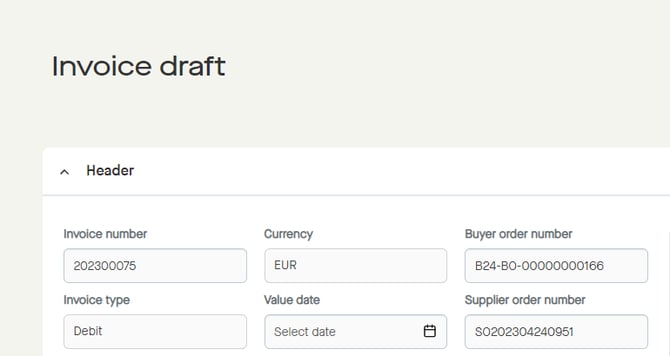
Add any values that is required by the recipient.
Click "Validate" to see if the invoice will pass the recipients requirements.
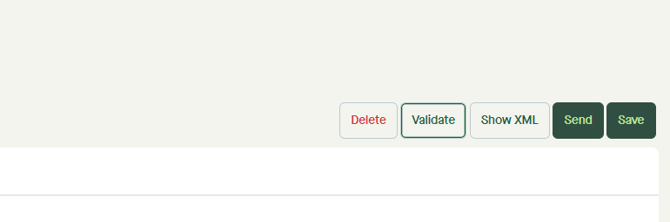
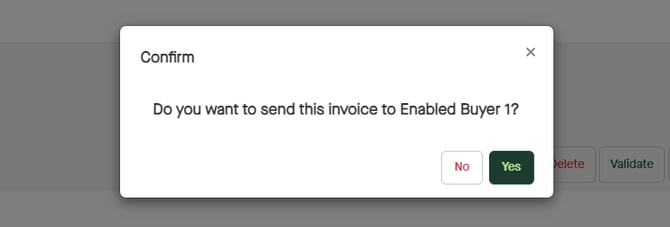
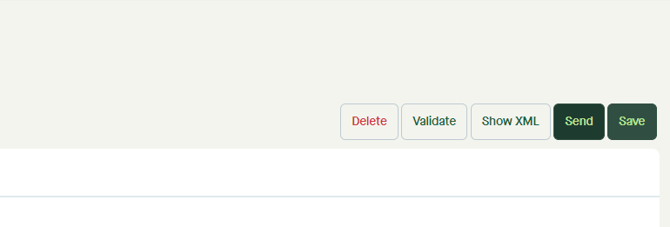
Click "Send".
A pop-up window appears.
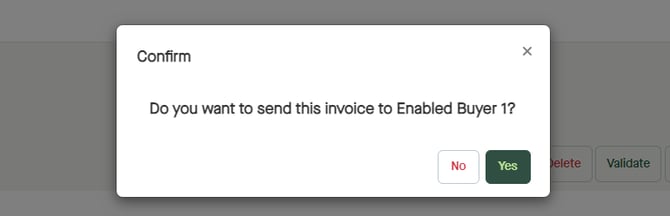
Click "Yes" to send the invoice.