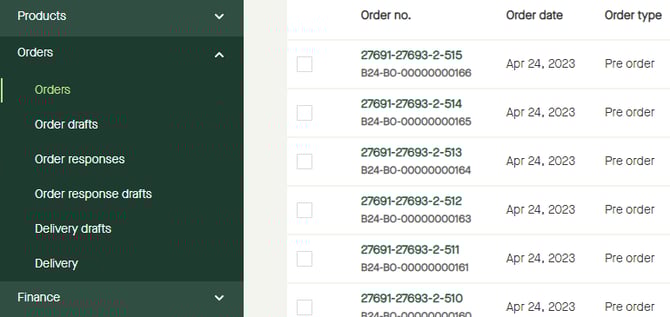
Go to "Orders" - "Orders".
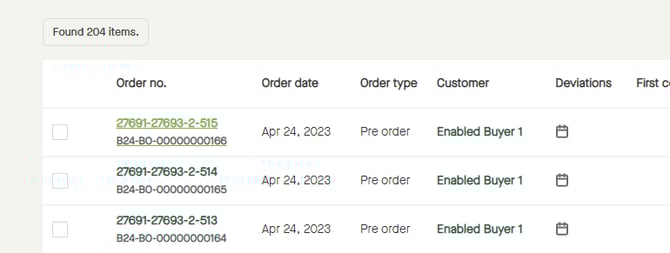
Click the "Order no." for the order to be delivered.
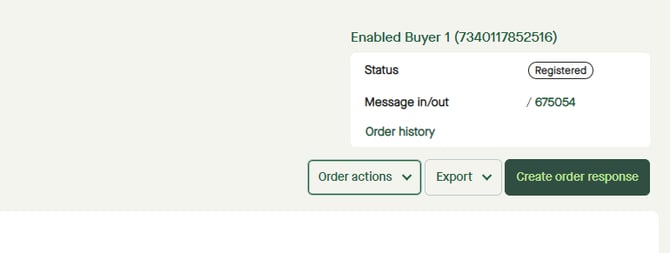
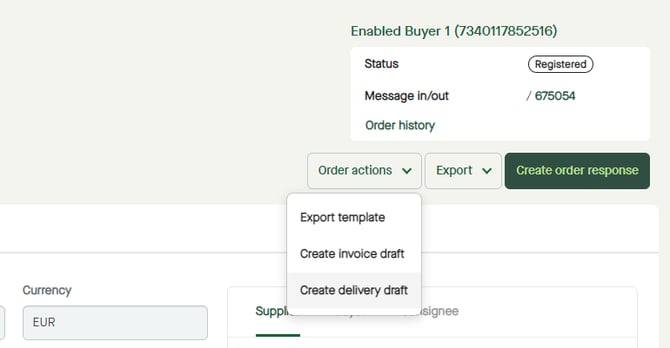
Click "Order actions".
Select "Create delivery draft".
A pop-up window appears.
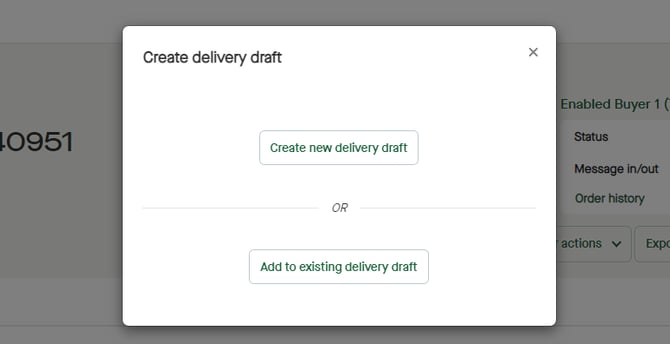
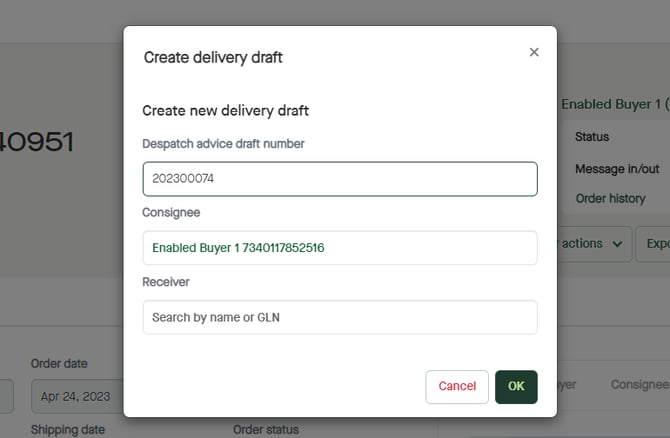
Click "Create new delivery draft".
A new pop-up window appears.
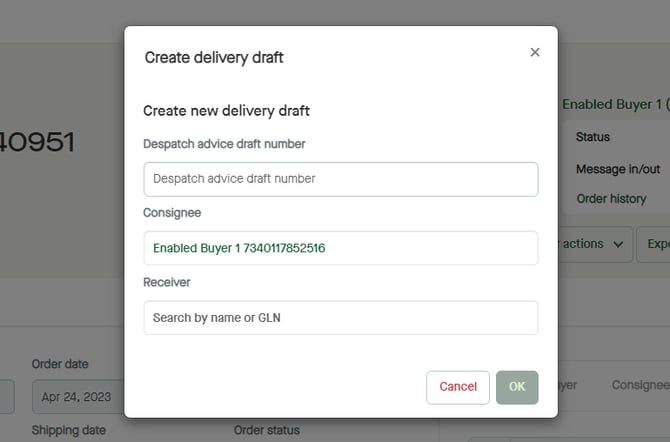
Click, and enter a "Despatch advice draft number".
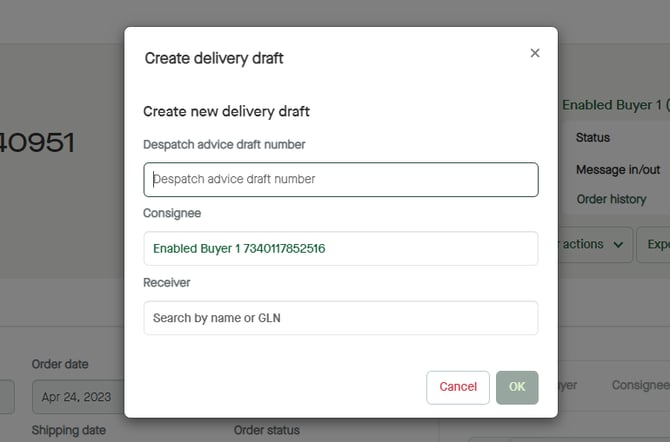
Click "OK".
A "Despatch Advice Draft" will be created.
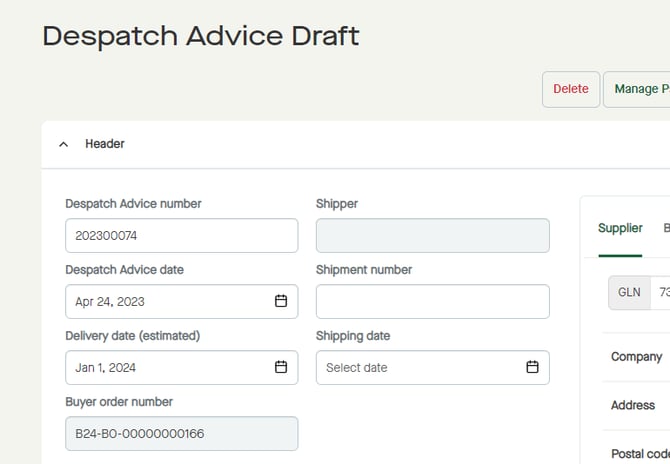
No packages have been added.
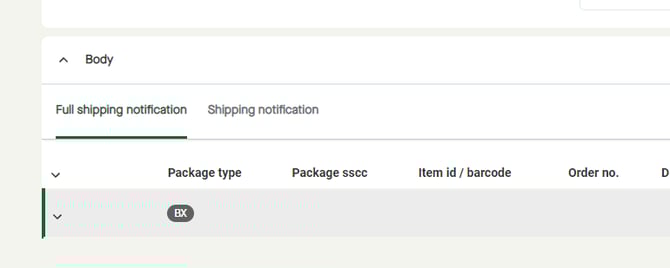
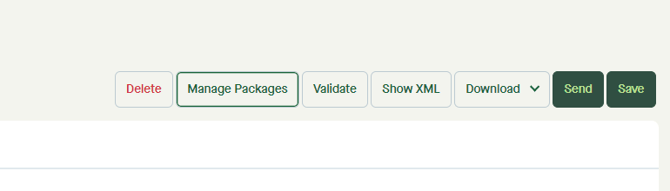
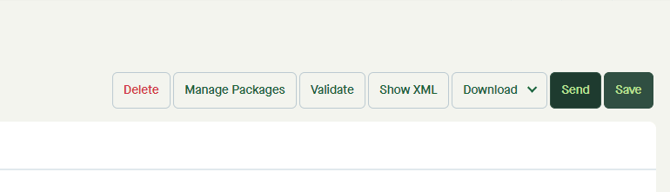
To add packages, click "Manage Packages".
A pop-up window appears.
By default, all items will be listed under “Items” to the left, and “Shipment” to the right will consist of one empty package with the type “BX” as for Box.
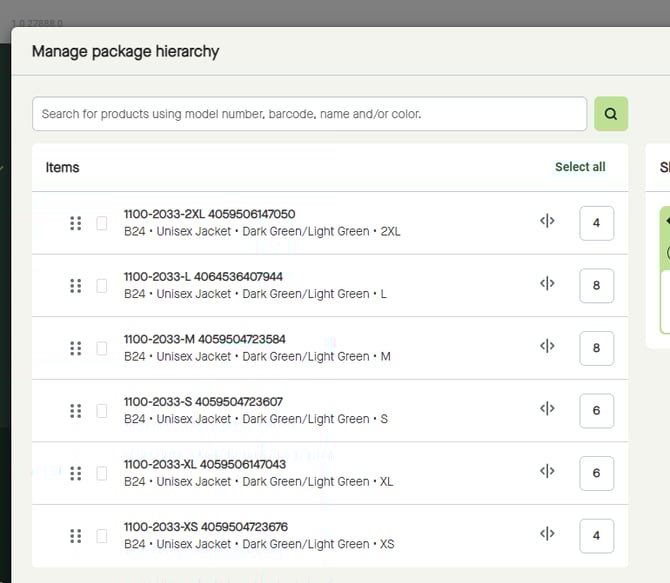
Manage packages according to the actual shipment, and/or as requested by the recipient.
See related topics for how to create packages, manually or by using actions.
When done, click "Save and close".
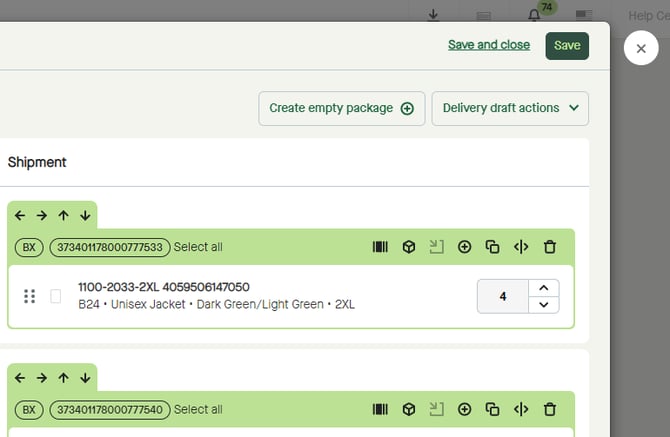
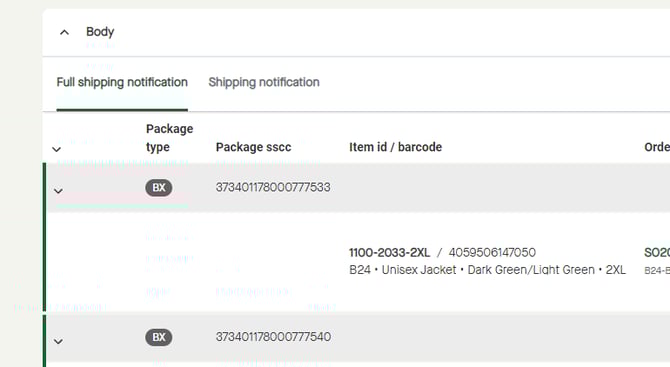
Packages will be added to the "Despatch Advice Draft" according to the hierarchy made in "Manage Packages".
Click "Send".
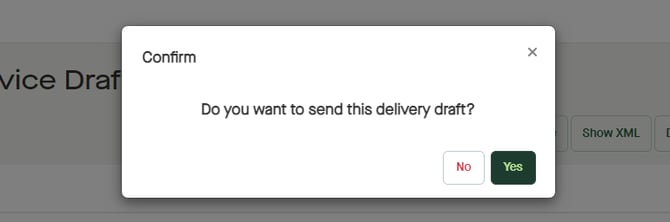
A pop-up window appears.
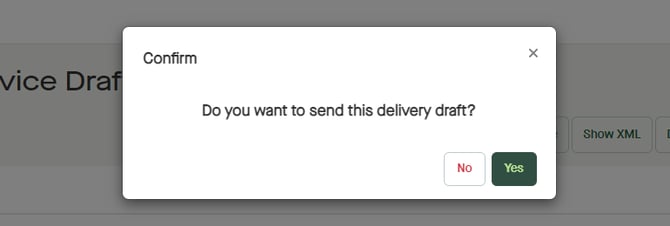
Click "Yes" to send the "Despatch advice".