
Go to "Orders" - "Orders".
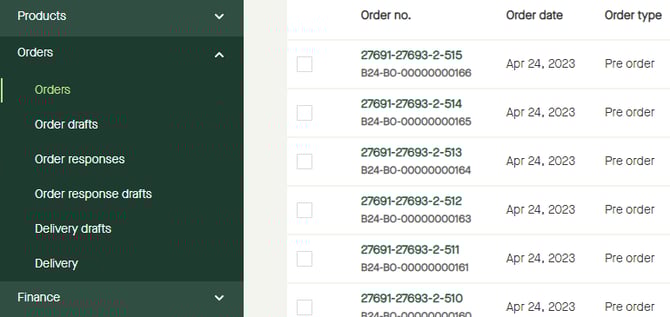
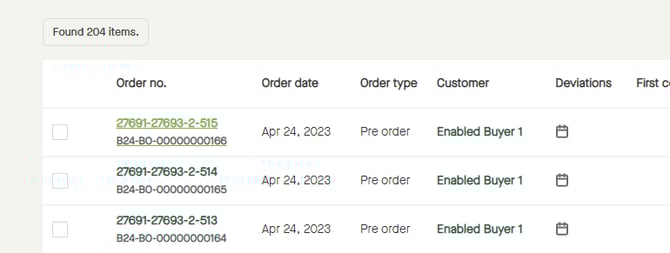
Click the "Order no." for the order to be responded.
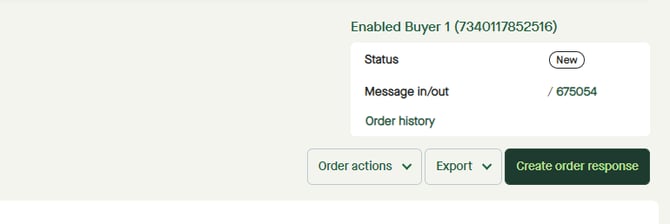
Click "Create order response".
An "Order response draft" will be created, and a notification will appear saying there are products in the order without a response.
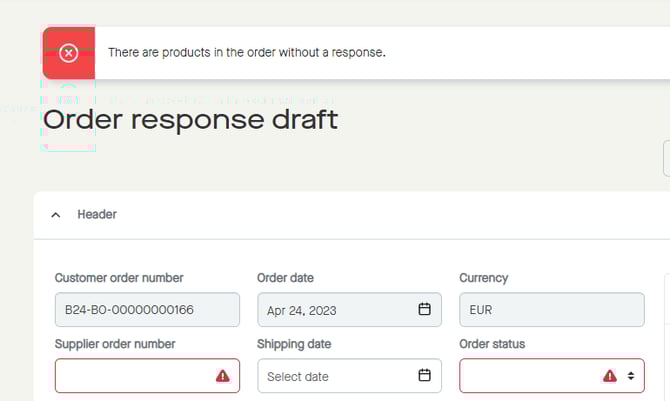
Click and enter a "Supplier order number".
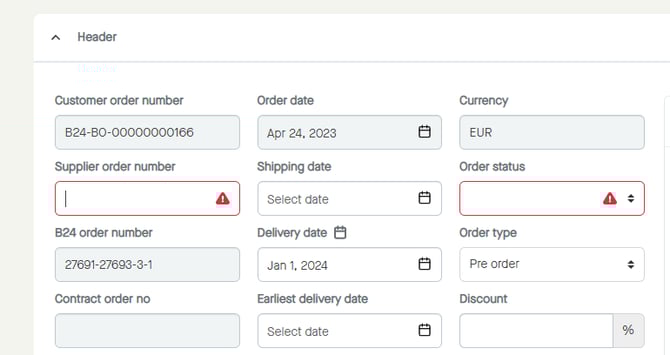
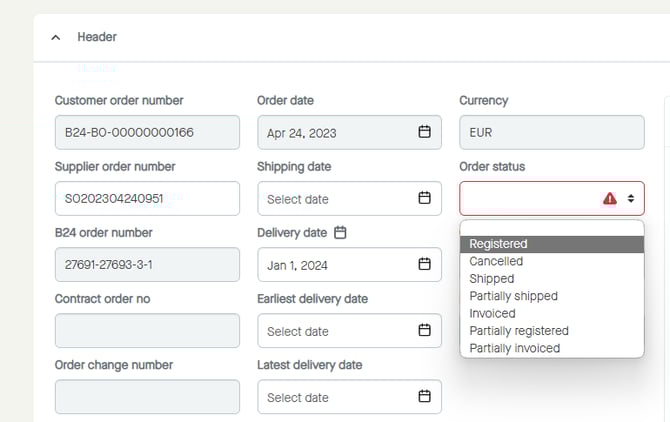
Click to select an "Order status".
Note that this will not affect the order lines why statuses need to be set on them as well.
Note that all lines will have "Conf. qty", "Conf. price" and "Delivery date" set as for the values from the order.
More information:
Step by step guide on how to create and send an "Order response".