With a user role as an administrator, it´s possible to change role for a user. To change the role for a user, go to “My organisation” – “Users”. 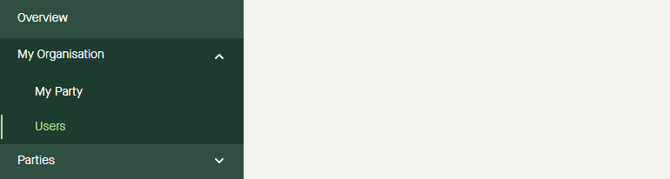
Click “Edit” on the line for the user. 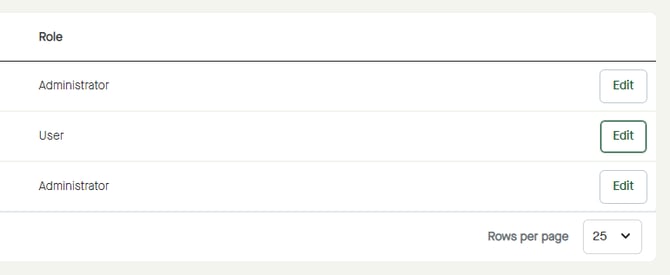
Click on the drop-down list under Role" to select a new role for the user. 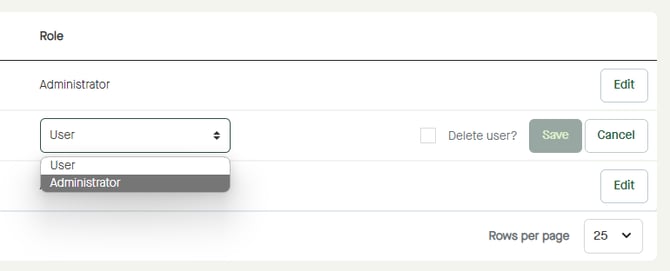
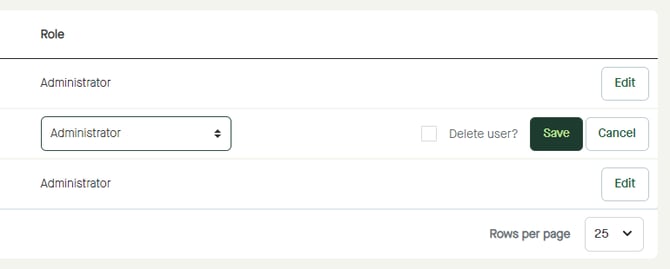
Click “Save” to change the settings or click "Cancel" to leave editing mode and discard any changes.