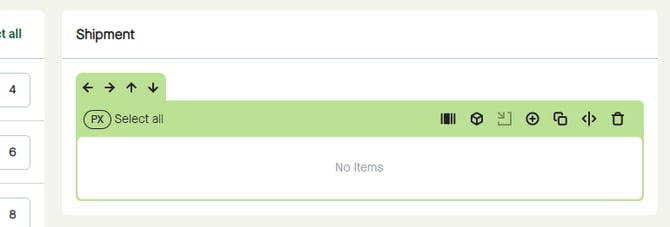
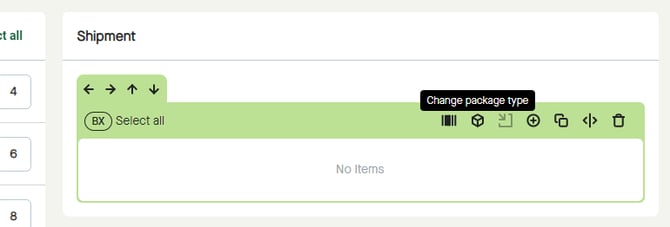
Click the “Change package type” icon to start changing package type for a package.
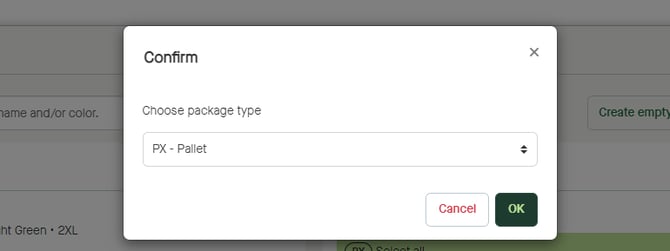
A pop-up window appears, where “BX – Box” is selected by default.
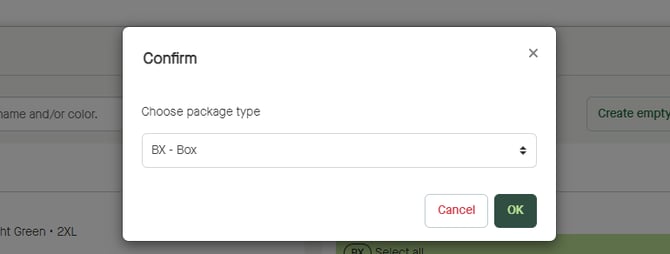
Click “Choose package type” to select another package type.
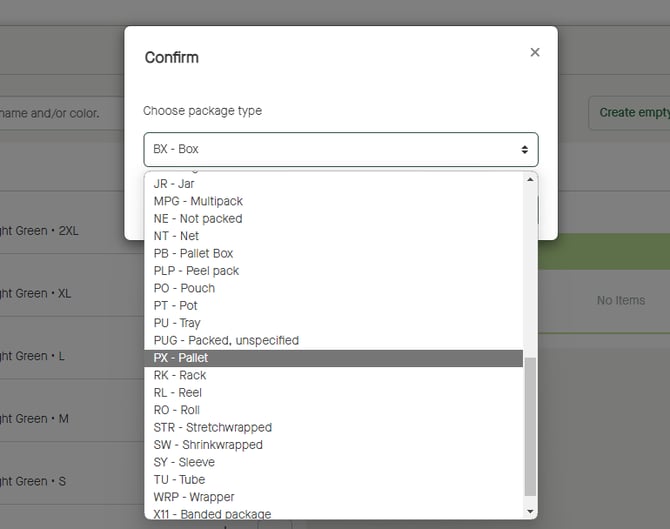
Click “OK” to confirm.
The package type will be changed for the package accordingly.