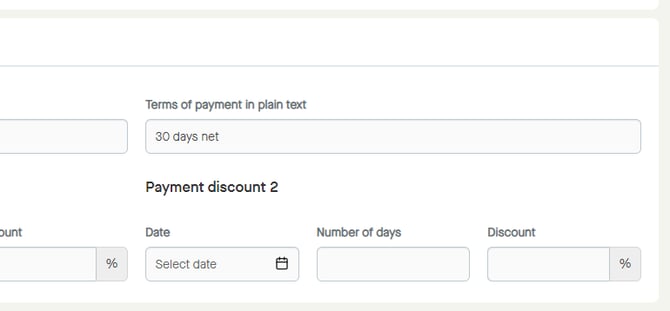
It´s possible to define "Terms of payment" in three ways:
- Due date net
- Due days net
- Terms of payment in plain text
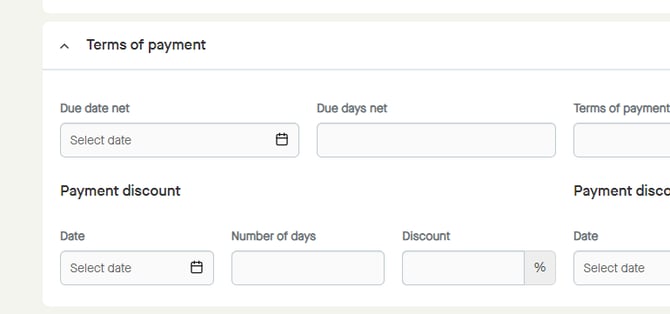
Note that different recipients may require different ways of defining the payment terms.
Due day net
To start setting a "Due date net", click "Select date".
A calendar will be shown.
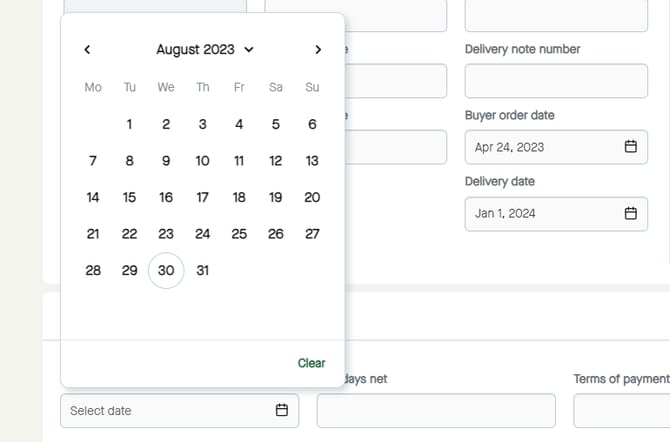
It´s possible to select year and month...
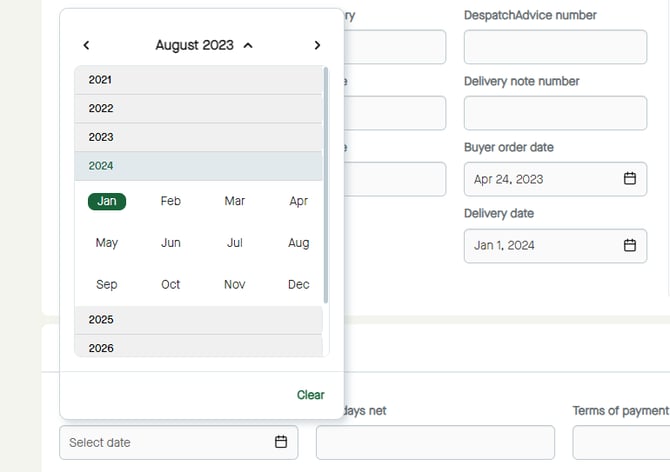
...and day to select the date.
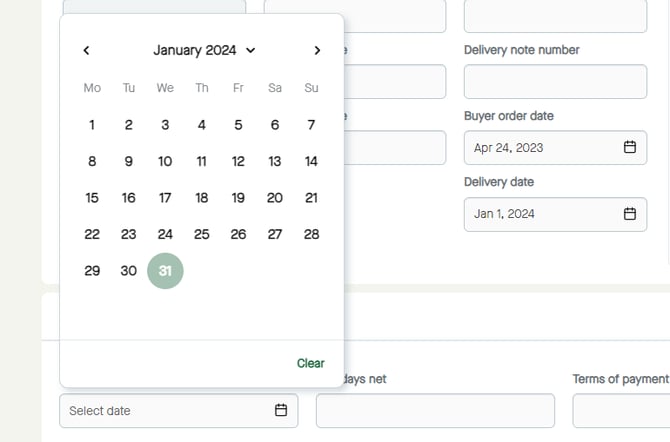
The date will be selected.
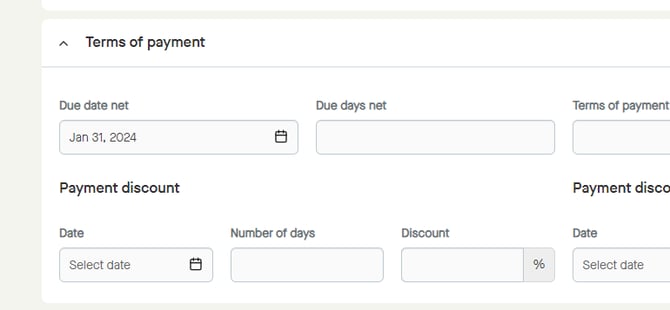
Due days net
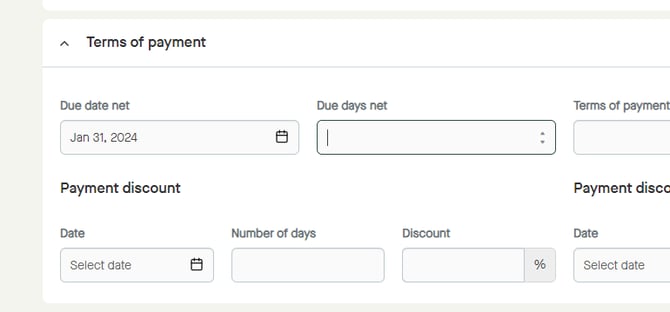
Click the field for "Due days net" to start adding number of days.
Add the number of days, manually or by using the up and down arrows.
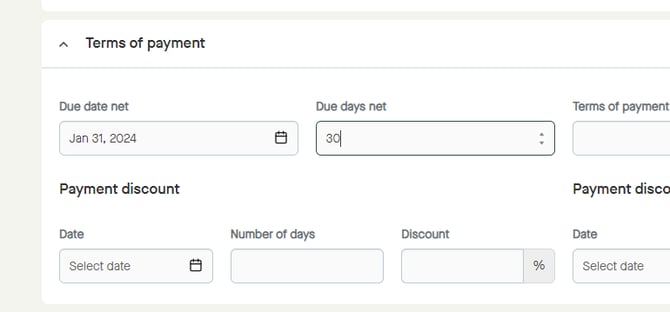
The number of days will be added.
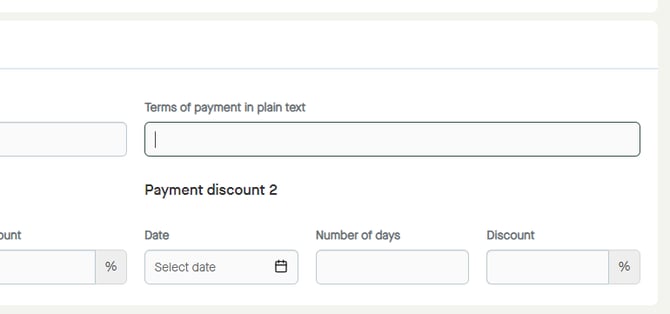
Terms of payment in plain text
Click the field for "Terms of payment in plain text" to start entering a text.
Enter the text.

The text will be added.