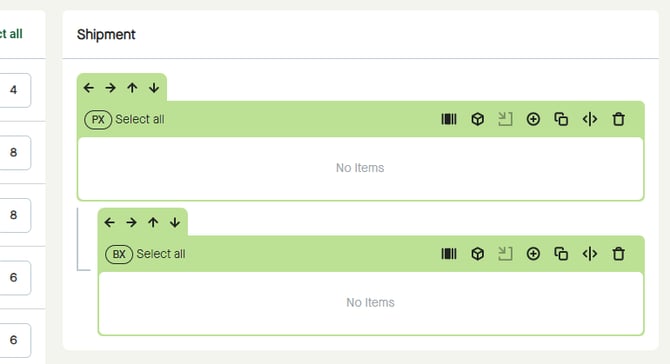
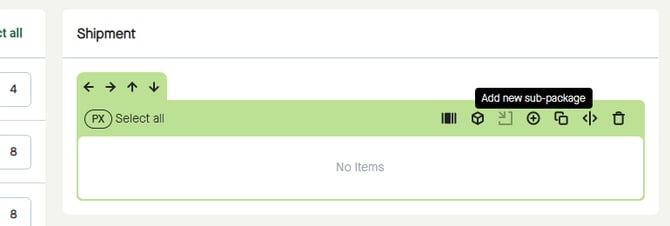
Click the “Add new sub-package” button to start adding a sub-package to a package.
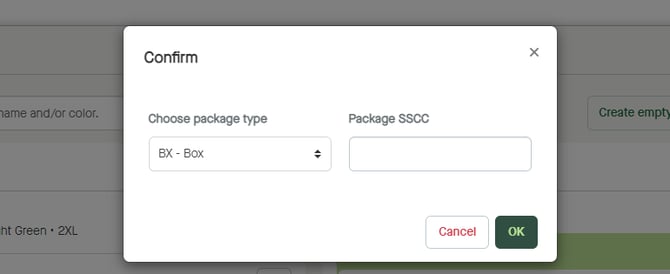
A pop-up window appears, where “BX – Box” is selected by default.
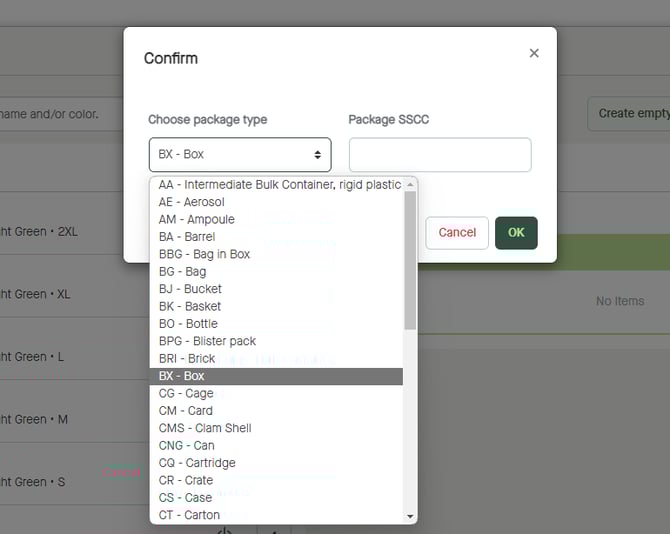
Click to “Choose package type” if in need of adding another package type than a box.
Click to enter “Package SSCC” if having external SSCC to be used for the package.
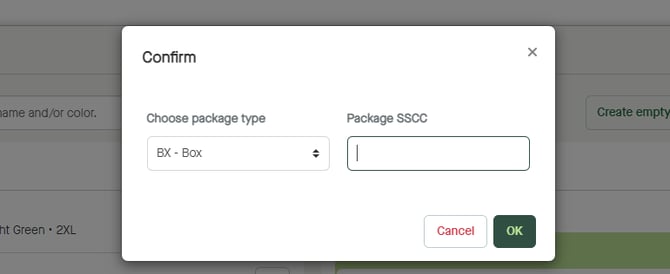
Click “OK” to create an empty package.
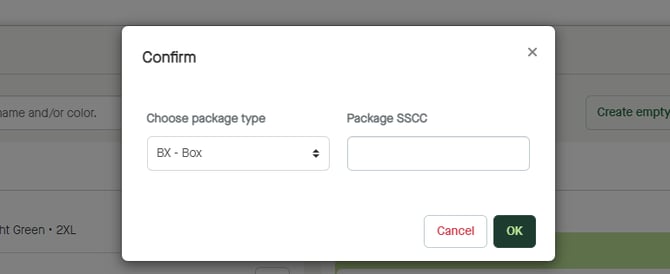
A sub-package will be added to the package where “Add new sub-package” was clicked.