
Use “New SSCC for all packages” to add a SSCC to all packages in the “Shipment”.
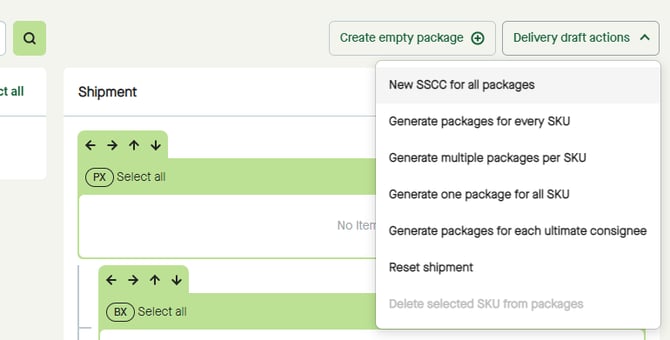
Click the “Delivery draft actions” button and select “New SSCC for all packages”.
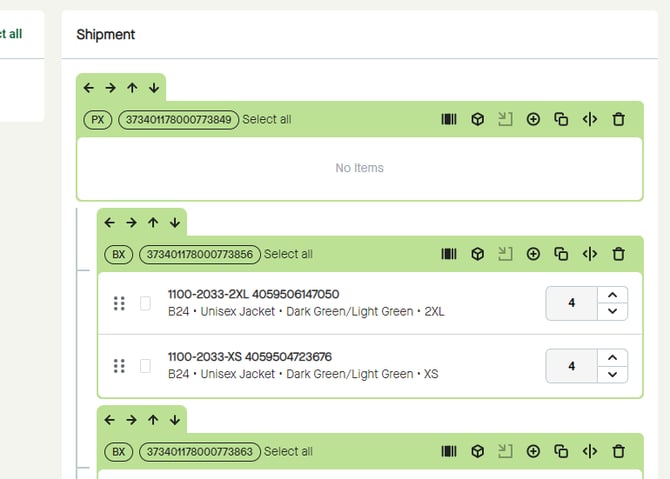
SSCC will be added for all packages in “Shipment”.
Use “New SSCC for all packages” to add a SSCC to all packages in the “Shipment”.
Click the “Delivery draft actions” button and select “New SSCC for all packages”.
SSCC will be added for all packages in “Shipment”.