
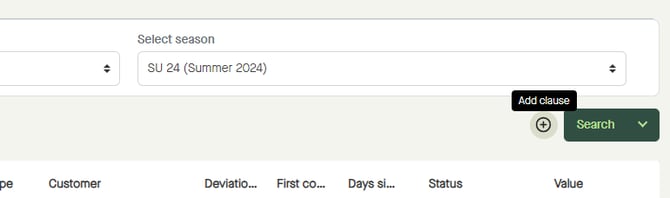
Click the plus icon to start "Add clause" to the search.
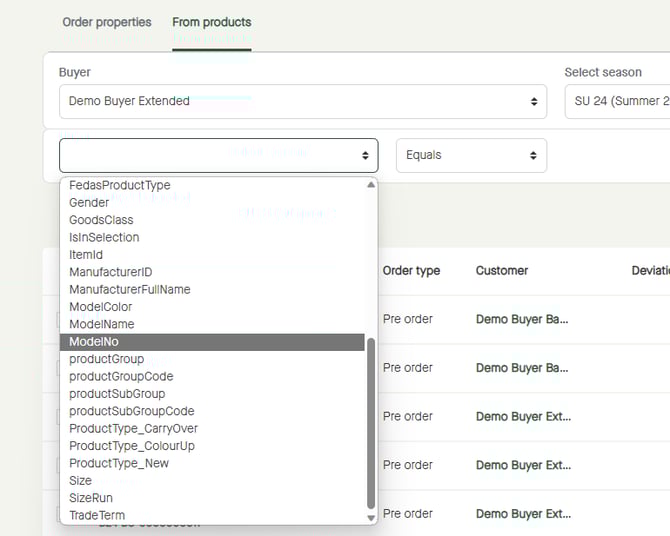
Click to select a clause.
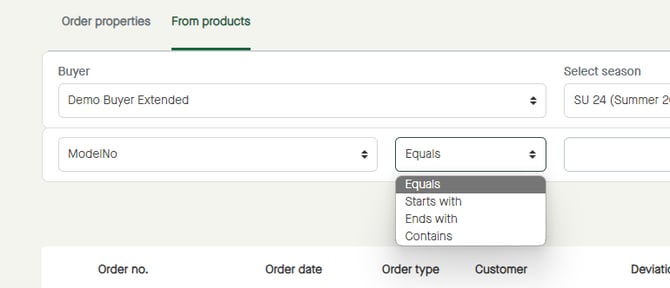
Click to select a condition for the clause.
The search field can be different depending on the selected clause.
Click to enter a value to search for, or to select a value if selectable.
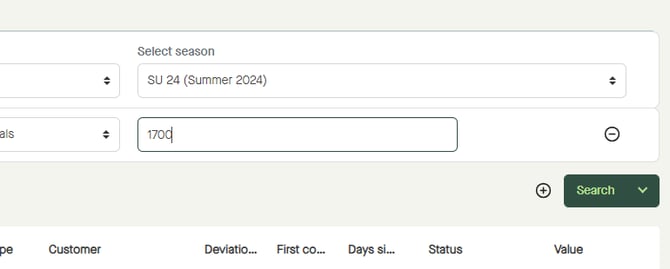
Click "Search".
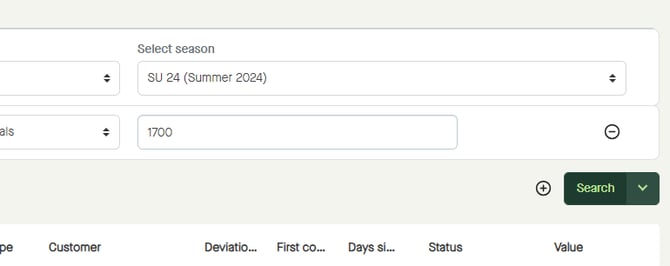
The result of the filtering will be shown.
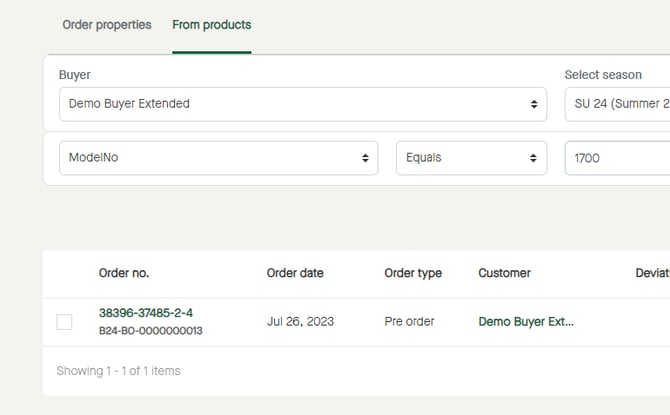
In the example above, model number "1700" is available in one of five orders for the selected season.
If selecting the other buyer, the result will be different. No orders will be listed.
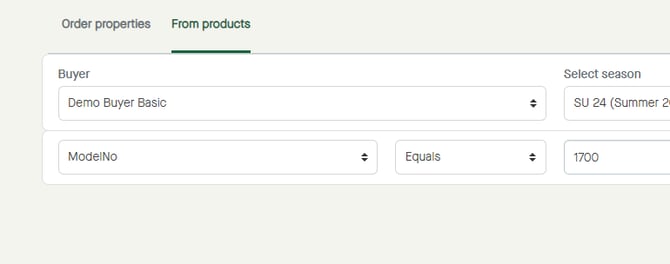
Model number "1700" have not been published to the selected buyer for the selected season, why no orders will be listed.
If publishing model number "1700" to the selected buyer as well, the result will be as in the first example.
For more information:
How to search "From products" in "Orders"?