Skip to content
  • There are no suggestions because the search field is empty.

How to "Add account" to an "Invoice draft"?

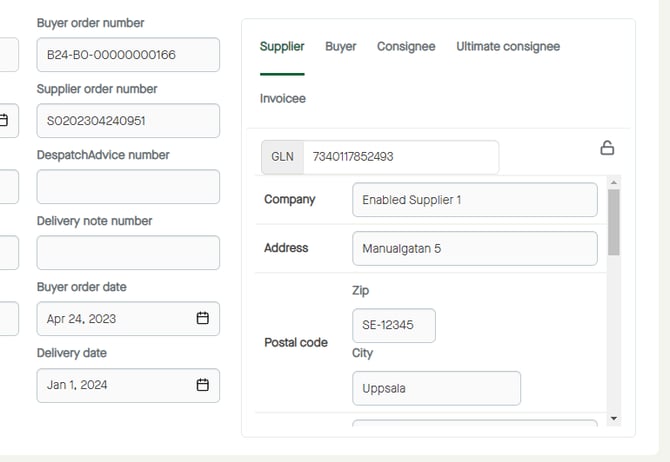
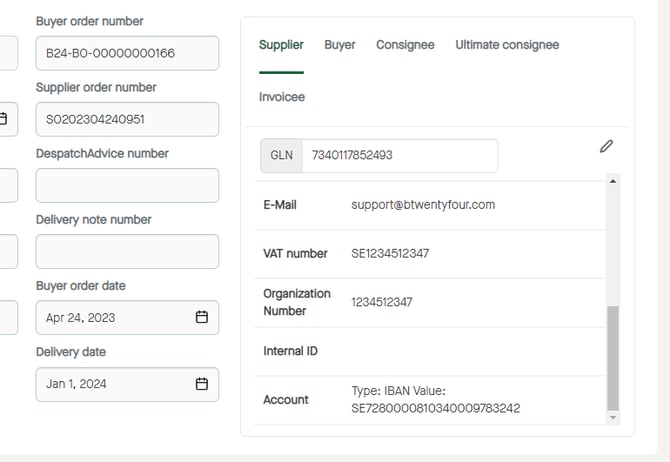
Click the pen icon under the Supplier" tab to start editing. Menu_Finance_InvoiceDraft_Draft_Header_Supplier_Edit
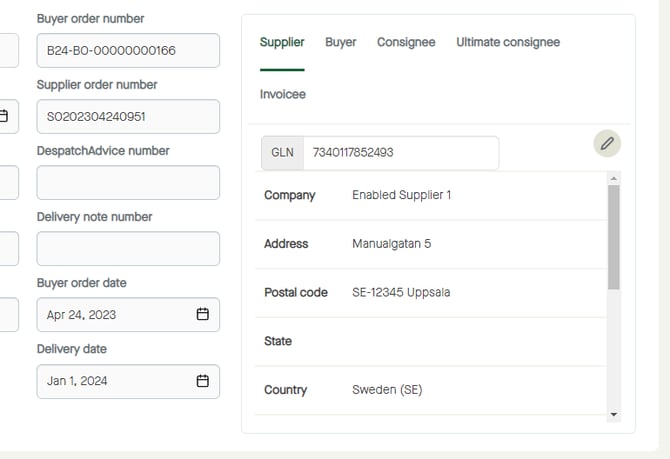
The fields will be editable. Menu_Finance_InvoiceDraft_Draft_Header_Supplier_Edit_Editable

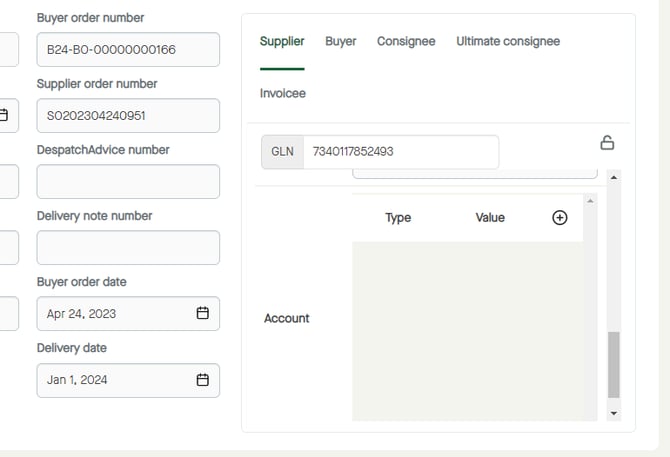
Scroll down to "Account". Menu_Finance_InvoiceDraft_Draft_Header_Supplier_Edit_Editable_Account

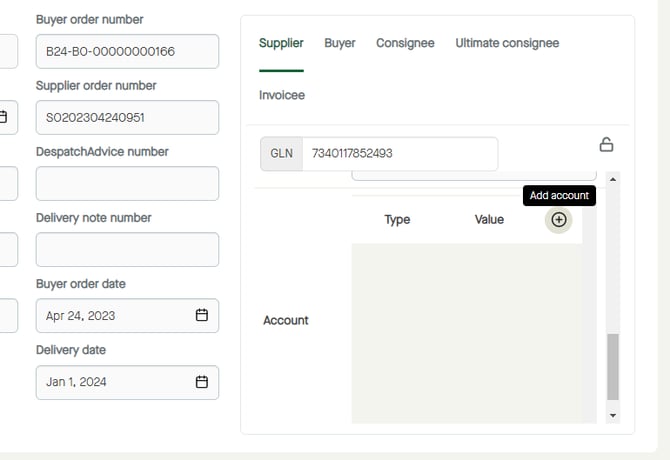
Click the "Add account" icon. Menu_Finance_InvoiceDraft_Draft_Header_Supplier_Edit_Editable_Account_AddAccount

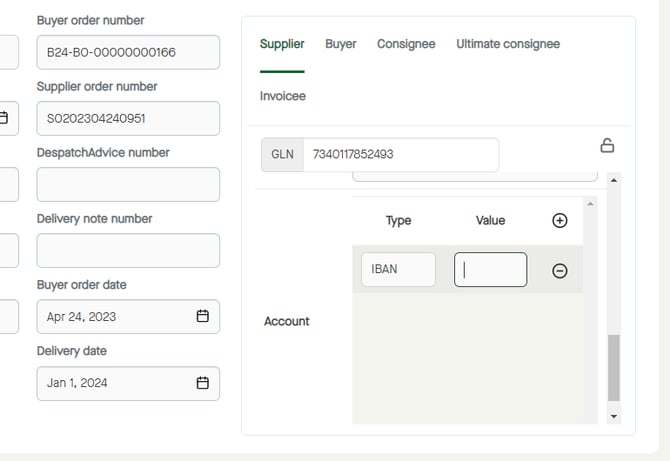
 An account row will be added. Click to select another "Type" if needed. Menu_Finance_InvoiceDraft_Draft_Header_Supplier_Edit_Editable_Account_AddAccount_Added_Type
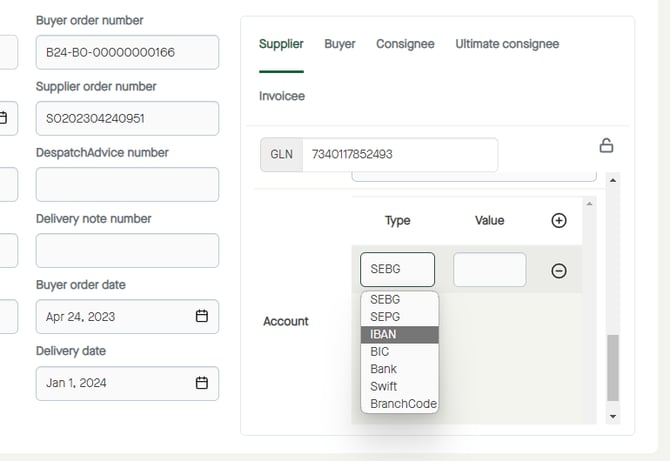
Enter a "Value". Menu_Finance_InvoiceDraft_Draft_Header_Supplier_Edit_Editable_Account_AddAccount_Added_IBAN_Value

Click the padlock icon to save the changes. Menu_Finance_InvoiceDraft_Draft_Header_Supplier_Edit_Editable_Account_AddAccount_Added_IBAN_Value_Padlock
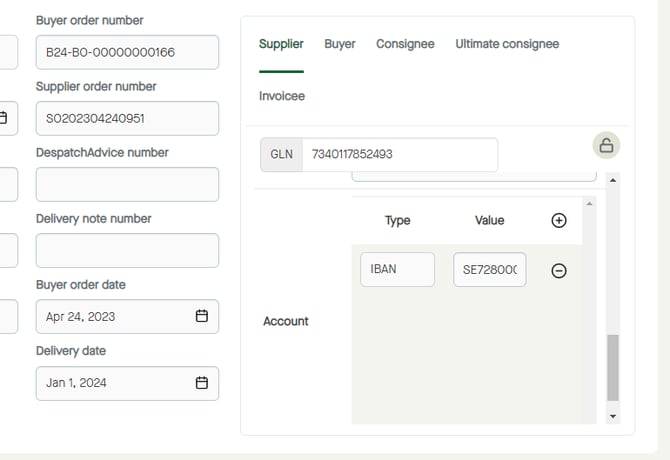
The "Account" information will be added. Menu_Finance_InvoiceDraft_Draft_Header_Supplier_Edit_Editable_Account_AddAccount_Added_IBAN_Value_Padlock_Saved