Skip to content
  • There are no suggestions because the search field is empty.

How to add a party to a new group?

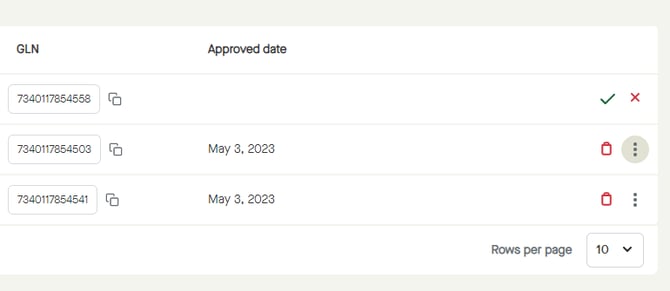
In the list of Business relations", click the options icon for the party to be handled. Menu_Parties_Relations_BusinessRelations_List_Options
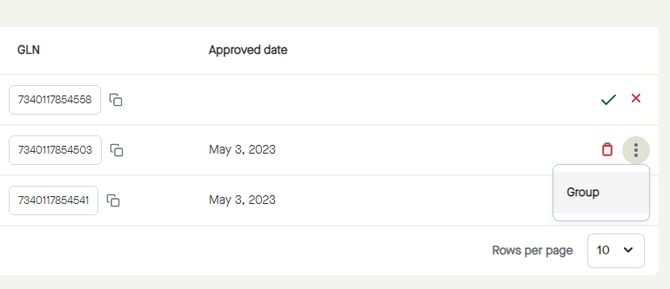
Select "Group" to start adding that party to a group. Menu_Parties_Relations_BusinessRelations_List_Options_Group
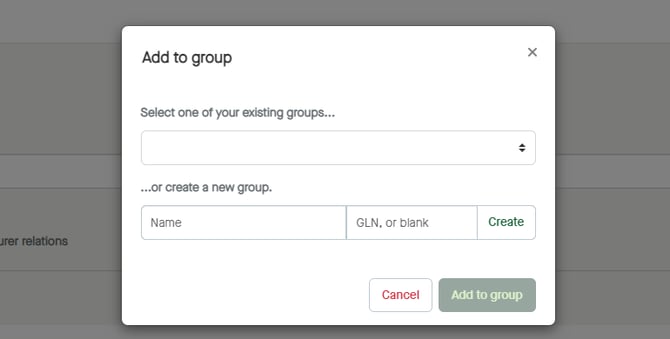
A pop-up window appears. Menu_Parties_Relations_BusinessRelations_List_Options_Group_AddToGroup

To add the party to a new group, start by entering a "Name".Menu_Parties_Relations_BusinessRelations_List_Options_Group_AddToGroup_Name
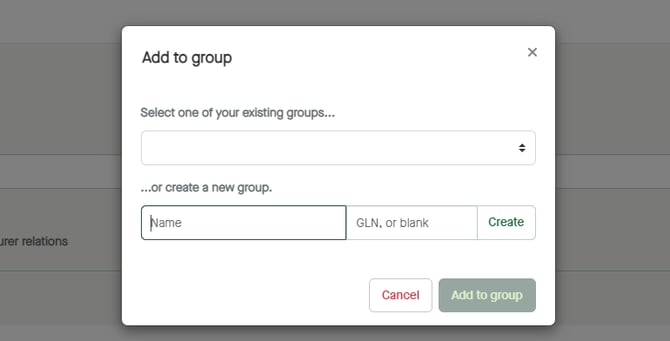
Click "Create", to create a group with the entered name. Menu_Parties_Relations_BusinessRelations_List_Options_Group_AddToGroup_Name_Create
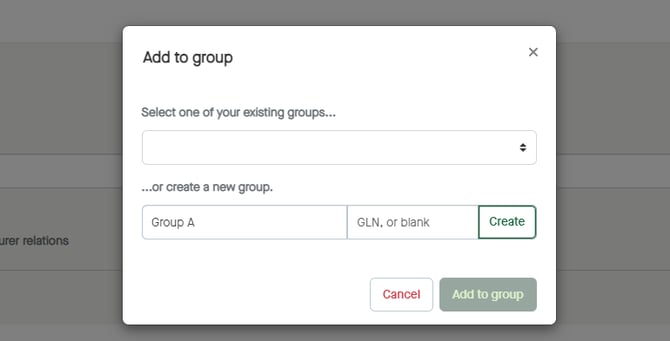
The name will be added to existing groups, and selected under "Select one of your existing groups...". Menu_Parties_Relations_BusinessRelations_List_Options_Group_AddToGroup_Name_Create_Select
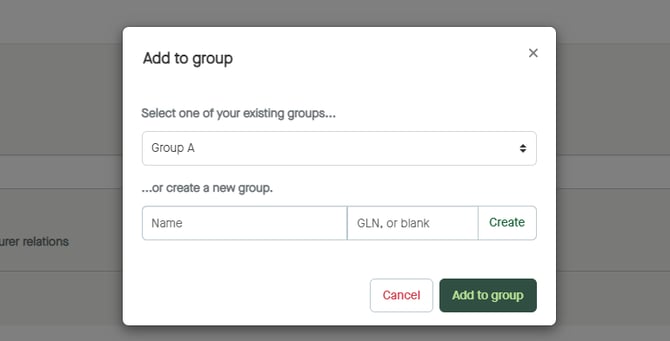
Click "Add to group" to add the party to the selected group. Menu_Parties_Relations_BusinessRelations_List_Options_Group_AddToGroup_AddToGroup
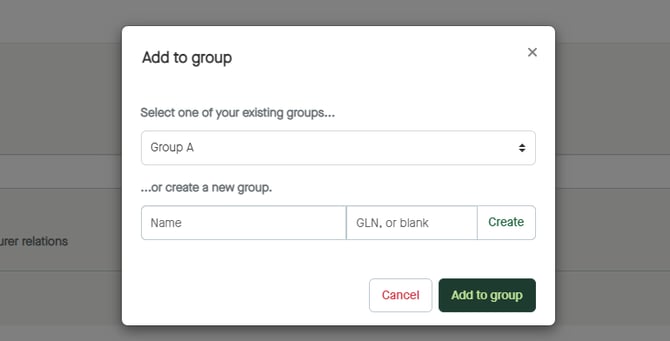
The party will be added to the group. "