
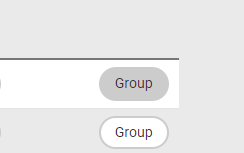
To add a party to a group, go to “Parties” - “Relations” and click on “Group” for the party to be added to a group.
A pop-up window appears.
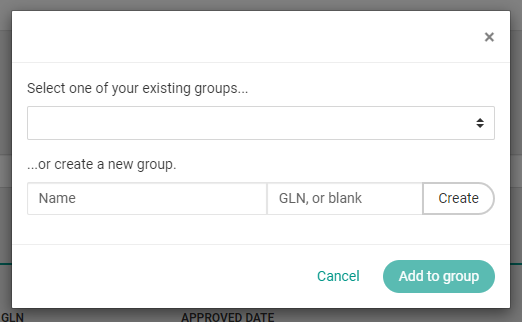
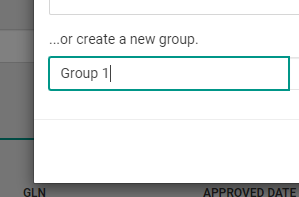
To add the party to a new group, enter a name for the group in the field for “Name”.
Click “Create”.
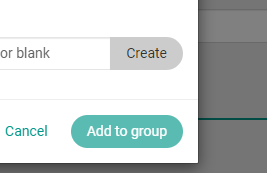
The group name will be added to the drop-down list.
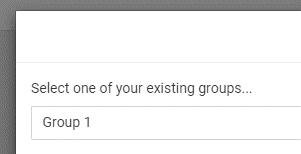
Click “Add to group”, to add the party to the newly created group.

Add to existing group
To add a party to an existing group, click on the drop-down list and select the group to add the party to.
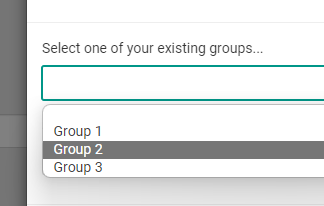
Click “Add to group”, to add the party to the existing group.
A party can be added to multiple groups.